DESCRIPTIONPAYMENTSHIPPINGRETURN POLICYCONTACT US Shop CategoryStore Home HP◈CB436A◈Q2612A BROTHER◈TN450 / DR420◈TN350 / DR350◈TN360 / DR360◈TN660 / DR630◈TN750 / DR720◈TN850 / DR820◈TN221 / DR221◈TN115 / DR110◈TN210◈TN460 / DR400◈TN336◈TN580 / DR520◈TN650 / DR620◈TN570 / DR510◈TN560 / DR500◈TN315◈TN1060 / CANON SAMSUNG OtherHot Item 2PK 902XL Black Ink Cartridge For HP OfficeJet Pro 6960 6968 6970 6974 6975 6978 USD 17.43 4PK Color Toner For HP CF210A 131A LaserJet Pro 200 M251nw MFP M276nw Printer USD 36.45 1x DR420 Drum 2x TN450 Toner For Brother HL-2270DW HL-2280DW MFC7360N HL-2240 US USD 25.41 2PK PG-245XL CL-246XL Combo Color Ink for Canon PIXMA iP2820 MG2420 MG2520 MX490 USD 28.95 10 Pack CE285A 85A Toner For HP LaserJet Pro P1102 P1102w M1132 M1212nf M1217nfw USD 53.90 Picture
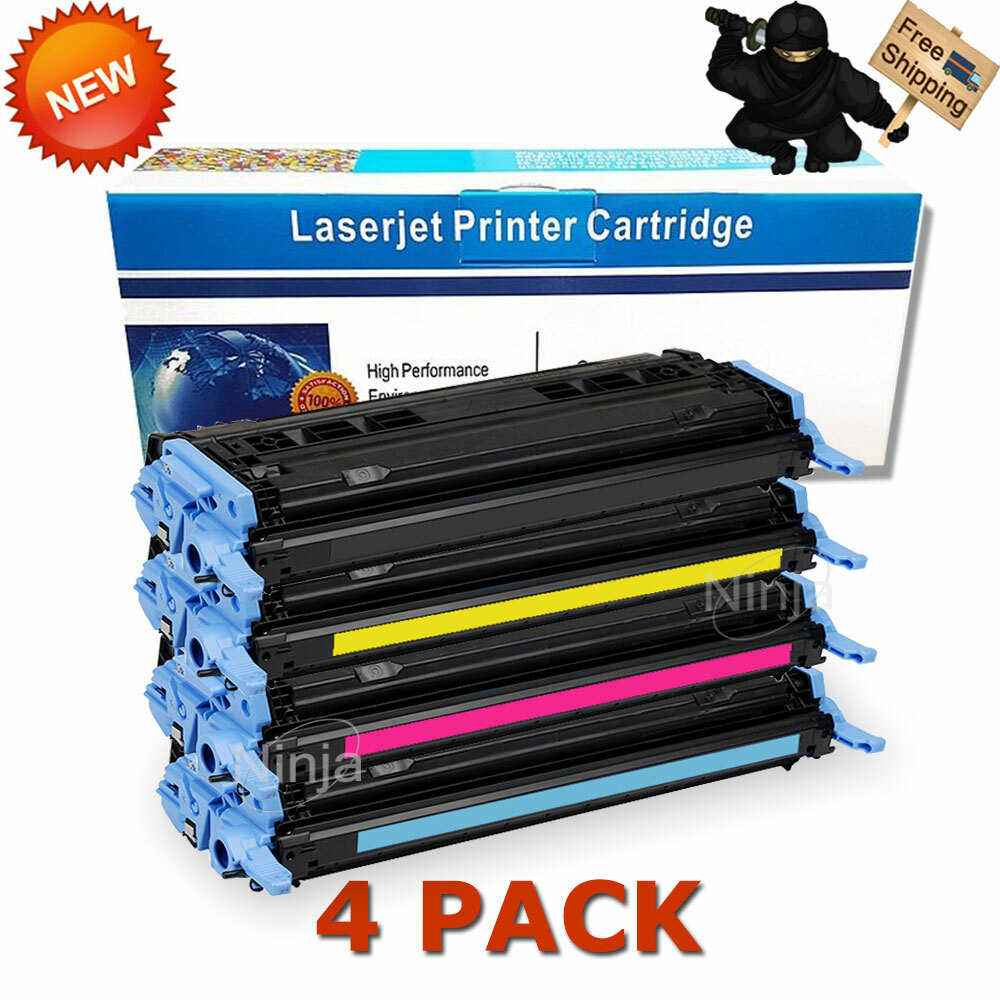
New List Item PFI-1000 R Red Reman ink for Canon imagePROGRAF PRO-1000 #0554C002 USD 32.35 PFI-1000B Blue Reman ink for Canon imagePROGRAF PRO-1000 #0555C002 USD 32.35 PFI1000CO Chroma Optimizer Reman ink for Canon imagePROGRAF PRO-1000 USD 32.35 PFI-1000 MBK Matte Black Reman ink for Canon imagePROGRAF PRO-1000 #0545C002 USD 32.35 PFI-1000 PG Photo Gray Reman ink for Canon imagePROGRAF PRO-1000 #0553C002 USD 32.35 4PK Toner Cartridge Q6000A 124A Black Color Set For HP LaserJet 1600 2600n 2605
You will receive:
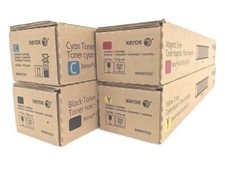
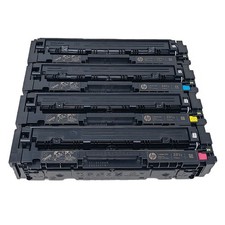
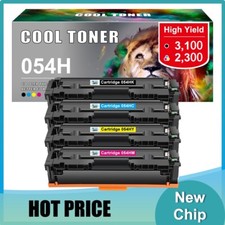
4x Toner Cartridge(1 For each Color)
Compatible Information:
HP LaserJet:
HPColor LaserJet 1600
HPColor LaserJet 2600
HPColor LaserJet 2600n
HPColor LaserJet 2605
HPColor LaserJet 2605dn
HPColor LaserJet 2605dtn
HPColor LaserJet CM1015 MFP
HPColor LaserJet CM1017 MFP
Features:
Certified with ISO9001 and ISO14001
Page Yield: Black: 2,500 Pages at 5% Coverage
Page Yield:Color: 2,000 Pagesat 5% Coverage
Print Technology : Laser
Warranty: 1-Year
Color: Black Cyan Yellow Magenta
Model No.: Q6000A Q6001A Q6002A Q6003A(Not Made By HP)
us We only accept PAYPAL for the time being. Navigate through the menu of your laser printer using the keypad.Choose "Replace Toner."Select the cartridge that you want to replace, The selected cartridge will rotate to the inside front of the printer.Open the printer door and lift up the handhold. Gently dislodge the cartridge for removal.Take a new toner cartridge out of the box and shake it gently. Remove the protective tape.Insert the new cartridge into the laser printer and align the cartridge with the arrows. Push down gently to make sure it is locked into place.Close the front panel of the printer, and it is ready for use. Print a test page.
Standding Shipping Send to all USA areas eccept for APO/FPO, Alaska/Hawaii, US Protectorates, PO Box.
Any of your messages will be attended to in the quickest manner.Guaranteedrefund for product issues caused by us. Leave us message for your issues which would be answered within 1 business day.We appreciate your action of contacting us first to see what we can do to help before leaving your negative response.
All right reserved.
Powered by SoldEazy