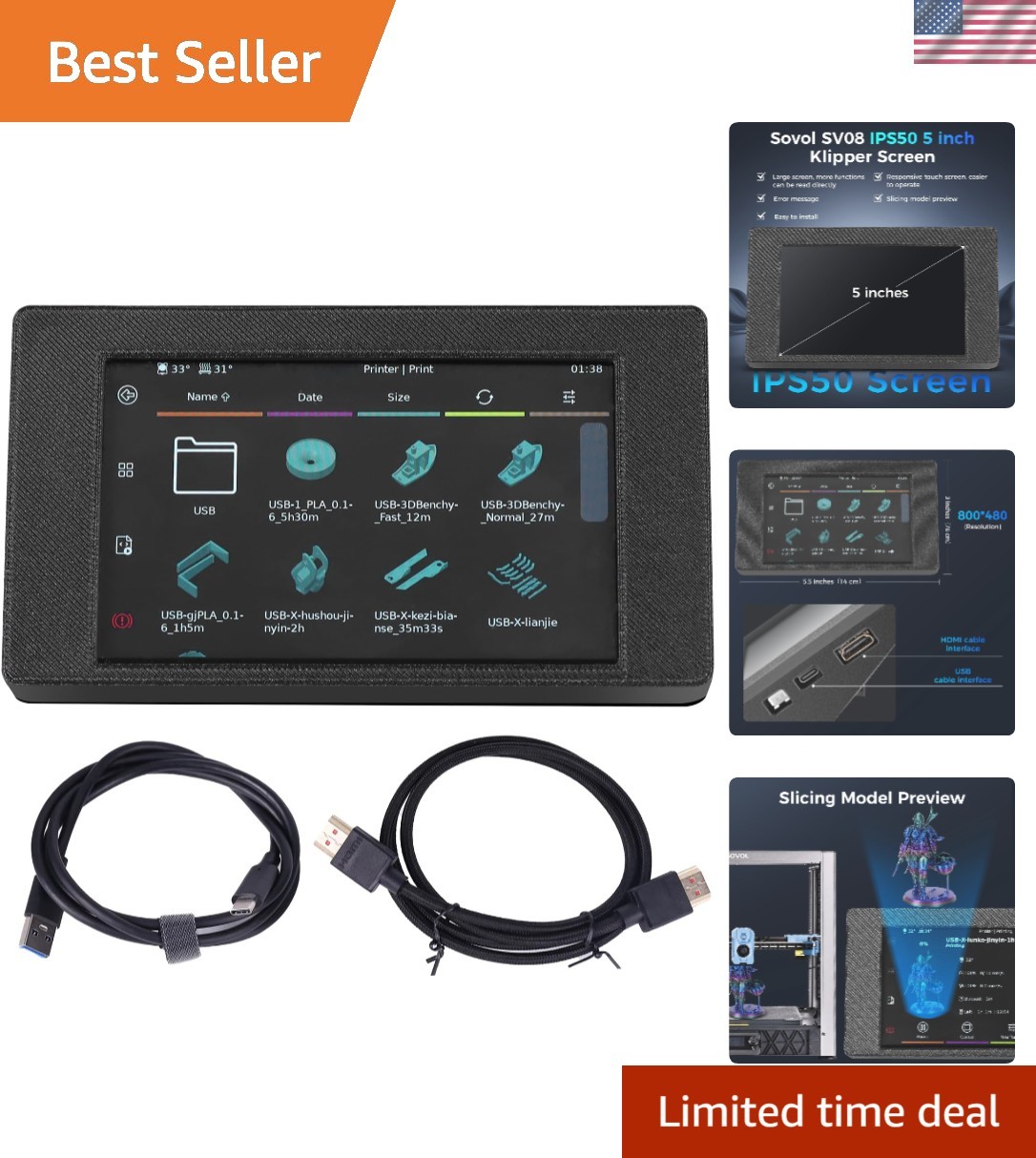
5" HDMI Capacitive Touch Screen for SV08 Zero 3D Printer
!!! Please connect the display cable and HDMI cable first, and then power on the machine. If you connect the display cable after the machine is already powered on, the display output will be abnormal. Modifying the firmware or using third-party firmware may lead to compatibility issues. If you encounter problems such as the screen being off-center or can't read portions while using the firmware, simply reflashing the firmware should resolve the issue. Excellent Image Quality - 5 inch IPS capatitive touch screen with a resolution of 800x480 provides high definition and rich colors. It fits for SV08/Zero 3d printer. Prints Preview - SV08 HD screen can display the shape of the prints preview. Compared with the knob screen, the operation is more convenient. You don’t need to look up the file name and can easily find the print file you want. Display Real-time Printing Process - Thanks to the camera, you can see the real-time printing effect of the prints on this screen. Visualize the Temperature Change Curve - This HD screen can help you to observe the temperature of the hot bed and nozzle in real time. More Information Provided on This Screen - SV08 HD screen can display the real-time printing progress of the prints and monitor the prints completing time. It can display the real-time printing speed and monitor the extrusion flow rate. It can also display the actual printing time and the remaining printing time of the prints. Can the firmware on this HDMI screen be modified, or can third-party firmware be used?
Not recommended. Because issues such as abnormal display may occur if the firmware is not fully compatible.
Is this HDMI screen compatible with other 3D printers?
No, the firmware of this HDMI screen only fits for SV08 and ZERO.
If the screen is too zoomed in?
Please connect the display cable and HDMI cable first, and then power on the machine. If you connect the display cable after the machine is already powered on, the display output will be abnormal.
If the display only a blank blue screen with no content visible?
Refer to the previous answer. Also check the HDMI cable connection; try unplug and reconnect it. If you have verified there are no issues with the connection, contact the product official website for further solutions.
When you encounter abnormal screen display issues while using the firmware...
Please flash the correct firmware according to the user manual.