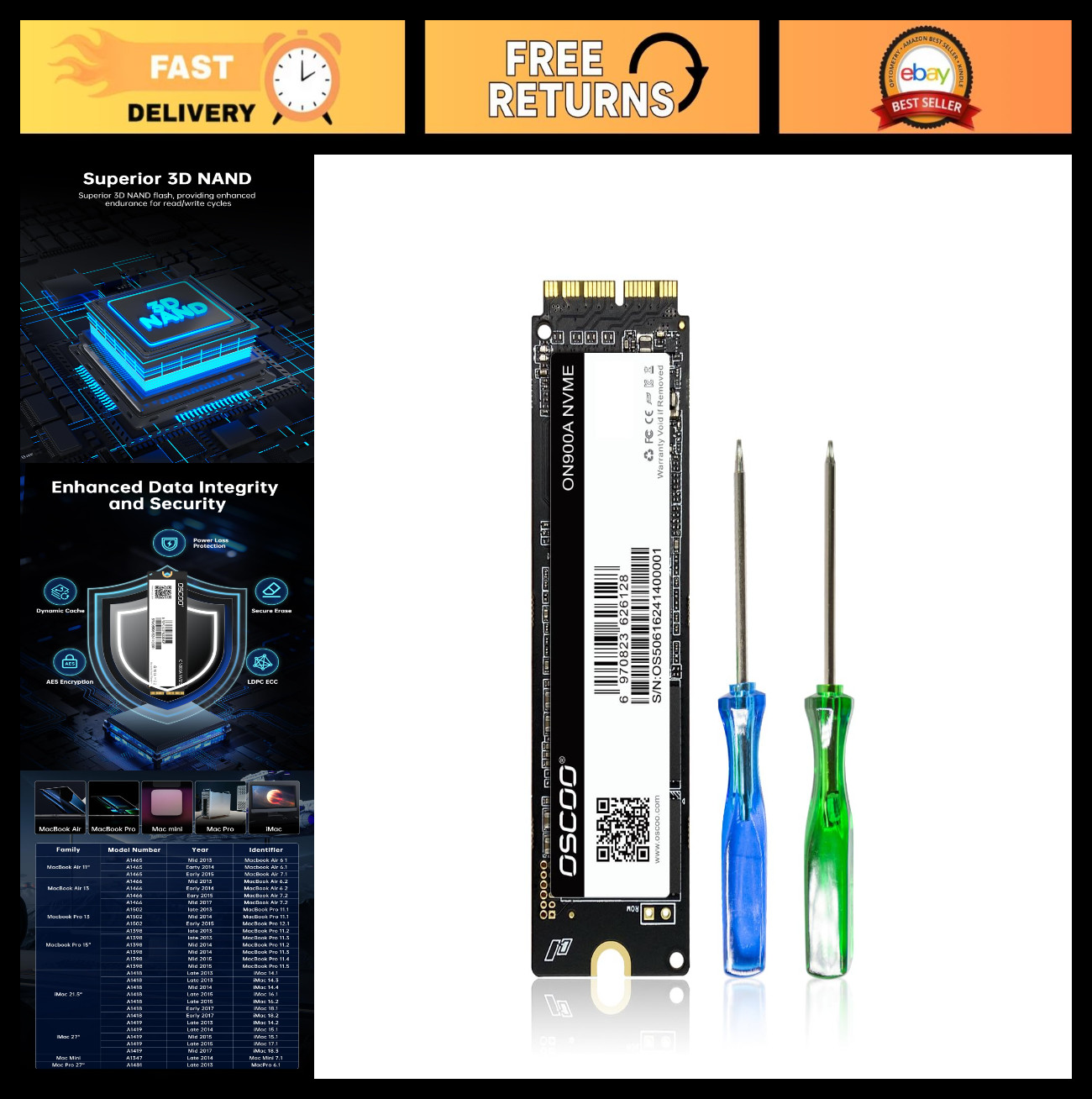
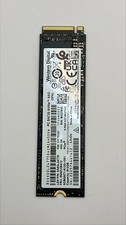
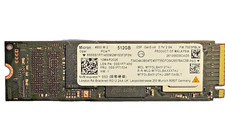
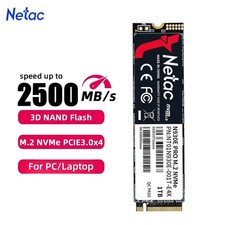
Upgrade Your Mac with High-Performance NVMe SSD
IMPORTANT NOTE: Before installation, please back up your original data to an external drive. Ensure your original SSD is updated to macOS 10.13 High Sierra or later; otherwise, the new SSD may not be recognized after replacement. If the drive is not detected, please recheck the installation steps or contact us for assistance.
3 Methods to Reinstall macOS:
- Install macOS via Time Machine backup
- Create a bootable USB installer
- Use Internet Recovery
You can also download the electronic instruction manual and watch installation videos, or refer to our listing guide and product manual for step-by-step instructions. Before restoring macOS, make sure to format (erase) the new SSD.
Designed for Mac Upgrade:
Enhance your storage capacity and system performance with NVMe PCIe speeds. Compatible with:
- MacBook Air (A1369, A1465, A1466)
- MacBook Pro Retina (A1502, A1398)
- iMac (A1418, A1419)
- Mac mini (A1347 2014)
- Mac Pro (A1481 2013)
Please verify your model and EMC compatibility before purchase.
High Speed & Reliable Performance:
Experience read speeds up to 2150MB/s and write speeds up to 1650MB/s. This NVMe SSD ensures faster boot times, quick application launches, and smooth system performance. Built-in data protection features help keep your data secure and stable.
Easy Upgrade & Support:
Upgrade your MacBook effortlessly with improved speed and storage. Simply install the SSD and macOS 10.13 or later. For installation issues, we recommend using a bootable USB installer or a Time Machine backup.