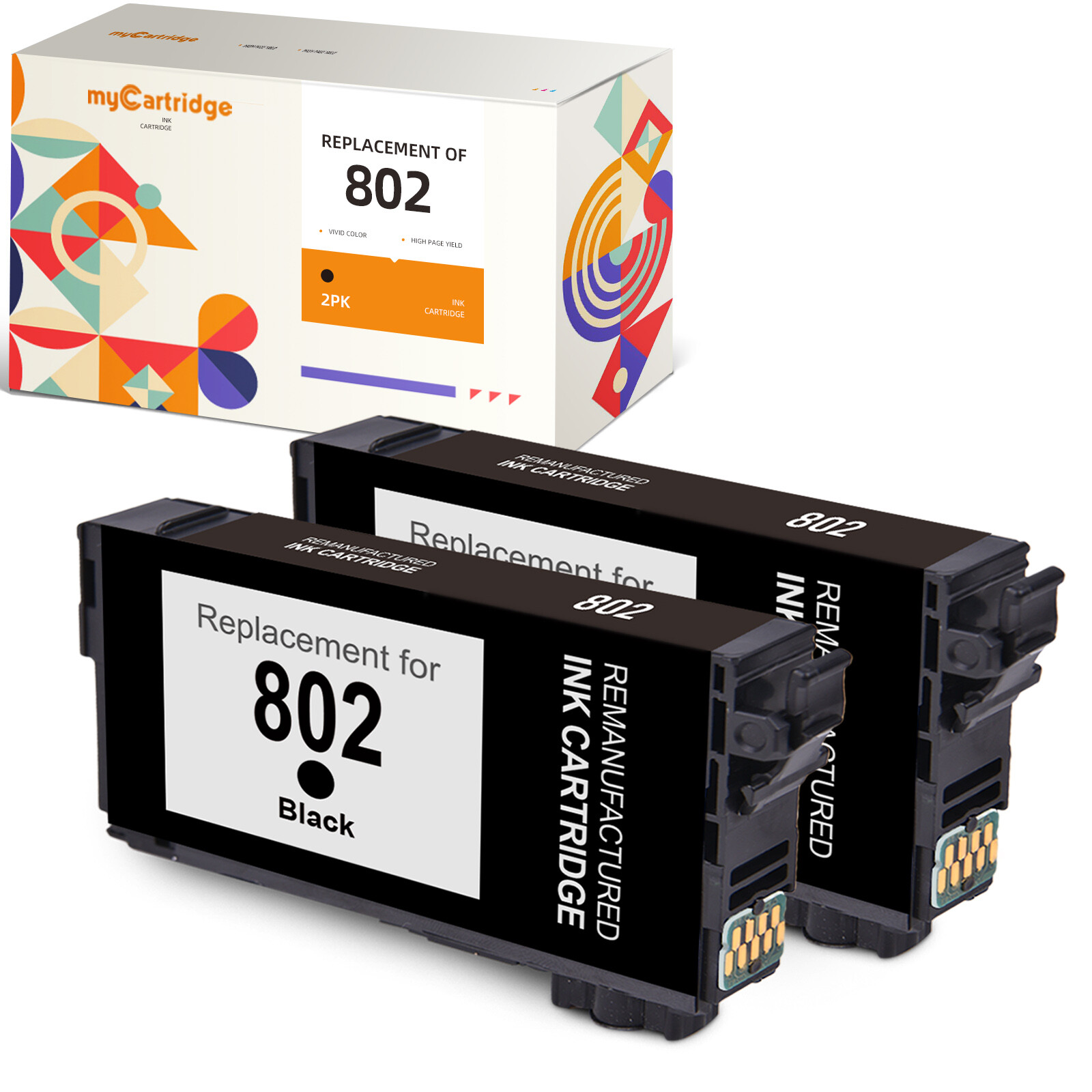
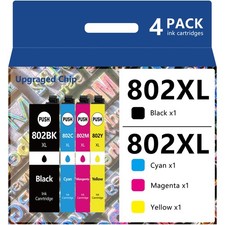
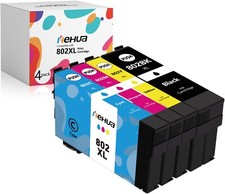
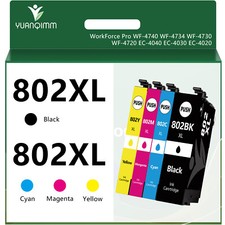
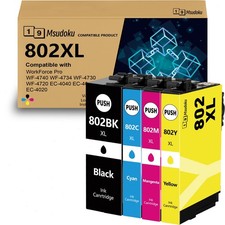
What you will received?2PK black ink cartridge for Epson 802OR4PKink cartridge for Epson 802 cartridge for Epson 802 Yield:Black: Up to 900 pages per cartridge.(at 5% coverage on A4 paper)Colors:Up to 1900 pages per cartridge.(at 5% coverage on A4 paper)Compatible for EpsonWorkforce ProseriesPrinter:Epson Workforce Pro WF-4720
Epson Workforce Pro WF-4730
Epson Workforce Pro WF-4734
Epson Workforce Pro WF-4740
Epson Workforce Pro EC-4020
Epson Workforce Pro EC-4030
Epson Workforce Pro EC-4040Installation Instructions:Step 1: Make sure that all the ink tank snaps firmly into places .Step 2: Printer screen pop up ‘Non-Original Cartridge’? Please just click ‘OK’ and they will go ahead.Step 3: When occur an error message ‘Replace Cartridge’ or 'Low ink' ?Please reinstall them and try, you can try up to 5 times.Step 4: If prints come with fading color, steak or broken lines when installing new ink cartridges,please try to do printer head cleaning in printer setting once or twice.Step 5: If you receive the error "Ink Cartridge not recognized" or "Missing or damaged ink" or "remove the indicated cartridge", then use a eraser to gently wipe the chip to remove any buildup, reinstall the cartridge and make sure that it clicks into the corresponding slot.WARM TIPS:⭐ Before placing an order, please be sure to confirm your printer model.⭐ Printer screen pop up ‘Non-Original Cartridge’? Please just click ‘OK’ and they will go ahead.⭐ When occur an error message ‘Replace Cartridge’ or 'Low ink' ? Please reinstall them and try, you can try up to 5 times.⭐ If prints come with fading color, steak or broken lines when installing new ink cartridges, please try to do printer head cleaning in printer setting once or twice.