Store category Sign Up Now
! You may also like
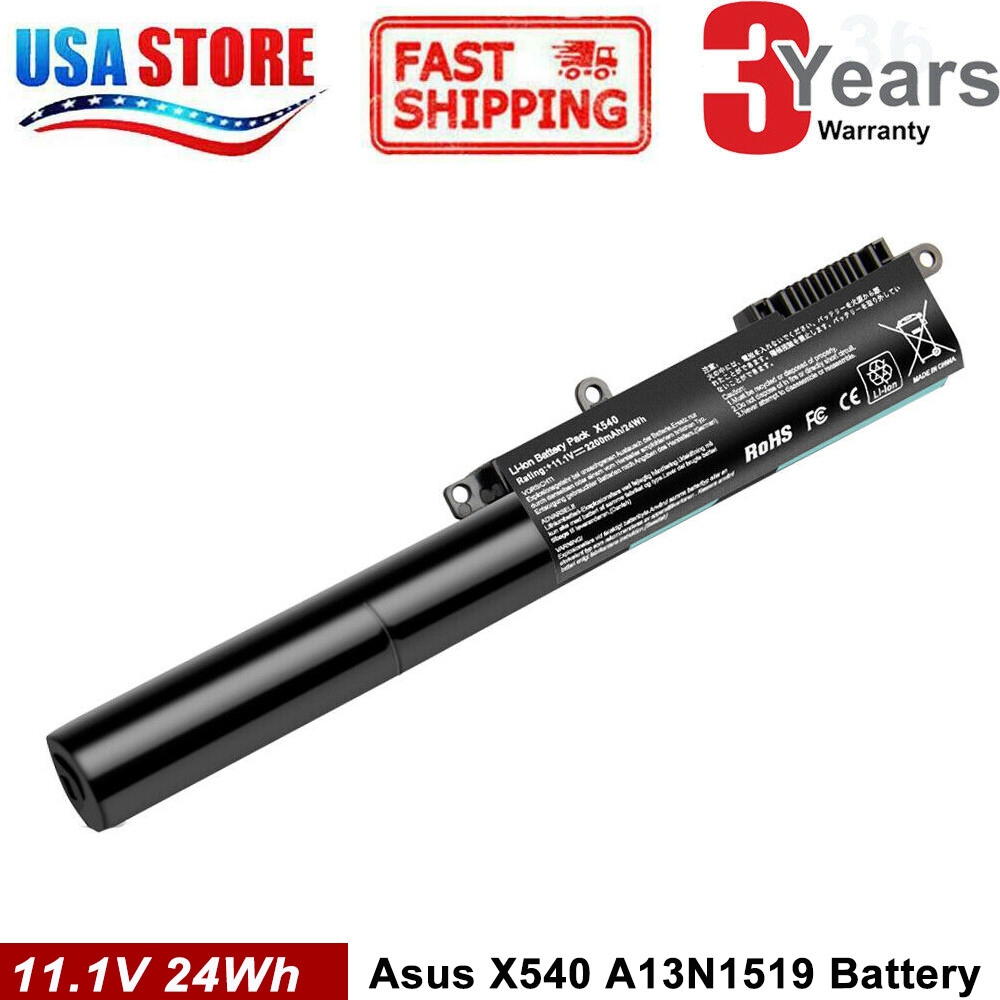
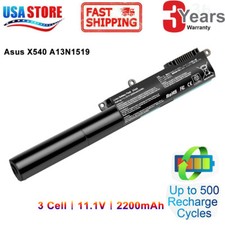
A31N1519 Battery for ASUS X540S
X540L X540LA-SI302 X540SA X540S 11.1V
Product Description -Product description:Colour: BlackVoltage:
11.1V Capacity: 2200mAhCells: 3-cellBattery Type:
Li-ion100% Brand New from Manufacturer.
A cells Up to 500
recharge cycles over the life
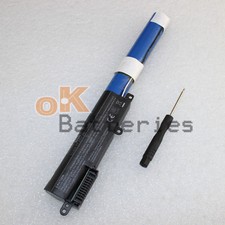
of the battery. -Package included:1
x Battery -Buy with confidence!-Compatible
Part Numbers:A31N1519 3ICR19/66 -Compatible with
laptop modelsFor ASUSX540LJ-3H, X540LJ-XX015T, X540LA-1A,
X540LA-3GX540SC-1C, X540LA-XX003T, X540SC-3H, X540YA-3FX540LA-XX021T, X540SA-1C,
X540SA-3H, X540SA-XX041DX540LJ, X540LJ-3F, X540LJ-XX001T, X540LJ-XX044T,
X540LA-1CX540SC, X540LA-3H, X540SC-3F, X540LA-XX004T, X540YA-1AX540L,
X540SA-3F, X540SA-XX012T, X540SA-XX041T, X540LJ-1AX540LJ-3G, X540LJ-XX014T,
X540LA-3F, X540SC-1A, X540LA-XX002TX540SC-3G, X540YA-1C, X540LA-XX013T,
X540SA-1A, R540L X540SA-3GX540SA-XX020T, X540SA-XX085T, X540LJ-1C,
X540S, X540LA, X540SA Kindly note:
Not all compatible models have
been included in the list,
if you're not sure whether
this battery fit for your
laptop, feel free to contact
us. -FAQ:1.Q:why battery don't
hold a charge, how to
fix it? A:this is new
battery,for first use, we suggest
buyer: Remove the battery for
a while Install battery and
full charge it by ac
adapter Leave charger and let
the battery drain to shut
off Repeat above charging and
discharging at least 2 times.
you charge the battery when
power lower than 20%. If
available, connect ac charger when
doing computer work. If run
the battery shut down often,
it will shorten the battery
life.2.Q:battery can't charge fully,how to
fix it? A: Remove the
battery for a while Install
battery and full charge it
by ac adapter Leave charger
and let the battery drain
to shut off Repeat above
charging and discharging at least
2 times.3.Q:Battery can't be recognised
by my laptop, do i
need exchange a new one,
A:we met this issue before,
maybe beacuse of your laptop
system, we suggest you can:
Remove all battery drivers Remove
battery Connect laptop using AC
charger, double check no battery
drivers installed Connect battery Drivers
will install automatically Full charge
the battery by ac adapter
Leave charger and let the
battery drain to shut off
Repeat full charge and full
discharge about 2 times. if
still not be solved, please
contact us and exchange a
new one.4:Q:Battery dies suddenly at
about 20%, do i need
to recalibrate? A:Kindly check the
battery settngs and BIOS,do reset
something, then: Remove the battery
for a while Install battery
and full charge it by
ac adapter Leave charger and
let the battery drain to
shut off Repeat above charging
and discharging at least 2
timesYour satisfaction is extremely important
to us.There are any questions
please contact our customer support
for assistance. Payment Delivery details
Warranty & Return About us
Contact us Payment 1. We
accept payment via Paypay only.2.
All payments must be prepaid.
Delivery details 1. Items are
generally shipped out within 24
hours after your payment has
been cleared (Sat. & Sun.
excluded.)2. Orders from the United
States will all be shipped
out via USPS and FedEx.
The shipment usually takes 2-6
business days( Exclude public holiday),
if you need the item
urgently, please contact us for