Belkin
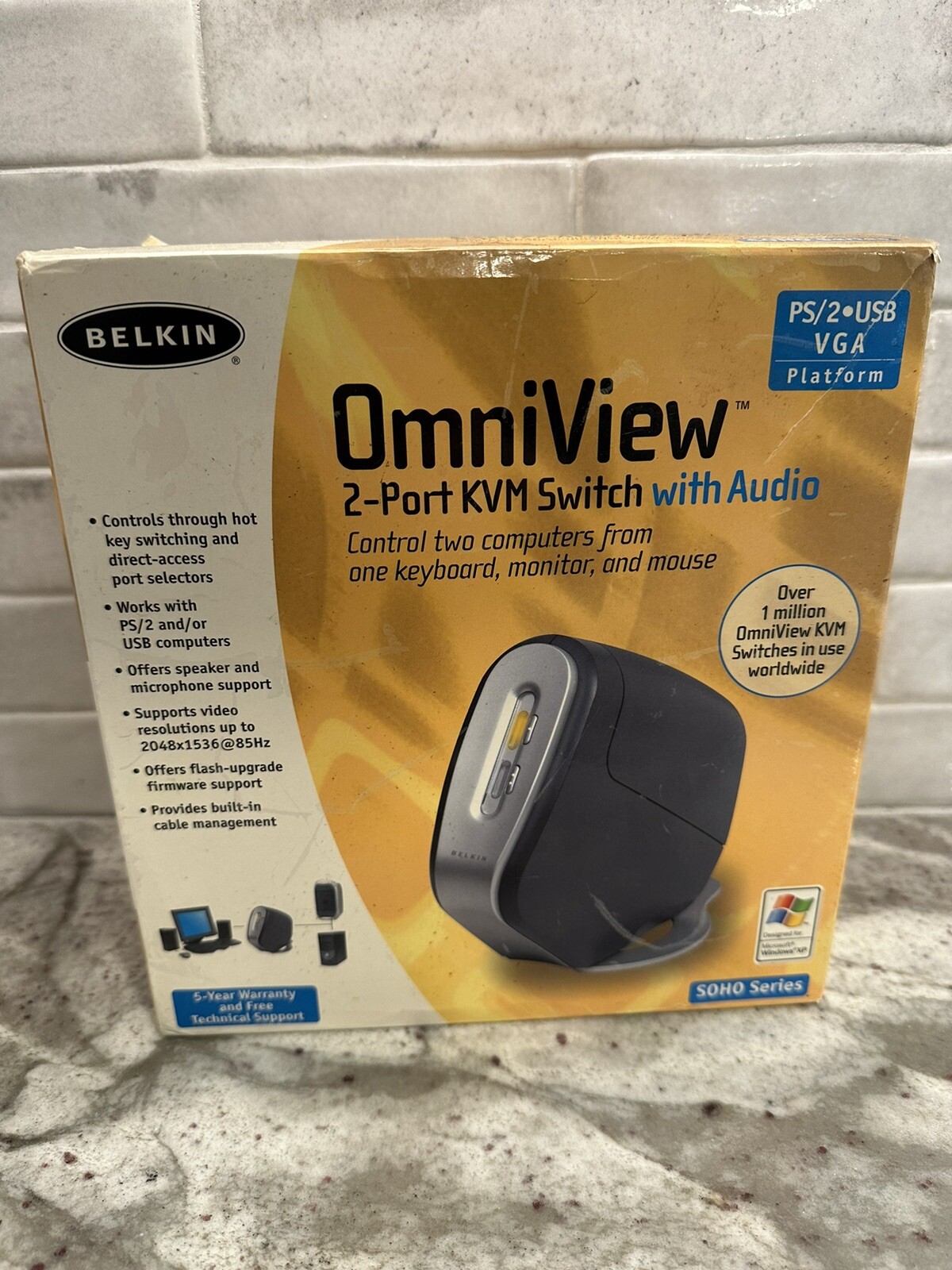
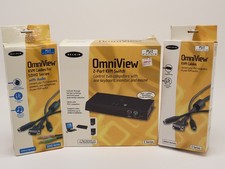
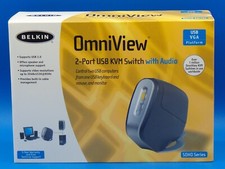
OmniView
2-Port KVM Switch with Audio
PS/2 USB VGA
SOHO Series
F1DS102T
For PC, MAC, Linux
Great, used condition.
Contents of Package:
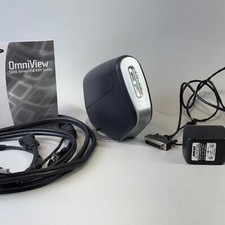
• OmniView SOHO Series KVM Switch with Audio
• Attachable Base
• DB25 to RJ45 Flash Cable
• Two PS/2 Extension Cables
• User Manual
• Quick Installation Guide
• Registration Card
The Belkin OmniView SOHO Series KVM Switch with Audio allows you to control up to four computers, depending on the model, with one keyboard, monitor, and mouse. All SOHO Series KVM Switches with Audio support PS/2 input devices (keyboard and mouse) as well as VGA, SVGA, XGA, and XGAII video.
The Switch you have purchased supports either PS/2 output for computers (F1DS102P or F1DS104P), or both PS/2 and USB output for both USB and PS/2 computers (F1DS102T or F1DS104T). Consult the packaging notation to ascertain which KVM Switch you have purchased, and consult your computer manufacturer’s literature if you are not sure about which OmniView SOHO Series KVM Switch with Audio is right for you.
Feature Overview
Hot Keys
Hot keys allow you to select ports using designated key commands. Control up to four computers using a simple hot key sequence on your keyboard.
Full hot key instructions for usage and commands are located in this manual, on page 21.
AutoScan
The AutoScan feature allows you to automatically scan and monitor the activities of all operating computers connected to your KVM Switch one by one. AutoScan usage instructions are located in this manual, on page 22.
Video Resolution
With a 400MHz bandwidth, the Switch is able to support video resolutions of up to 2048x1536@85Hz. To preserve signal integrity at high resolutions, 75-Ohm coaxial VGA cabling is required.
Flash Upgrade
Flash upgradeability allows you to obtain the latest firmware upgrades for your KVM Switch, when necessary. These upgrades will let your KVM Switch continue to be compatible with the latest devices and computers.
Firmware upgrades are free for the lifetime of the product. Call Belkin Tech Support at [phone removed by ] for upgrade information and support.
Microphone/Audio Support
The KVM Switch has been designed with built-in microphone and speaker jacks to support the growth of multimedia use in small-office and home office environments. This feature eliminates the need to disconnect and reconnect these devices when switching between computers and reduces the clutter on your desktop with fewer speakers.
Direct-Access Port Selectors
Direct-access port selectors conveniently located on the front face of the KVM Switch allow for simple, manual port selection.
Cable Management
The designed enclosure offers built-in cable management to contain connected cables. Once the cables have been connected and the shroud slid into place, the cables are conveniently maintained through the back opening.
LED Display
An LED display is added to the face of the KVM Switch for easy status monitoring. A lit LED indicates which computer the console has control of. The corresponding direct-access port selector is located next to the LED. When pushed, the LED should light next to the direct-access port selector selected.