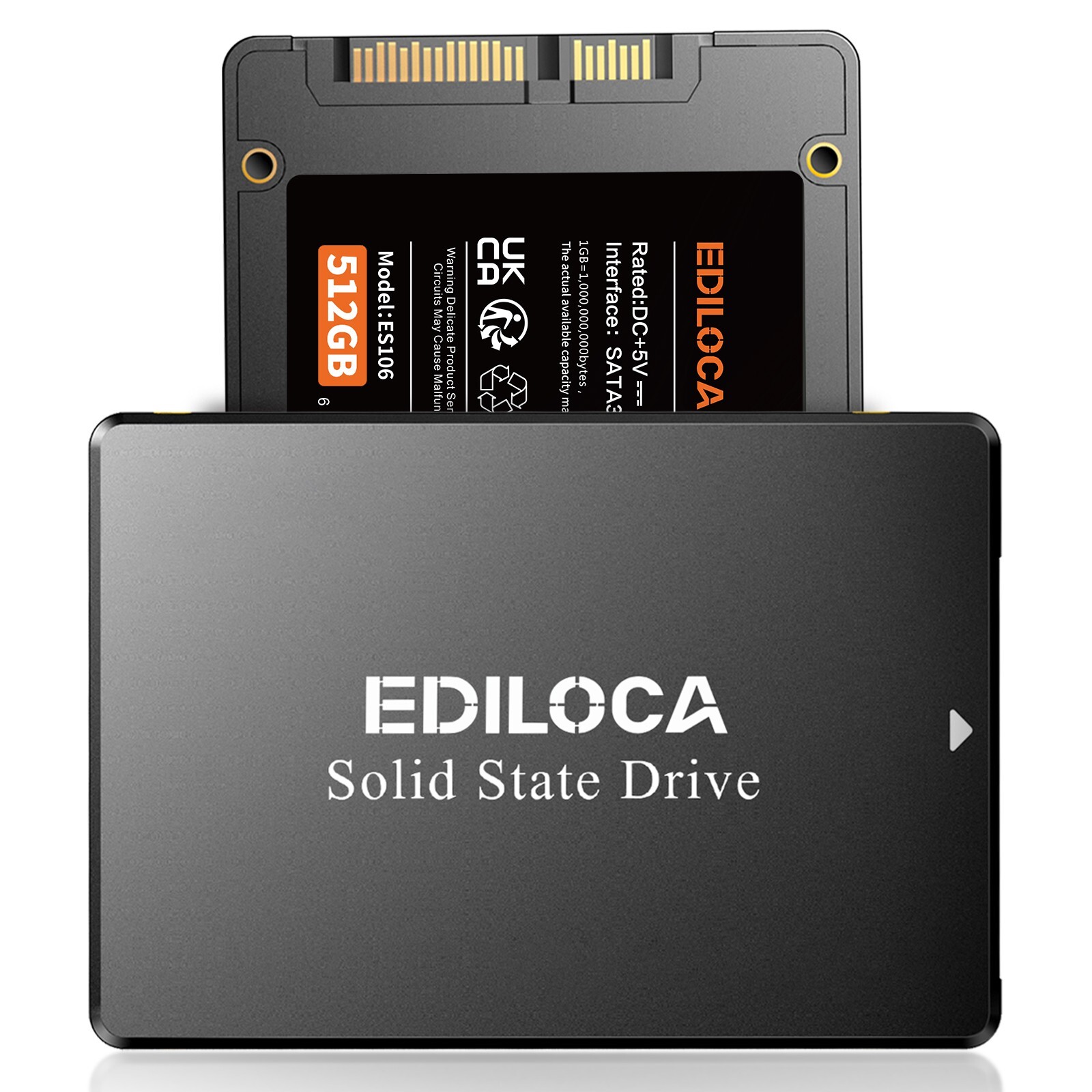
🖼️ Product Description
⚡ Product Highlights Lightning - Fast Speeds & Quick Boot
Experience lightning - fast speeds and rapid boot times. With blazing - fast 550MB/s read speeds and approximately 10 - second boot times, it significantly enhances system responsiveness compared to traditional hard drives. Rugged Reliability & Durability
Engineered for mobility, this product features low heat generation, shock/vibration resistance, and a wide operating temperature range (-25°C to 85°C). These characteristics ensure reliable performance in laptops and harsh environments. Intelligent Power Efficiency
Thanks to smart auto - thermal and power management, heat is reduced, and the maximum power draw is capped at 3.75W. This not only extends the battery life of laptops but also keeps the device running cool and quietly. Scalable High - Capacity Storage
Available in capacities ranging from 128GB to a massive 4TB, it can meet any need, whether for an operating system drive or extensive storage, all while maintaining high performance. Universal SATA III Compatibility
It's a plug - and - play upgrade for any desktop or laptop equipped with a SATA port (backwards compatible with SATA II/I). It supports Windows 7 through 11. 📝 Product Specifications Brand Ediloca Interface SATA III 6Gb/s Form Factor 2.5 inch Capacity Options 128GB / 256GB / 512GB / 1TB / 2TB/4TB Max Read Speed 550MB/s Max Write Speed 500MB/s Dimensions 100mm(L)x69.8mm(W)x7.0mm(H) Compatibility Desktop, Laptop, Mac,PC,Memory Vault
📦 What's Included
- Ediloca2.5" SATA III SSD
- User Manual
- Packaging BoX
❓ FAQ Q:Why can't the SSD be recognized after installation?
A: When using an SSD for the first time, it needs to be formatted and partitioned first. You can use "Disk Management Tool" to format and partition the SSD, and then use it in "Windows Explorer". Q:Does the product include mounting accessories?
A: Ediloca SSD comes with the tools needed to install SSD in the product package, you do not need to buy it separately. Q:Where should we send SSD to repair?
A: Ediloca adheres to the principle of professional quality and honest service and provides first-class products and services for our customers. If you have any questions or problems with the products, please notify us in time, and we will give you a satisfactory answer. Q: Why the capacity displayed from the PC is smaller than the original capacity?
A:Actual usable space may be less than the total storage capacity listed due to Deci mal measurement used to represent usable capacity of the SSD.
- Actual capacity calculation: Total storage x 0.93.
- Factory default setting system 360GB SSD:Factory capacity: 360x1000x1000x1000=360000000000B. Transfer to PC displayed actual capacity: 360000000000B/1024/1024/1024=335G. Fast calculation: 360Gx0.93=335G
🛡️ Warranty & Customer Service
✅ 5-Year Manufacturer Warranty
✅Free return for any quality issues
✅ 24/7 Customer Support