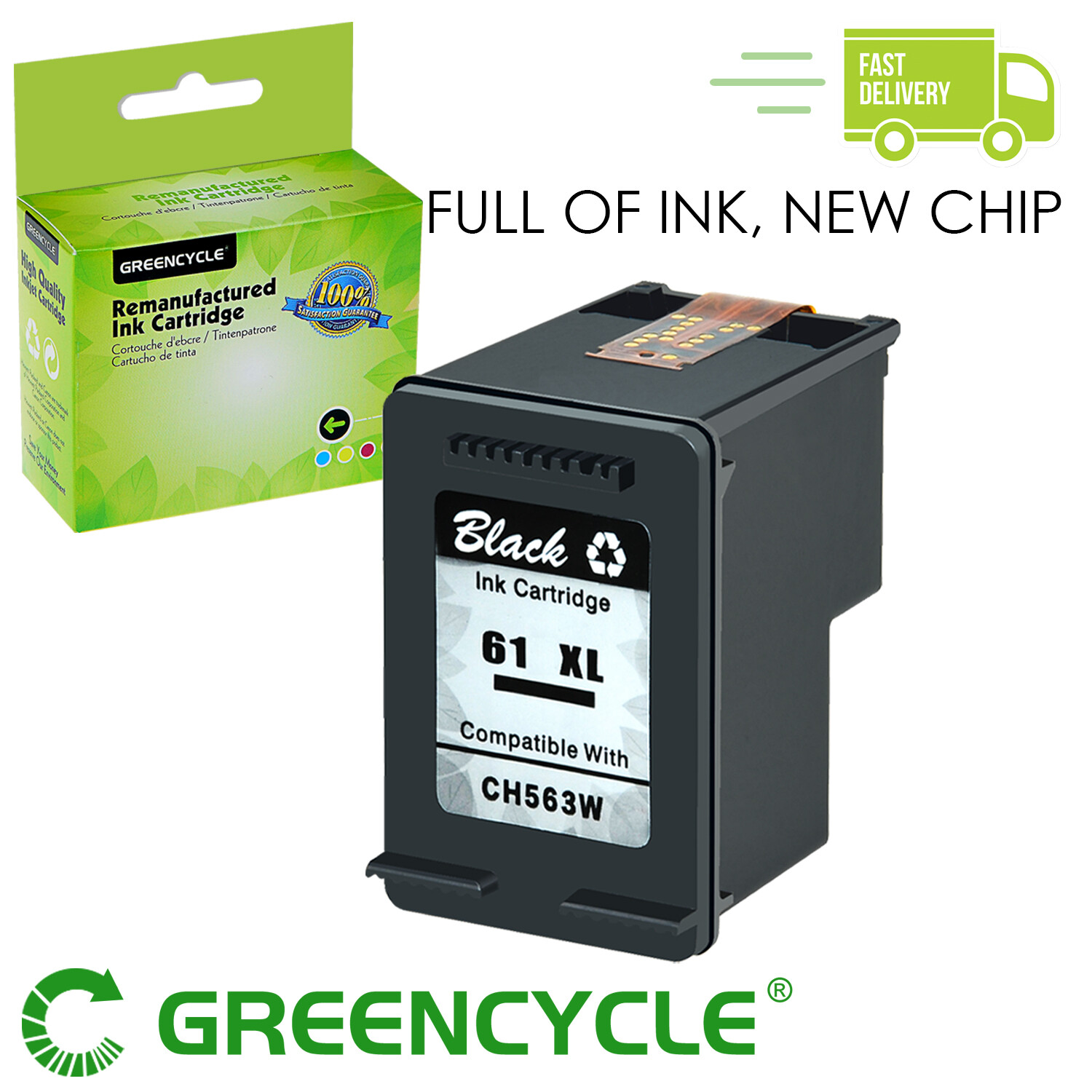
SPECIFICATIONS/FEATURESContents: For HP 61XL Black/HP 61XL Color. Show Accurate Ink Levels.Ink Type: Black - Pigment ; Color - DyeCartridge Type: Remanufactured(Not made by HP)Package contents: As you chosePage Yield: Black - 480 Pages Color - 330 Pages (determined by 5% page coverage)Compatible For the Hewlett Packard (HP) printers List:HP Deskjet 1010,1011, 1012, 1000,1050A ,1050 ,1051, 1055 - J410e, 1056 - J410a,1510, 1511, 1512, 1513, 1514, 15172540, 2541, 2542, 2543, 2544, 2546, 2547, 2548, 2549, 2510, 2511HP ENVY 4500, 4501, 4502, 4503, 4504, 4505, 4507, 4508, 4509, 5530, 5531, 5532, 5534, 5535, 5539HP Officejet 2620, 2621, 2622, 2624 ,4630, 4631, 4632, 4634, 4635, 4636, 4639 Store Home New Arraival Add to favourite View response Contact Us SPECIFICATIONS/FEATURESContents: For HP 61XL Black/HP 61XL Tri-Color (Show Accurate Ink Levels)Ink Type:Black - Pigment ; Tri-Color - DyeCartridge Type:Remanufactured(Not OEM)Package contents:As you chosePage Yield:black-480 / tri-color-330 pages per ink cartridge(determined by 5% page coverage)Compatible With the Hewlett Packard (HP) printers
HP Deskjet
1010,1011, 1012, 1000,1050A ,1050 ,1051, 1055 - J410e, 1056 - J410a,1510, 1511, 1512, 1513, 1514, 1517
2540, 2541, 2542, 2543, 2544, 2546, 2547, 2548, 2549, 2510, 2511, 2512, 2514, 2050A , 2054A, 2050
3050,3055A, 3057A, 3059A- J611n,3050A - J611g, 3054 - J610a, 3060 - J610e
3510, 3511, 3512, 3052A, 3054A, 3056A
HP ENVY
4500, 4501, 4502, 4503, 4504, 4505, 4507, 4508, 4509, 5530, 5531, 5532, 5534, 5535, 5539
HP Officejet
2620, 2621, 2622, 2624 ,4630, 4631, 4632, 4634, 4635, 4636, 4639
Warranty 100% satisfaction guaranteed.Install Instructions:
Step 1 : Take off the protective clip.
Step 2 : Remove the static protective vinyl tape.
Step 3 : Wipe the ink cartridge chip with alcohol pad.Step 4 : Install the cartridge to the printer.Some printers must be black/color ink cartridges match use.
Please clean the printhead 1-2 times once a month.If the printer does not work after installing the cartridge, clean the chip contacts of the cartridges with a rubber eraser or cotton swab. Take care not to touch the ink nozzles on the bottom of the cartridge.