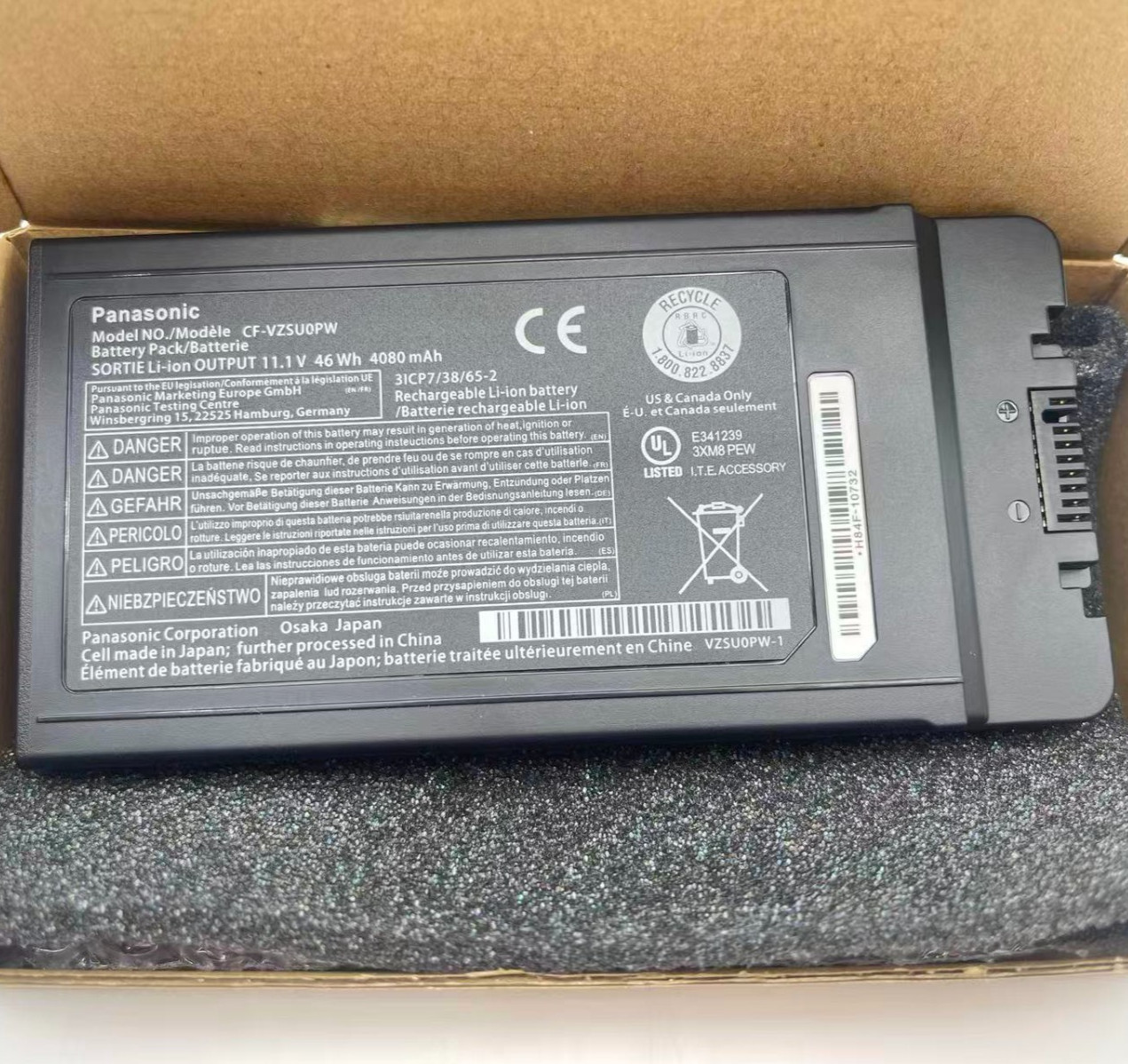
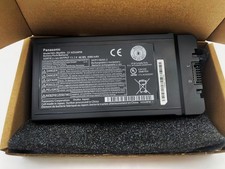
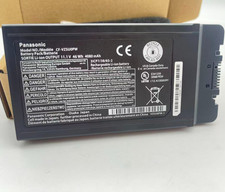
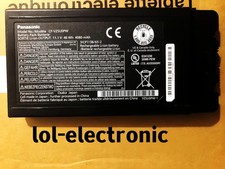
Item Description:
Voltage: 11.1VCapacity: 46WH
Battery Type: Li-ion
Condition: Brand New
Warranty: 60 Days money return and 12 months warrantyCompatible Part Numbers:
CF-VZSU0GJS, CF-VZSU0GW, CF-VZSU0KJS, CF-VZSU0KR, CF-VZSU0KW,
CF-VZSU0LW, CF-VZSU0PJS, CF-VZSU0PK, CF-VZSU0PR, CF-VZSU0PW,
CF-VZSUOGW, CF-VZSUOLW, CF-VZSUOPWCompatible Laptop Models :
For Panasonic
Panasonic Toughbook CF-54 MK1 MK2 MK3 Series;
Panasonic Toughbook 54 Gloved Multi Touch Series;
Panasonic Toughbook 54 Lite Series;
Panasonic Toughbook 54 Performance Series;
Panasonic Toughbook 54 Prime Series Series;
Panasonic Toughbook 54 Gloved Multi Touch Series;
Panasonic Toughbook CF-54F9001KM CF-54G2999VM CF-54F0961NE Series;
Panasonic Toughbook 54F0961VM 54A0005CM 54D2912VM 54D0005KM Series.
PanasonicCF-54, Toughbook CF-54, TOUGHBOOK CF-54 MK2, TOUGHBOOK CF-54A2900BM, TOUGHBOOK CF-54A2900CM, Toughbook CF-54C1076MG, TOUGHBOOK CF-54CY012NT, TOUGHBOOK CF-54D0001VM, TOUGHBOOK CF-54D2900KM, TOUGHBOOK CF-54D2930VM, Toughbook CF-54F1076NG, Toughbook CF-54F1076TG, Toughbook CF-54F4076NG, Toughbook CF-54F4076TG, TOUGHBOOK CF-54FC587KC, Toughbook CF-54G0490TG, Toughbook CF-54G0492TG, TOUGHBOOK CF-54G2878VM, Toughbook CF-54G2999VM, Toughbook CF-54H2036TG, Toughbook CF-54H2231TG, Toughbook CF-54J2633TG
Kindly note:Not all the compatible laptop models have been listed, please open the back case of your laptop and choose the right battery model according to your laptop's original battery.
1. First check if the battery is the same size as your original battery after receiving it. When installing the battery, pay attention to whether the battery cable is fixed. If the battery cable is not installed correctly, the battery may not be charged.
2. If you use the battery for the first time after installing the battery, please do not charge the battery immediately, first use the battery to 10-20%, and then charge the battery, and cycle charging 5-6 times to activate the maximum use of the battery space.
3. We recommend that you search for battery removal tutorials on the Internet in advance, or seek help from a professional technician. We won't responsible for any damage due to improper operation.
Laptop Battery Return Policy:
Rest assured with 30 days Refund and 12 months Replacement,also get our friendly customer service.
Install A New Battery:
1, You need to turn off your laptop and disconnect the power.
2, Disconnect the connection between the old battery and the motherboard to avoid unnecessary damage caused by disassembling the battery. Then unscrew the old battery screws one by one and carefully save each screw.
3, Remove the old battery, carefully install the new battery on the battery case, screw in the screw, and connect the wiring of the new battery.
4, If you don't understand the above steps, you can search for the video about laptop battery installation on YouTube. Maybe it will help you.
Anepoch laptop battery instruction:
1.Please use the remaining battery capacity to reach 10-15% for the first time. Then fully charge the battery, use it up. This process can be cycled 3 -5 times, which is beneficial to comprehensive to activate maximum capacity of lithium ions.
2.Do not disassemble, crush or puncture. Do not dispose of in fire or water.
3.If you remove battery for a long time, charge more than 80% at least one time within one months.
4.Don't connect adapter for a long time while using the battery. It may damage the battery.
5.When using the battery, care should be taken to prevent exposure and moisture.
The following are troubleshooting methods:
1.Turn off the laptop.
2.Unplug AC power.
3.Remove the battery.
4.Replace AC power.
5.Turn on laptop, allow OS to boot.
6.Once logged in to the machine, perform a normal shut donw.
7.Unplug AC power.
8.Replace battery.