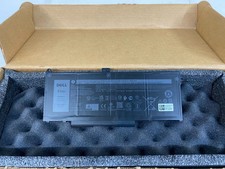
Product Description
Specification:
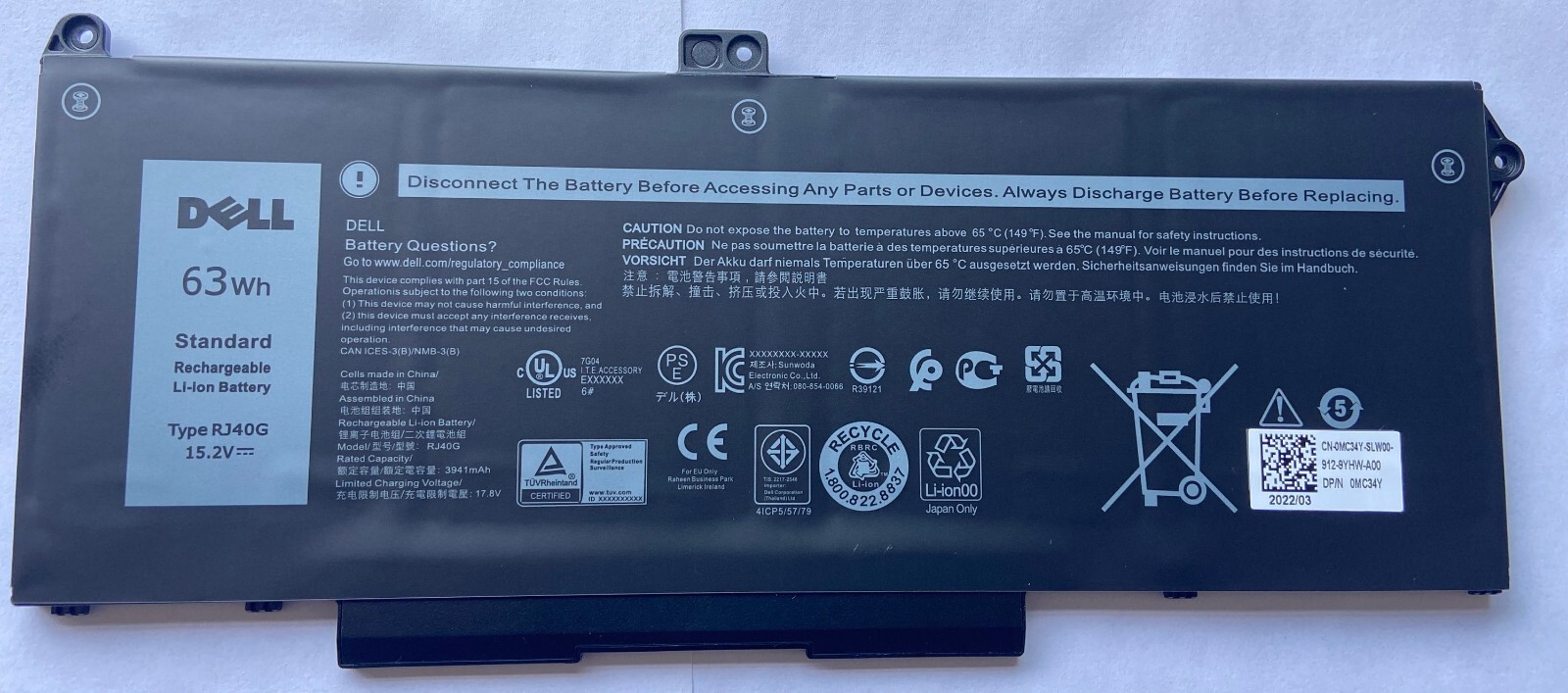
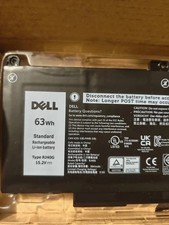
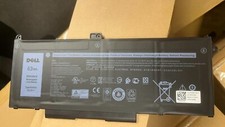
Battery Model: RJ40G
Voltage: 15.2V
Capatity: 63Wh 3941mAh 4-Cells
Battery Type: Li-ion
Condition: Brand New
Part Number:
RJ40G 01K2CF 075X16 WY9DX 0WK3F1 0M3KCN 005R42
Compatible Machine Models:
Dell Latitude 14 5420 series
Dell Latitude 14 5420 CHKFM
Dell Latitude 14 5420 FDTCY
Dell Latitude 14 5420 XPC5H
Dell Latitude 15 5520 series
Dell Latitude 15 5520 39V1H
Dell Latitude 15 5520 FPKNM
Dell Precision 15 3560 series
Dell Precision 15 3560 3H45Y
Dell Precision 15 3560 4MTF7
Dell Precision 15 3560 758J7
Dell Precision 15 3560 7RV10
Dell Precision 15 3560 F3T9T
Q/A:
1.Q:why battery don't hold a charge, how to fix it?
A:this is new battery,for first use, we suggest buyer:
Remove the battery for a while
Install battery and full charge it by ac adapter
Leave charger and let the battery drain to shut off
Repeat above charging and discharging at least 2 times.
you charge the battery when power lower than 20%. If available, connect ac charger when doing computer work.
If run the battery shut down often, it will shorten the battery life.2.Q:battery can't charge fully,how to fix it?
A: Remove the battery for a while
Install battery and full charge it by ac adapter
Leave charger and let the battery drain to shut off
Repeat above charging and discharging at least 2 times.
3.Q:Battery can't be recognised by my laptop, do i need exchange a new one,
A:we met this issue before, maybe beacuse of your laptop system, we suggest you can:
Remove all battery drivers
Remove battery
Connect laptop using AC charger, double check no battery drivers installed
Connect battery
Drivers will install automatically
Full charge the battery by ac adapter
Leave charger and let the battery drain to shut off
Repeat full charge and full discharge about 2 times.
if still not be solved, please contact us and exchange a new one.
4:Q:Battery dies suddenly at about 20%, do i need to recalibrate?
A:Kindly check the battery settngs and BIOS,do reset something,
then:
Remove the battery for a while
Install battery and full charge it by ac adapter
Leave charger and let the battery drain to shut off
Repeat above charging and discharging at least 2 times.
Payment:
- Non-Paying buyers: Serious Buyer Only! Please place offer or "Buy it now" only if you agree the price and terms of the product and no argument after the sale end. And payment must be received within 7 business days of the sale close. We will report Non-paying buyer to .
Shipping:
- We ship to buyer's PayPal address.we will dispatch your package within 1 business day Once payment has been completed.
- We are not responsible for wrong or undeliverable address. We reserve the right to charge the shipping fee again for returned items due to wrong address.
- We ship your package out with tracking number.We upload the tracking number to within 24 hours.
Warranty & Return Policy :
- We offer 60 days money back ,1 year warranty. If for any reason you are dissatisfied with your purchase, please contact us via only
- We test your item before shipping out,If unfortunately,The item DOA(Dead of Arrival) or not as describe ,please contact us for replacement.
- If over 60 days from the receiving ,we only return for exchange the same item.
- One year Warranty. Buy with confidence.
Contact us:
- We strive for 100% customer satisfaction. In the unlikely event you are not satisfied with the transaction, please contact us before you submit your evaluation. We believe that everything could be solved by communication.
- We value each customer,you message is very important to us.We make every effort to answer all email within 24 hours.