Windows 11 in S mode is designed for security and performance, exclusively running apps from the Microsoft Store. If you want to install an app that isn't available in the Microsoft Store, you'll need to switch out of S mode1. On your PC running Windows 11 in S mode, open Settings > System > Activation.
2. In the Switch to Windows 11 Pro section, select Go to the Store. (If you also see an "Upgrade your edition of Windows" section, be careful not to click the "Go to the Store" link that appears there.)
3. On the Switch out of S mode (or similar) page that appears in the Microsoft Store, select the Get button. After you see a confirmation message on the page, you'll be able to install apps from outside of the Microsoft Store.
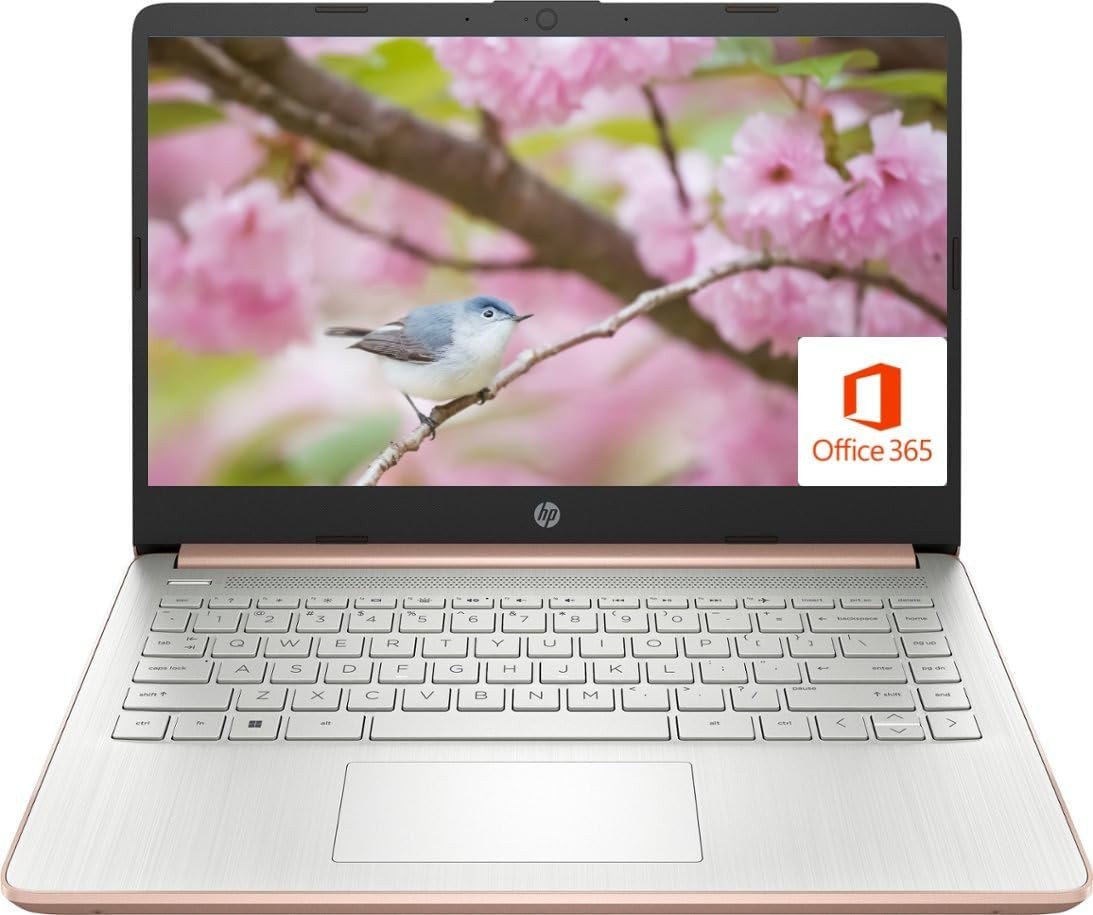
Activate pre-installed Office 365:
1.Launch any Office app >
2.Start your activation by signing in with your Microsoft account(Create a account if you don't have one yet) >
3.Click "Activative Office" >
4.Sign in your account and follow the next prompts. >
5.Complete Step 1,2 and 3 >
6.Click on Refresh once Office is ready >
7.Open a document and accept the license agreement.
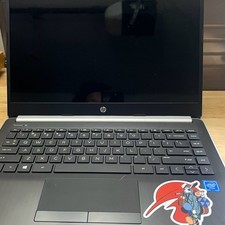
Display: 14.0-inch diagonal, HD (1366 x 768), micro-edge, BrightView
Processor: Intel Celeron N4120, up to 2.6 GHz, 4 Cores & 4 Threads
Battery Life: Up to 10 hours
Graphics: Intel UHD Graphics 600
Webcam: HP True Vision 720p HD camera with integrated dual array digital microphones
Connectivity: 802.11a/b/g/n/ac Wi-Fi and Bluetooth
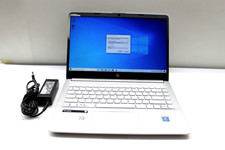
Operating System: Windows 11 Home in S mode
Contact usresponseRegarding order cancellationsContact usWe can be contacted at any time through messages if you have any questions, comments or product requests. We will respond to you within 24 hours and do our best to help you out! We encourage our customers to contact us with any questions or concerns! We'd like to be sure you are completely satisfied with your purchase.Please email us before returning.Please contact us by email before leaving a review.We'll try to offer you a solution.Returns:Nimo laptopsReturn Made Easy Not 100% satisfied? No problem – we offer 30-day hassle-free returns.
To qualify for free return shipping, simply select “Changed my mind” or “Just didn’t like it” when you submit your return request online.
responseWe will work with you to until you are satisfied.we sincerely hope that you can leave us a positive comment,If, for any reason you are not satisfied with your purchase, please contact us through "My Messages" or "Ask Seller Questions" before leaving neutral or negative response.Regarding order cancellationsIf you wish to cancel your order, please do so as soon as possible after placing it, please submit a cancellation request through the system. Our system will automatically process your request. If you contact us via email to cancel the order, there is a possibility that the item has already been shipped from our warehouse, in which case we will be unable to intercept the package or cancel the order.