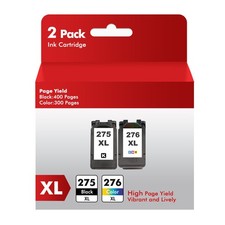
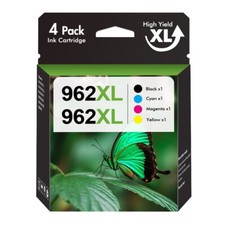
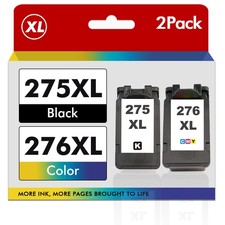
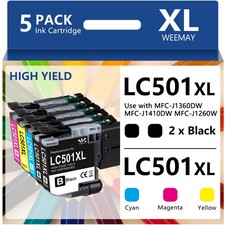
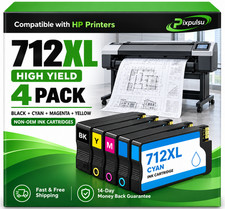
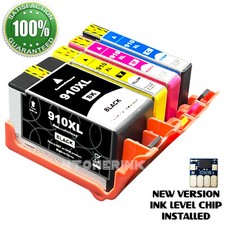
inkjet cartridges for your printers are built to meet the same original specifications and performance standards as the OEM cartridges.
with the following printers: Pixma -100
How to install / replace new ink cartridge:
Step 1: Pull off tape (if any) the yellow/clear sealing tape on top of the cartridge. If there are no tape on the top, proceed to Step 2
Step 2: Turn cartridge upside down and carefully remove the orange cap/bracket off the cartridge
Step 3: Insert the cartridge into the corresponding slot and push down on the cartridge until you hear a click sound
Step 4: This Step is optional. Run a Printhead clean on the cartridge. this will flush out residue leftover from previous use
Premium Ink Cartridges
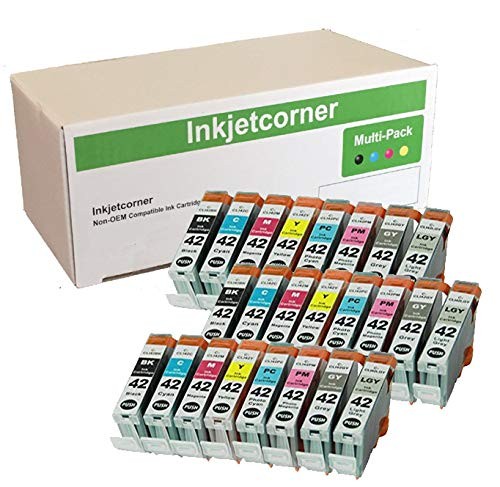
with CLI-42 or C-042
Latest chipset. Will display correct ink levels
3 of each ( Black, Cyan, Magenta, Yellow, Photo Cyan, Photo Magenta, Gray, Light Gray