Linux Mint 22.3 Cinnamon 32GB Bootable USB
Prepared Physical USB Media by TRS Tools
Professional Linux USB Media for Compatible Computers
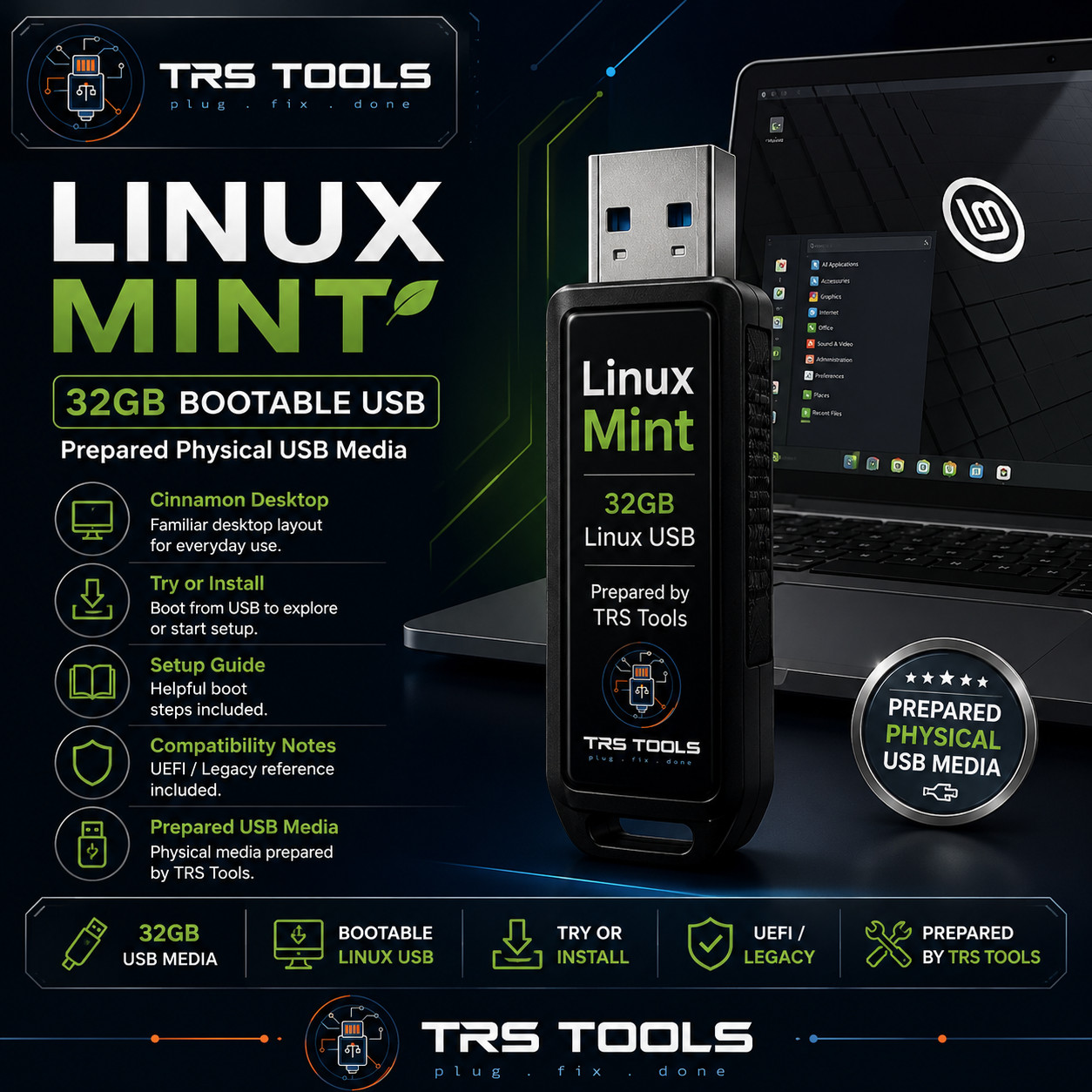
This listing is for a prepared 32GB USB flash drive configured with Linux Mint Cinnamon desktop media. It is designed for users who want a convenient physical USB option for exploring Linux, starting a Linux installation, learning Linux basics, or keeping a ready-to-use Linux desktop resource on hand.
The value of this item is the physical USB media, preparation, organization, basic boot testing, setup guide, support notes, compatibility reference, and TRS Tools convenience.
What Is Included
- One prepared 32GB USB flash drive
- Linux Mint Cinnamon bootable USB media
- Printed or digital setup guide
- Support notes for common USB boot steps
- Compatibility reference for UEFI and Legacy boot settings
- TRS Tools preparation and organization
Key Features
- Prepared Physical USB Media: Ready to use as USB boot media on compatible systems.
- Linux Mint Cinnamon Desktop: A familiar desktop layout for learning, browsing, productivity, and everyday computer use.
- Try or Install: Boot from USB to explore the Linux desktop or begin installation on a system you own or are authorized to service.
- Setup Guide Included: Helpful steps for entering a boot menu and selecting the USB device.
- Support Notes Included: Guidance for common startup settings such as boot order, UEFI, Legacy mode, and Secure Boot considerations.
- Local-Use Focused: Useful as a physical Linux desktop resource once prepared and booted on compatible hardware.
Compatibility Notes
Intended for many 64-bit desktop and laptop computers that support booting from USB. Compatibility depends on your computer model, firmware settings, processor support, USB port behavior, graphics hardware, storage configuration, and any security settings enabled by the device manufacturer.
Some systems may require changing boot order, opening the one-time boot menu, disabling Fast Startup, adjusting Secure Boot settings, or selecting UEFI or Legacy boot mode. The included notes are provided to help with these common setup steps.
Important Compliance Disclaimer
No software ownership, license, activation key, paid subscription, proprietary software rights, or account access is included. Linux Mint and related names belong to their respective owners. TRS Tools is an independent seller and is not affiliated with, endorsed by, sponsored by, or approved by the Linux Mint project, Canonical, Ubuntu, or any referenced software publisher. This item is prepared physical USB media for systems you own or are authorized to service.
How to Boot Linux from USB
- Turn off the computer.
- Insert the TRS Tools Linux Mint USB into a USB port.
- Turn on the computer and open the boot menu. Common keys include F12, F11, F10, F9, Esc, or Del depending on the computer brand.
- Select the USB device from the boot menu.
- Choose the Linux Mint start option shown on screen.
- Use the live desktop to explore Linux Mint or begin installation if you choose to install it.
- Review the included setup notes if the USB does not appear in the boot menu.
FAQ 1. Is this an official Linux Mint product?
No. This is TRS Tools prepared physical USB media. TRS Tools is an independent seller and is not affiliated with or endorsed by the Linux Mint project.
2. Does this include a license key or activation?
No. No license key, activation key, paid subscription, proprietary software ownership, or account access is included.
3. Can I try Linux Mint before installing?
Yes. On compatible computers, the USB can boot into a live Linux desktop so you can explore the environment before choosing whether to install.
4. Will it work on every computer?
No compatibility guarantee is made. USB boot support depends on the computer, firmware settings, processor type, graphics hardware, and security settings.
5. Can this be used on a Windows computer?
It may be used on many compatible 64-bit computers that support USB boot. Installing Linux can change or erase data, so review setup choices carefully and back up important files first.
6. What support is included?
TRS Tools includes setup notes and support guidance focused on booting the prepared USB media and understanding common startup options.
7. What experience does TRS Tools bring?
TRS Tools is backed by 30 years of Information Technology experience, with a focus on practical setup help, clear instructions, and prepared physical media convenience.
Support-Focused Closing
This TRS Tools USB is built for buyers who want a clean, convenient Linux Mint physical media option with setup guidance included. You receive the prepared USB drive, helpful notes, and support-focused documentation so you can spend less time preparing media and more time using your compatible system.
TRS TOOLS
Plug • Fix • Done