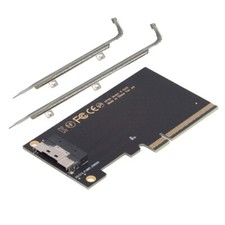
Product Description
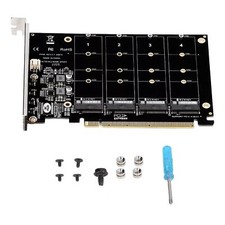
If you have any questions, please contact customer service first, do not open disputes easily, thank Please make sure that your motherboard PCIe x16 slot support pcie-signal split into four PCIe x4 or PCIe x8 slot split into two PCIe x4, i.e., x4 + x4, general motherboards, if the BIOS inside the “PCIEX16 Bifurcation” and similar options. Options, options into the see “PCIE 4x4” and other similar settings generally support split; server chips and this is not the same, please consult your motherboard official customer service. Please consult your motherboard official customer service.
2. If you want to group raid, please be sure to use the same specifications of the same model of the same hard disk, so as to ensure the consistency of hard disk performance. Can not group raid is your motherboard decision, with the adapter card has nothing to do, the store can not provide technical support.
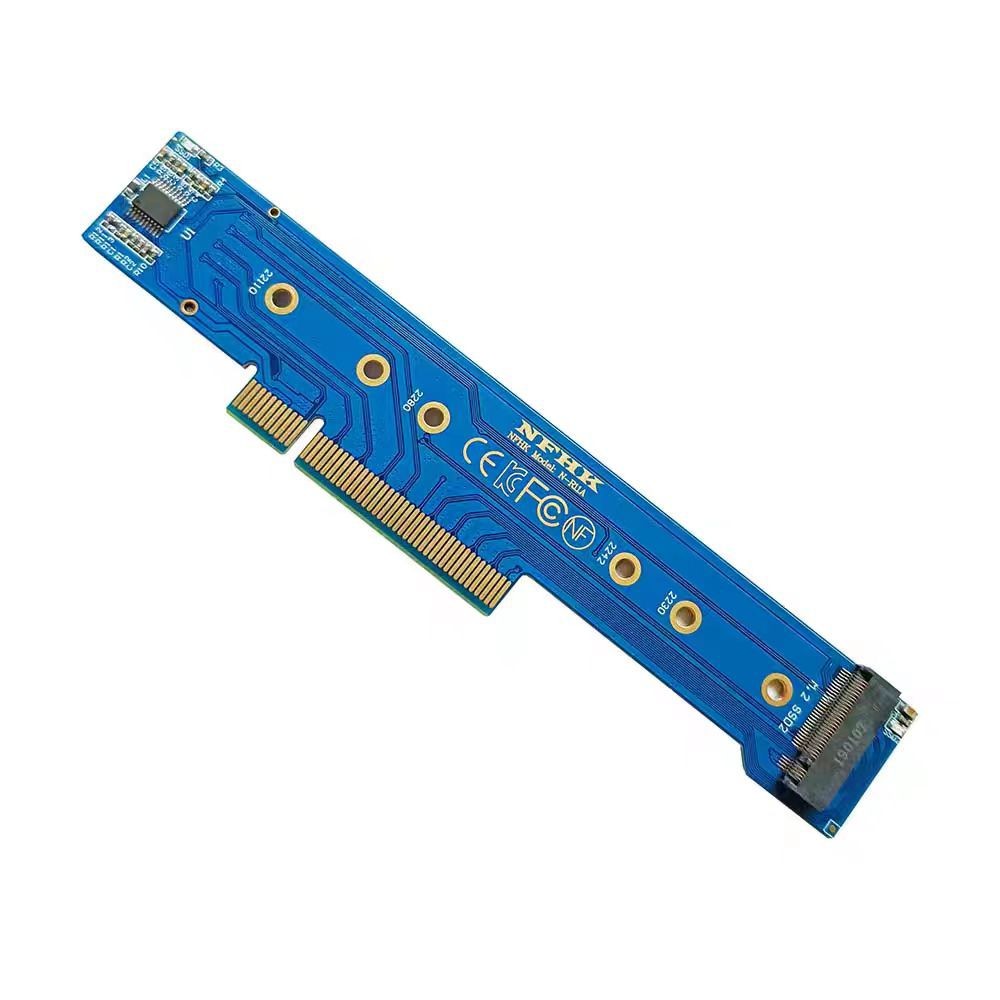
3. Only supports 2230 2242 2280 22110 size NVME protocol or AHCI protocol M.2 NGFF SSD, be sure to note that the AHCI protocol is not the same as the SATA protocol.
4. Some motherboards only with the CPU connected to the PCIe slot support PCIe split, if occupied, the graphics card will have no place to insert, these please be sure to consider clearly before purchasing, so as not to contribute to the logistics company.
5. Some motherboard PCIe slots are bandwidth sharing, such as the first PCIe slot is PCIe x16, the second PCIe slot is PCIe x8, if the two PCIe slots at the same time to insert the device, because of the reason for bandwidth sharing of the two PCIe slots are running PCIe x8 bandwidth. Assuming that the second PCIe slot is not plugged into the device before the first PCIe x16 slot supports splitting into PCIe 4x4, but after the second PCIe slot is plugged into the device, because the bandwidth is changed to PCIe x8, it will lead to splitting failure and not recognize the disk. There are also motherboards with PCIe slots and U.2 is only one of two options, please pay attention to read the motherboard manual.
6. Please note that most of the motherboard must be with the CPU to work, low-end CPU does not support the split, because the number of PCIe channels is not enough.
7. This product can only be used in support of PCIe split PCIe slot, adapter card on the hard disk signal line and your computer's motherboard PCIe signal line straight-through, so the performance of your hard disk does not make any limitations, does not change the speed of your hard disk and so on. The speed is determined by your computer and the hard disk.
8. On the PCIe 3.0 4.0 problem, the adapter card hard disk interface signal line and your machine's PCIe interface is straight through, the middle does not need to go through the chip conversion, so the adapter card does not limit the performance of the hard disk, your hard disk and your computer to determine the speed. Adapter just play a role in changing the shape of the interface.
9. Please be sure to note that this adapter card if you need to plug the PCIe x16 slot, be sure to confirm that the end of the slot can not have a fixed buckle, there are cases where the adapter card can not be inserted into place.
Recognize the steps to deal with the disk:
1. Please be sure to confirm that your machine does support PCIe split, not your machine BIOS support split plugged in can be used, be sure to set up in the BIOS to use.
2. The machine has more than one pcie slot, you also want to confirm that the BIOS split slot is the slot you adapter card plugged in.
3. The gold finger with an eraser clean and then inserted into the test.
4. The BIOS to restore the default settings, and then set the machine corresponding to the PCIe x16 slot split into x4 x4 x4 x4 or PCIe x8 slot split into x4 x4.
5. Please look carefully at your machine PCIe slots, some machines from the appearance of the appearance of PCIe x16, but from the foot of the slot as well as the signal line to see the actual only x4 or x8.
6. Please enter the system to the disk manager to see whether to identify the hard disk, rather than open my computer directly to see whether to identify the hard disk.
Package included:
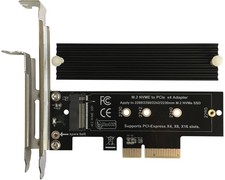
1*NVMe M.2 NGFF SSD Adapter Card
Note:
This adapter is not plug and play! Need your motherboard support PCIe split and their own BIOS settings and debugging! Many motherboards don't just set up the split to work, other places have to be set up to work!
About Us We accept all payments authorized by . powered by