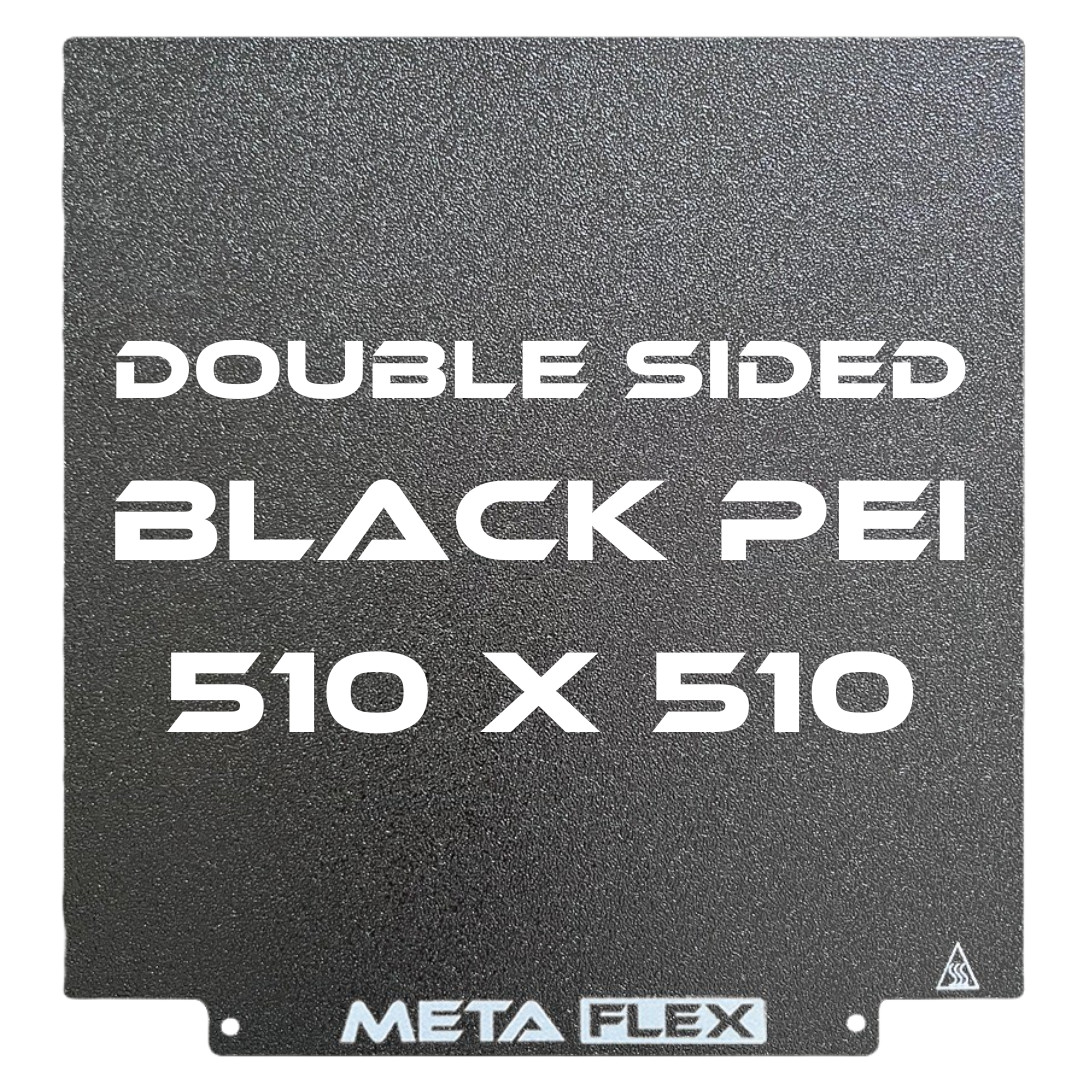
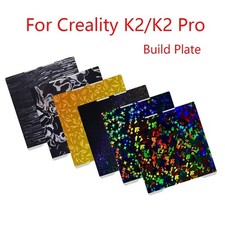
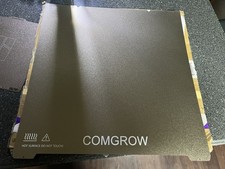
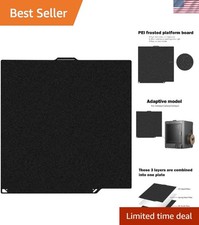
{Description}PEI Textured Build Plate - 510mm x 510mm w/ Magnetic Base METAFLEXPEI Textured Build Plate - 510mm x 510mm Suitable Models: Creality CR-10 S5, Cultivate3d the Beast V2, Rat Rig V-Core 3 500 METAFLEX's range of PEI textured build plates are the 3D printer upgrade you wish you'd always had. Built for optimal print adhesion and effortless removal, METAFLEX's range of PEI build plates come double sided with a thick coating of black texture PEI and quality 3M backed magnetic plate. Key Features: Texture PEI - Perfect for any print material, no tape or glue stick required, optimal print adhesion. Flexible Plate - For effortless removal of prints. Double Sided - For quick changing between prints. Remove model, flip sheet and go. Slick Black Look - Blends in with your printer, giving more emphasis on the model being printed. How to Measure Your Build Plate Step 1: Simply measure the length and width of the build plate on your FDM 3D printer. Step 2: Cross check the measurement against our METAFLEX FDM build plate range before purchase. Your printer's build plate will almost always be larger than its print volume, make sure you measure the full length of your build plate before selecting, or alternatively use our compatibility chart under the above tab to find your model. If you have any issues finding the right size or measuring your build plate, please get in contact with us. Compatibility Chart Installation & Maintenance Installation: Clean Build Plate - Before installing magnetic base, thoroughly clean your build plate with IPA (Isopropyl alcohol) and a microfiber cloth to remove any dust, grease, or debris. Applying Magnetic Base - Peel backing paper 5cms from back edge of magnet, align both back corners of magnet with the back corners of your build plate. Once aligned push down on magnet to stick the exposed back surface. Slowly begin peeling the rest of the backing paper while pushing down and smoothing out the magnet so it sticks to the build plate with minimal air bubbles. Continue this process until backing paper is fully removed and magnet is fully applied to the surface. Remove Air Bubbles – To ensure surface is as flat as possible use a plastic card to push air bubbles to the edge of the magnet. Any large air bubbles that can’t be pushed out can be popped with a pin. Considerable force is required to penetrate through the magnets surface, once popped use card to smoothen out bubbled area. Cleaning METAFLEX Plate - Before installing your METAFLEX plate you will need to clean both sides with IPA (Isopropyl alcohol) and a microfiber cloth to remove any grease or residue that might have remained following the manufacturing process. Installing METAFLEX Plate – Now that the magnetic base is installed you can fit your METAFLEX Plate. Simply line up the back edge of the sheet with the back edge of the magnetic base, slowly drop the sheet into place. The magnetic pull from the base will also help pull the sheet down into place. Levelling and Print Removal – Installation is now complete, before printing you’ll need to level your bed as per normal and adjusting accordingly. To remove model from your METAFLEX Plate, allow some time for plate to cool so you don’t burn your fingers. Using the tabs at the front, pull the METAFLEX plate up and away from the magnetic base. Then holding opposite sides of the plate, flex up and down until model releases. For bigger models you may need to rotate sheet and flex from all 4 sides. Maintenance: Using IPA (Isopropyl alcohol) and a microfiber cloth, we recommend cleaning your METAFLEX plate in between each print to remove any dust, grease, or debris that may cause adhesion issues while printing. We also recommend regular cleaning of your magnetic base with IPA (Isopropyl alcohol) and a microfiber cloth. PEI Textured Build Plate - 510mm x 510mm w/ Magnetic Base METAFLEX PEI Textured Build Plate - 510mm x 510mm
Suitable Models: Creality CR-10 S5, Cultivate3d the Beast V2, Rat Rig V-Core 3 500
METAFLEX's range of PEI textured build plates are the 3D printer upgrade you wish you'd always had.
Built for optimal print adhesion and effortless removal, METAFLEX's range of PEI build plates come double sided with a thick coating of black texture PEI and quality 3M backed magnetic plate.
Key Features:
- Texture PEI - Perfect for any print material, no tape or glue stick required, optimal print adhesion.
- Flexible Plate - For effortless removal of prints.
- Double Sided - For quick changing between prints. Remove model, flip sheet and go.
- Slick Black Look - Blends in with your printer, giving more emphasis on the model being printed.
How to Measure Your Build Plate
Step 1: Simply measure the length and width of the build plate on your FDM 3D printer.
Step 2: Cross check the measurement against our METAFLEX FDM build plate range before purchase.
Your printer's build plate will almost always be larger than its print volume, make sure you measure the full length of your build plate before selecting, or alternatively use our compatibility chart under the above tab to find your model. If you have any issues finding the right size or measuring your build plate, please get in contact with us.
Compatibility ChartInstallation & Build Plate - Before installing magnetic base, thoroughly clean your build plate with IPA (Isopropyl alcohol) and a microfiber cloth to remove any dust, grease, or debris.
Applying Magnetic Base - Peel backing paper 5cms from back edge of magnet, align both back corners of magnet with the back corners of your build plate. Once aligned push down on magnet to stick the exposed back surface. Slowly begin peeling the rest of the backing paper while pushing down and smoothing out the magnet so it sticks to the build plate with minimal air bubbles. Continue this process until backing paper is fully removed and magnet is fully applied to the surface.Remove Air Bubbles – To ensure surface is as flat as possible use a plastic card to push air bubbles to the edge of the magnet. Any large air bubbles that can’t be pushed out can be popped with a pin. Considerable force is required to penetrate through the magnets surface, once popped use card to smoothen out bubbled area.Cleaning METAFLEX Plate - Before installing your METAFLEX plate you will need to clean both sides with IPA (Isopropyl alcohol) and a microfiber cloth to remove any grease or residue that might have remained following the manufacturing process.Installing METAFLEX Plate – Now that the magnetic base is installed you can fit your METAFLEX Plate. Simply line up the back edge of the sheet with the back edge of the magnetic base, slowly drop the sheet into place. The magnetic pull from the base will also help pull the sheet down into place.Levelling and Print Removal – Installation is now complete, before printing you’ll need to level your bed as per normal and adjusting accordingly. To remove model from your METAFLEX Plate, allow some time for plate to cool so you don’t burn your fingers. Using the tabs at the front, pull the METAFLEX plate up and away from the magnetic base. Then holding opposite sides of the plate, flex up and down until model releases. For bigger models you may need to rotate sheet and flex from all 4 IPA (Isopropyl alcohol) and a microfiber cloth, we recommend cleaning your METAFLEX plate in between each print to remove any dust, grease, or debris that may cause adhesion issues while printing.We also recommend regular cleaning of your magnetic base with IPA (Isopropyl alcohol) and a microfiber cloth.
× × × × ×
Buy now and save! Shipping info Click the Shipping & Payments tab above the listing description for more info
Click the Shipping & Payments tab above the listing description for more info!
Additional delivery notes PICK UP OPTION
Sorry, our items are NOT available for pick-up.
PAYMENT
Immediate payment is required upon selecting "Buy It Now" or upon checking out through the cart.
We accept payment via All Major Credit Cards (Visa, Mastercard, AMEX, Discover), Google Pay, PayPal, & Apple Pay (on mobile & App).
Thank you for shopping with us on !
Additional Information No additional information at this time
Ask seller a question
You might also like PEI Textured Build Plate - 305mm x 235mm w/ Magnetic Base METAFLEX PEI Textured Build Plate - 320mm x 310mm w/ Magnetic Base METAFLEX PEI Textured Build Plate - 355mm x 355mm w/ Magnetic Base METAFLEX Flexible Resin Build Plate - 102mm x 59mm w/ Magnetic Base Contact To contact our Customer Service Team, simply click the button here and our Customer Service team will be happy to assist.
Ask seller a question
© METAFLEX
Shipping & Payments Click the Shipping & Payments tab above the listing description for more info
Payment Accepted Payment Methods
Immediate payment is required upon selecting "Buy It Now" or upon checking out through the cart.
We accept payment via All Major Credit Cards (Visa, Mastercard, AMEX, Discover), Google Pay, PayPal, & Apple Pay (on mobile & App).
Thank you for shopping with us on !
Returns Returns are accepted
Items must be returned within 30 days of the sale ending
Buyer will pay for return shipping.
integration by