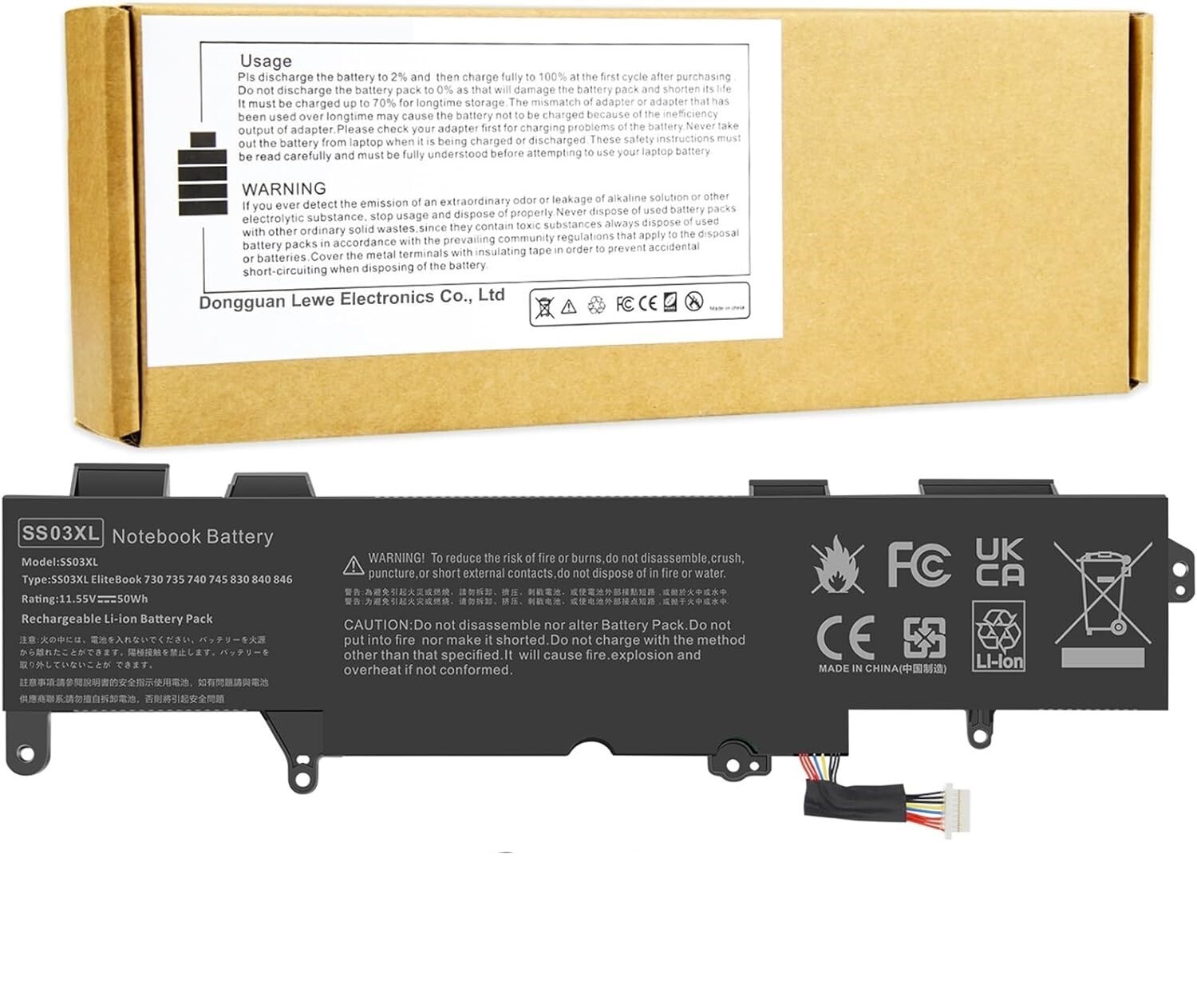
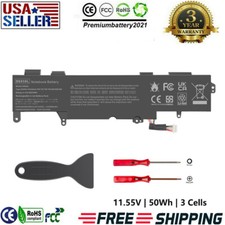
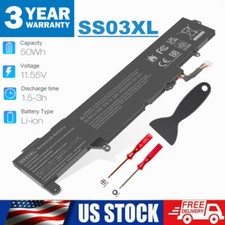
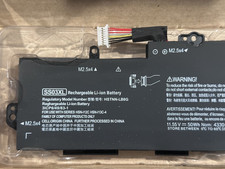
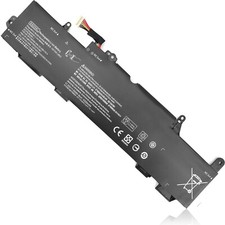
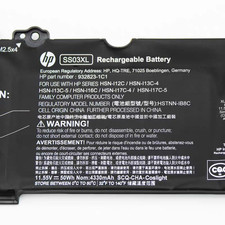
- 【Specification】 Voltage: 11.55V. Capacity: 50Wh 3-Cell. Battery Type: Li-ion. Condition: Brand new, from high quality materials, top circuit boards and smart chip.
- 【Compatible Part Number】SS03XL SS03 SS03050XL SS03050XL-PL 933321-855 933321-852 932823-171 932823-1C1 932823-271 932823-2B1 932823-2C1 932823-421 HSN-112C HSN-113C-4 HSTNN-1B8C HSTNN-DB8J HSTNN-IB8C HSTNN-LB8G
- 【Compatible Models】SS03050XL Battery for HP EliteBook 840 G5 Series, for HP EliteBook 730 G5 Series, for HP EliteBook 735 G5 Series, for HP EliteBook 740 G5 Series, for HP EliteBook 745 G5 Series, for HP EliteBook 830 G5 Series, for HP EliteBook 836 G5 Series, for HP EliteBook 846 G5 Serie, for HP EliteBook 840 G6 Series, for HP EliteBook 735 G6 Series, for HP EliteBook 745 G6 Series, for HP EliteBook 830 G6 Series, for HP EliteBook 840 G6 Serie, for HP ZBook 14U G5 G6 Serie, for HP MT44 Series
- 【Security and Stable Quality】 All of our products are certified by CE, FCC for safety. Strict guidelines for compatibility, and standards compliance for environment safety. Use of built-in circuit protection to ensure safety and stability.
Press [CTRL + F] to search your laptop model/part number.
Compatible with Part Number :
SS03XL SS03 SS03050XL SS03050XL-PL 933321-855 933321-852 932823-171 932823-1C1 932823-271 932823-2B1 932823-2C1 932823-421 HSN-112C HSN-113C-4 HSTNN-1B8C HSTNN-DB8J HSTNN-IB8C HSTNN-LB8G
Compatible With HP Laptop Models:
for HP EliteBook 840 G5 Series: 3UW52PC 3JX61EA 3JX00EA 3JX67EA 3JX62EA 3JX04EA 3JX66EA 3JX64EA 3JX43EA 3UW57PC 3JX31EA 3JX65EA 3JY07ES 3JX44EA 3JX33EA 3JX29EA 3JX63EA
for HP EliteBook 730 G5 Series
for HP EliteBook 735 G5 Series
for HP EliteBook 740 G5 Series
for HP EliteBook 745 G5 Series
for HP EliteBook 830 G5 Series 3JW85EA 3UU07PC 3JX70EA 3JX74EA 3JX26EA 3JX71EA 3JX68EA 3UW35PC 3JW93EA 3JX69EA 3JW95EA 3JX72EA
for HP EliteBook 836 G5 Series
for HP EliteBook 846 G5 Serie
for HP EliteBook 840 G6 Series
for HP EliteBook 735 G6 Series
for HP EliteBook 745 G6 Series
for HP EliteBook 830 G6 Series
for HP EliteBook 840 G6 Healthcare Edition Notebook
for HP ZBook 14U G5 Mobile Workstation
for HP ZBook 14U G6 Mobile Workstation
for HP MT44 Mobile Thin Client (3JG89EA) Series
Install A New Battery:
1. You need to turn off your laptop and disconnect the power.
2. Remove the old battery, carefully install the new battery on the battery case, and connect the wiring of the new battery.
3. If you don't understand the above steps, you can search for the video about laptop battery installation on YouTube. Maybe it will help you.
Laptop Maintenance Tips:
1. New battery: For use a new battery, you’d better try a few cycles of discharging to 5%. then charging up to 95%. So that it can be activated completely
2. Overuse: Do not always run out of a battery to 0%, this would make it damaged or usage life shortened
3. Charging sequence: when charging, first install the battery, then turn on the power, when fully charged, first cut off the power, then pull the power plug.
4. Long-term storage:Please store the unused battery fully charged.(Charge it once a month) Do not store at low power to prevent reduce the lifespan of a battery
5. Charger: Do not replace the laptop adapter casually. If the original adapter cannot be applied due to malfunction or damage, please replace the models, so as not to reduce the service life of the battery due to incompatibility.
Overload protection
Over-current protection
Over-voltage protection
High voltage protection
Short circuit protection
Over-temperature protection
Easy & Quick Installation
All of our batteries are brand new and are 100% compatible to meet OEM specifications for safety and efficiency. Same size as original battery, Don't worry about assembly and adaptation issues
Grade "A" cells Top Quality Battery
Reliable performance
Extended battery life
Each battery contains built in multi-protection functions such as short circuit, overheat & overload for maximum safety.