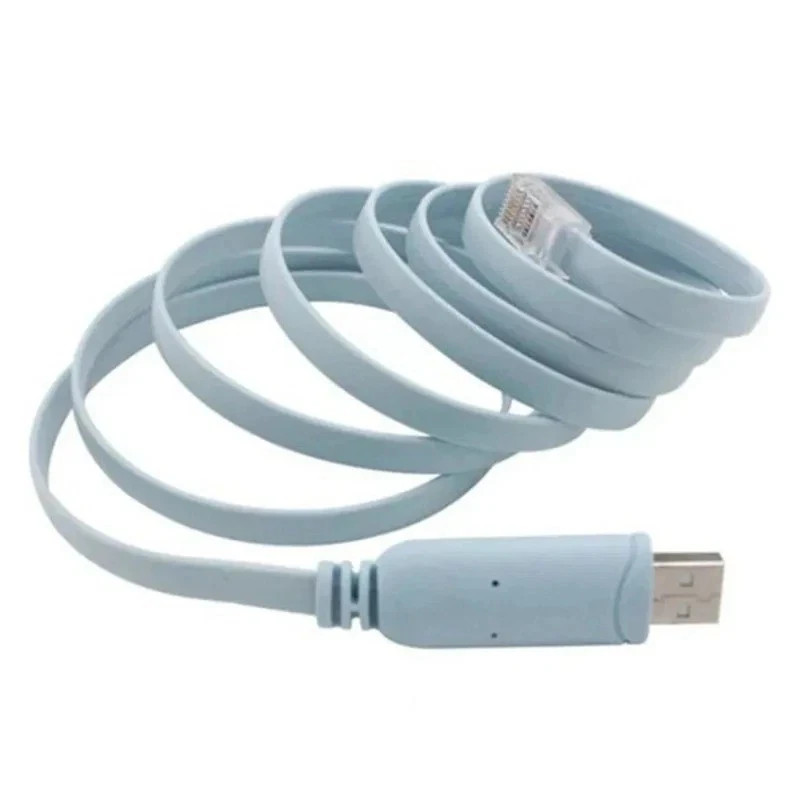
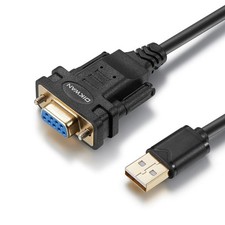
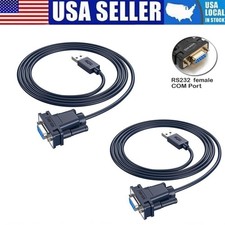
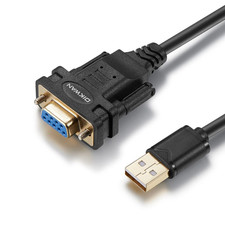
🔌 USB to RS232 Serial RJ45 Console Cable
USB to Serial Adapter • RJ45 Console Connection • Network Device Setup • PC Accessory
✨ Product Features
- 🔌 USB to Serial Adapter: Provides a convenient connection between a computer's USB port and compatible serial console equipment.
- 🌐 RJ45 Console Connector: Features an RJ45-style connector for compatible network console interfaces.
- 💻 Computer Connectivity: Useful for connecting compatible network equipment to a PC or laptop for serial console access.
- 🛠️ Network Configuration: Suitable for supported router, switch and other network-device console applications.
- 🔄 USB Interface: Connects to compatible computers through USB for convenient serial communication.
- 📡 Serial Communication: Designed for compatible RS232/serial console connections.
- 🎒 Portable Design: Convenient for network technicians, IT setups, troubleshooting and equipment configuration.
- 🔧 Useful Workshop Accessory: Handy for maintaining and configuring compatible network hardware.
📋 Product Specifications Product Type USB to Serial Console Adapter Cable Computer Interface USB Serial Interface RS232 / Serial Console Connector RJ45 Application Compatible Network Routers, Switches & Console Devices Cable Type USB to RJ45 Serial Console Cable 🌐 Convenient Network Console Access
This adapter cable provides a convenient way to connect a compatible computer to network equipment through a serial console interface. It can be useful for device configuration, troubleshooting and maintenance.
💻 Useful for IT & Networking
Ideal for compatible networking environments where console access is required. Use it with supported routers, switches and other equipment that provides a compatible RJ45 serial console interface.
🛠️ Configuration & Troubleshooting
A practical accessory for IT professionals, network technicians, system administrators and home networking enthusiasts working with compatible serial console equipment.
📦 Package Includes
- ✅ 1 × USB to RS232 RJ45 Serial Console Adapter Cable
⚠️ IMPORTANT COMPATIBILITY INFORMATION
- 💻 Check your computer's operating system and available USB port before ordering.
- 🌐 Verify that your router, switch or other device uses a compatible RJ45 serial console interface.
- 🔌 An RJ45 connector does not necessarily mean Ethernet networking; console pinouts can vary between devices.
- 📋 Check the required console pinout and communication specifications for your equipment before connection.
- 🖥️ A suitable USB-to-serial driver may be required depending on the adapter chipset and operating system.
- ⚠️ Do not connect the cable to an Ethernet port unless the equipment documentation specifically identifies it as a compatible console interface.
- 🔧 Disconnect equipment safely before changing cable connections.
- 📦 Router, switch, computer and other pictured equipment are not included.
🔌🌐 Connect • Configure • Troubleshoot
USB • RS232 Serial • RJ45 Console • Network Equipment • Router & Switch Configuration • IT Accessory