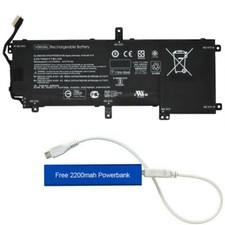
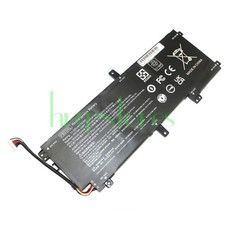
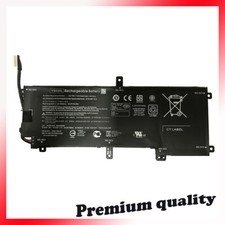
1. Choosing to purchase a battery not only depends on the laptop model, but also on your battery model.
It's best to compare your original battery with ours.
2.Before placing an order, please check your address. Be sure to fill in the correct and detailed address and phone number
3.Will usually ship within 48 hours of receiving cleared payment.The shipping time is about 13-25 business days.
(If you urgently use it, we do not recommend purchasing it)
4.If something goes wrong, please email me.Our customer service will reply to you within 48 hours
(there is a time difference between us, weekends are not business days)
5.For Canadian customers, please provide the correct name.
For goods shipped to Canada, the correct format for the recipient's name should include a first name and a last name, separated by a space
Incorrect names can affect customs clearance.
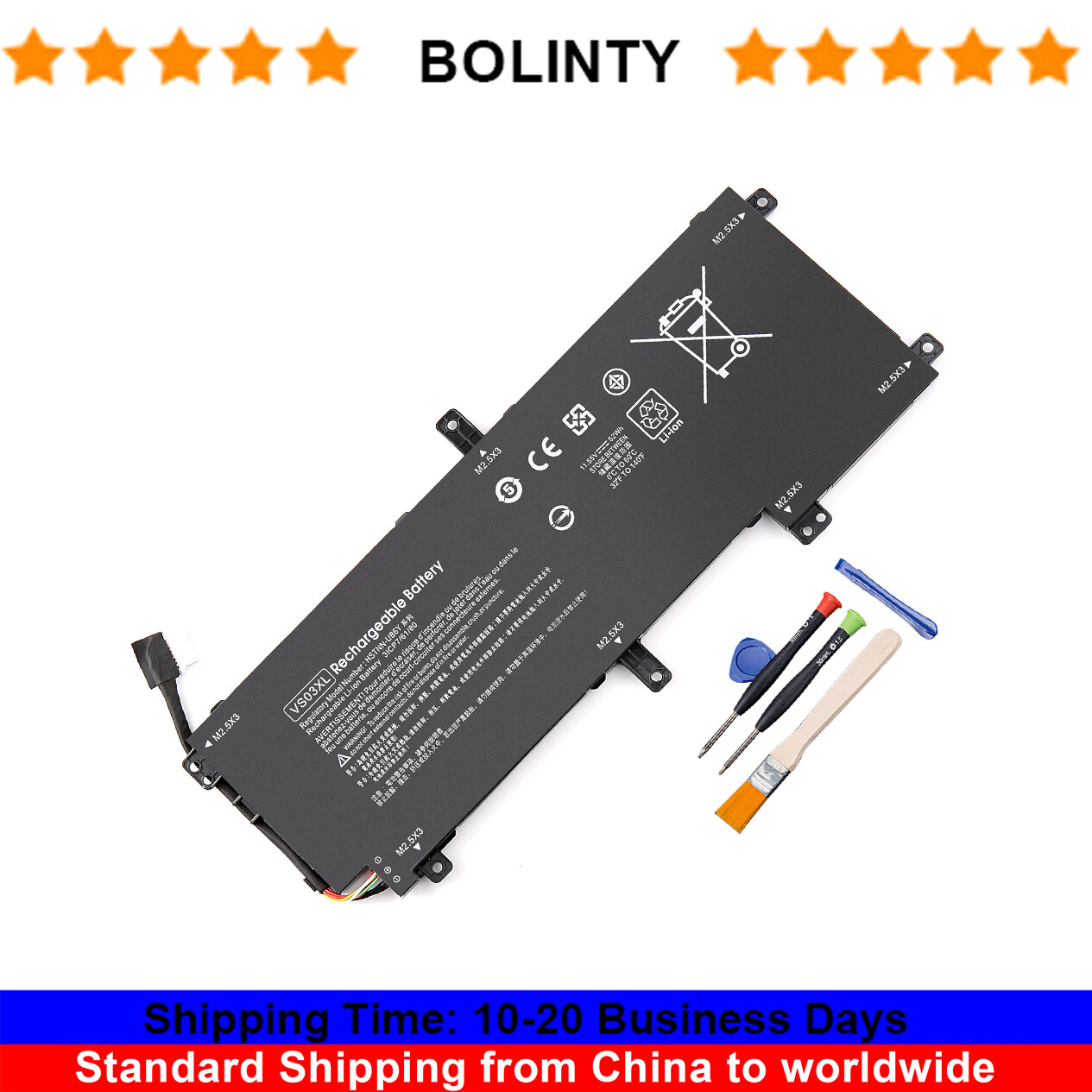
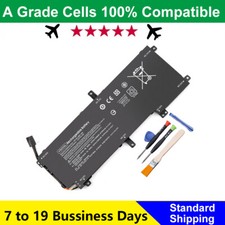
Specifications:Battery type: Li-ionVoltage: 11.55VCapacity: 52WhCell: 3-Cell
Compatible Part Numbers:
VS03XL VSO3XL HSTNN-UB6Y HSTNNUB6Y TPN-I125 TPNI125 849047-541 849047-541 849313-850 849313850 849313-856 3ICP5/50/83-2 3ICP7/61/80.
Compatible NoteBook Models:
for HP ENVY Notebook 15-AS1XX Refurb PC
for HP ENVY REFURB NOTEBOOK 15T-AS000K 15T-AS100
for HP Notebook 14-AM019TU 14-AM030TX 14-AN003AX 15-AY025TX 15-AY026TX
for HP Pavilion x360 11-U019TU 11-U020TU 11-U021TU 13-U013TU 13-U014TU 13-U015TU 13-U016TU 13-U017TU 13-U018TU
for HP Pavilion Notebook 14-AL018TX 15-AU027TX 15-AU028TX 15-AU034TX 15-AU039TX 15-AU040TX 15-AU041TX 15-AW002AX
for HP Envy 15-AS000 Series:
15-AS000NC 15-AS000ND 15-AS000NE 15-AS000NF 15-AS000NIA 15-AS000NL 15-AS000NO 15-AS000NQ 15-AS000NS 15-AS000NT 15-AS000NV 15-AS000NX 15-AS000UR 15-AS001NA 15-AS001NF 15-AS001NG 15-AS001NI 15-AS001NIA 15-AS001NP 15-AS001NS 15-AS001NX 15-AS002NA 15-AS002NF 15-AS002NI 15-AS152nr 15-AS002NL 15-AS002NS 15-AS002NU 15-AS002TU 15-AS003NF 15-AS003NG 15-AS003NK 15-AS003NL 15-AS003NO 15-AS003TU 15-AS003UR 15-AS004NA 15-AS004NG 15-AS004NIA 15-AS004NK 15-AS004NO 15-AS004TU 15-AS004UR 15-AS005NA 15-AS005NF 15-AS005NG 15-AS005TU 15-AS005UR 15-AS006NA 15-AS006NC 15-AS006NG 15-AS006UR 15-AS007NC 15-AS007NG 15-AS007UR 15-AS008NF 15-AS008UR 15-AS010CA 15-AS010NB 15-AS010NL 15-AS010TU 15-AS010UR 15-AS011NB 15-AS011TU 15-AS012TU 15-AS013TU 15-AS014TU 15-AS014WM 15-AS015ND 15-AS015TU 15-AS016TU 15-AS017TU 15-AS018TU 15-AS019TU 15-AS020NR 15-AS020TU 15-AS024TU 15-AS025TU 15-AS026TU 15-AS027CL 15-AS027TU 15-AS028TU 15-AS029TU 15-AS030TU 15-AS031ND 15-AS031NR 15-AS031TU 15-AS032NR 15-AS032TU 15-AS033TU 15-AS043CL 15-AS043TU 15-AS047TU 15-AS048TU 15-AS049TU 15-AS050NA 15-AS050NW 15-AS050NZ 15-AS050SA 15-AS050TU 15-AS068NR 15-AS090NZ 15-AS091MS 15-AS098NP 15-AS100NA 15-AS100NB 15-AS100NF 15-AS100NL 15-AS100NO 15-AS100NQ 15-AS100NS 15-AS100NV 15-AS100NW 15-AS100NX 15-AS100UR 15-AS101NA 15-AS101NB 15-AS101NC 15-AS101NG 15-AS101NI 15-AS101NL 15-AS101NM 15-AS101NQ 15-AS101NS 15-AS101NT 15-AS101NU 15-AS101NX 15-AS101TU 15-AS101UR 15-AS102NA 15-AS004LA 15-AS005LA
Note:
Please check carefully about your laptop model name/battery part number/battery shape and connector to make sure you purchase the correct battery.
Safety:
UL/CE-/FCC-/RoHS certified
Overload protection
Over-current protection
Over-voltage protection
High voltage protection
Short circuit protection
Over-temperature protection
How to check your laptop model?
Method 1: Use System Information to find your laptop model
1.Press Windows + R
2. Type "msinfo32", then click OK
3.Find "System Model" in the pop-up window
Method 2: Remove Battery from Laptop to find your laptop battery part number
What do we need to pay attention to using batteries for the first time?
1.Charge the battery for more than 8 hours before first use
2.You need to turn off your laptop and disconnect the power when you install a new battery
2.Do Discharge the new battery use to 5%/7%(not to 0%) and then charge to 95%, and cycle 3-4 times
How should I do if the battery is not recognised?
1. It is recommended to update the BIOS settings
2. Reinstall, please make sure that the connector of the battery has been inserted into the system board correctly and tightly
IF "the item doesn't work"?
Firstly, please send us an email to let us know
We can send you a replacement or refund
IF"Item is not received"
Firstly, please send us an email to let us know
Very few packages cannot be delivered on time due to bad weather conditions and uncontrollable factors.
(If your package delivery fails, we will refund or send you a replacement)
Tips
The battery is being used for the first time and the battery level display is inaccurate
Usually, after a few cycles of use, the battery level display will return to normal.