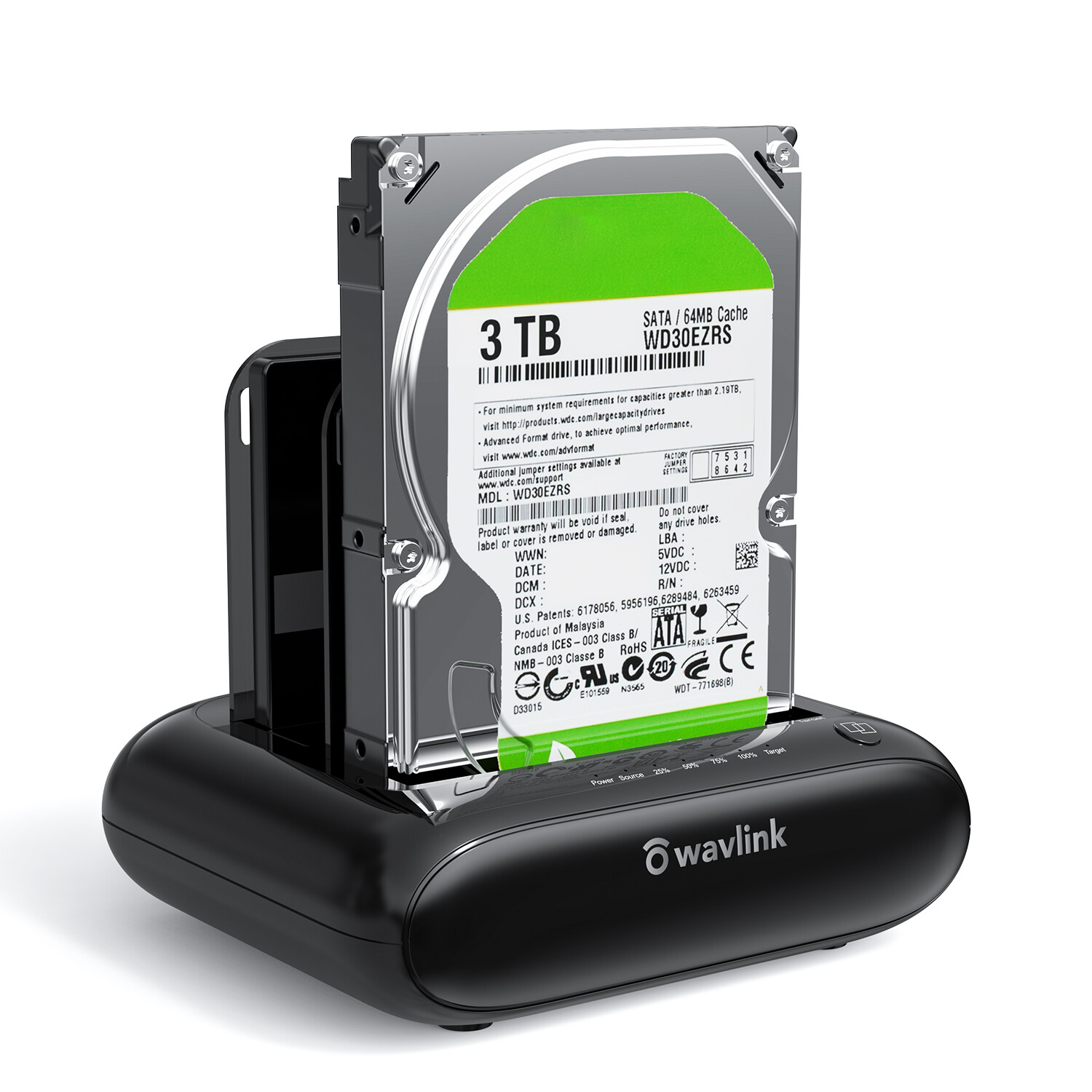
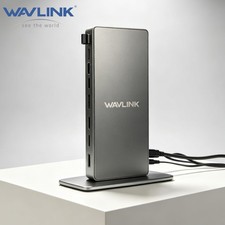
SATA I/ II/ III HDD SSD (up to 2x 16TB), a perfect solution for data backup and transferring files.
The unique bezel design offers stable performance and better protection for your hard drives.Offline Clone Function: Offline data copy between two hard drives with no computer involved,
totally a competent assistant for data backup. Press the OTB button for about 3 seconds and
short-click it once again to start the process. Tips: please make sure the capacity of target
disk' s is larger/equal than source disk's.
USB 3.0 Superspeed with UASP: With standard USB 3.0 and SATA III connectors' ready,
the data transfer rates up to 5 Gbps, 10x faster than USB 2.0. UASP supported allows a 20% faster
transfer speed over conventional USB 3.0, transferring 1GB files only takes 3 seconds,
backward compatible with USB 2.0/1.1.
Easy to Use: Back-up files and expand storage with convenient access. Tool-free, no driver is
needed. Hot-swappable, plug and play! Compatible with Windows 7/8/10/11, Mac 10.2 or latest
(Do not support M1-based Mac), Chrome OS, Linux, Android. {Note: Your phone should support
the OTG function.}
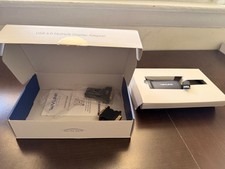
Package Includes: 1x usb 3.0 dual bay hard drive docking station, 1x usb 3.0 type-b to a cable,
1x usb 3.0 type-a to c adapter, 1x 12v/3a power adapter, 1x user manual, 2x bezels, several screws.
1 Year worry-free warranty( extra 6 months for registered members) and life-long technical support.
Please feel free to contact us if you have any HDD: 2.5/3.5 inch
Max HDD Capacity: 2x16TB
Maximum data transfer rates: 5Gbps
Material: Plastic ABS and PC
Weight (with 2 bezels): 366g/12.9oz/0.8lbs
Item Dimensions: 14.2 x 12 x 4.5cm/ 5.6 x 4.7 x 1.8 in
USB-B to USB-A Cable Length: 2.3ft /27.56inch /70cm
Power Cable: not support M1 based Mac.
●One-Touch Backup function for Windows PC ONLY.
●One button to offline clone, does not need to connect to the computer.
●Please make sure the actual capacity of the Target disk is higher than Source disk (Target≥Source).
●Making sure your smartphone supports OTG function or data will not be transmitted.
●A brand-new hard drive should be formatted and partitioned in Disk Management/Disk Utility before use.
●To avoid data loss, please do not try to insert or withdraw HDD or SSD when another hard drive running.
●Please backup files in the target hard drive before cloning. Any files in the target hard drive will be
overwritten when offline cloning occurs.
●Some disks might need more wattage than normal disk to start up, please connect the 12V power
adapter to ensure a stable power supply for transmission.
Before you clone, please noted:
①.The target drive has to be at least equal or larger in capacity than the source drive.
②. Please confirm your source drive and target drive both can work properly, and target drive
have no data. If you have existing data on the target drive, the cloning process will eliminate your
target drive's data. Because the target drive will be cloned to be the same as the source drive,
partition, format and data are the same too.
③.To avoid data loss, do not unplug drives when one drive is working in the docking station.
Please power off the dock before removing.
④. Make sure there is no connection to the USB port.
After transferring data on computer, please noted:
1). Before the removal, please stop all data access and transfer to the device.
2). Never remove your hard drive(s) or insert a new one while the hard drive is in use.
Otherwise, you may corrupt the data on the hard drive(s) or damage the hard drive(s),
docking station, or computer.