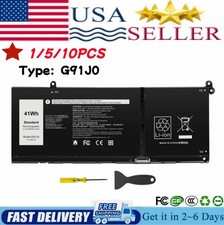
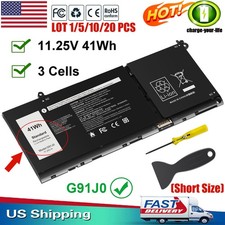
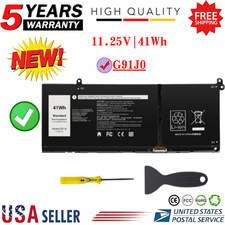
Specification:Battery of battery cells: 4-CellSize(L*W*H): 9.4 × 4.1 × 0.2 inchesCondition: 100% DIRECT from ManufacturerBattery Type: Standard Rechargeable Li-ion BatteryReplace Part Number:G91J0 / TN70C / 927N5 / 0927N5 / 0VKYJX / 0WV3K8 / 0MVK11 / 0XDY9K 0MGCM5 / PG8YJ / 0PG8YJ / FH3K2 / 0FH3K2 / MGCM5 JGCCT / N9XXCompatible Laptop Models: (Please "Ctrl+F" search your laptop model)Dell Inspiron 15 3510 3511 3515 3520 3525 3530 3535 Series,Dell Inspiron 13 5310 5320 5330 Series,Dell Inspiron 14 5410 5415 5418 5420 5425 5430 5435 Series,Dell Inspiron 14 Plus 7420 Series,Dell Inspiron 15 5510 5515 5518 Series,Dell Inspiron 16 5625 5630 5635 Series,Dell Inspiron 14 5410 2-in-1 Series,
🔎How to find the corresponding model of your laptop?
Method 1
Step 1: Flip the machine and look at the white label at the bottom: Model/Model: such as Inspiron 15 5580, Latitude 5420, XPS 13 9310. Make a picture to view the label MODEL position and enlarge the image
Step 2: Windows system query (available upon startup) Method 1: Settings → About (simplest) Win+I Open Settings → System → About
Step 3: Check the system model/System Model field by pressing Win+R, enter: msinfo32 → Check the system model or dxdiag → Check the system model or cmd on the system tab → Enter wmic csproduct get name
Method 2
Step1: Enter your laptop model on the Dell official website and click to view the battery model code (part number)
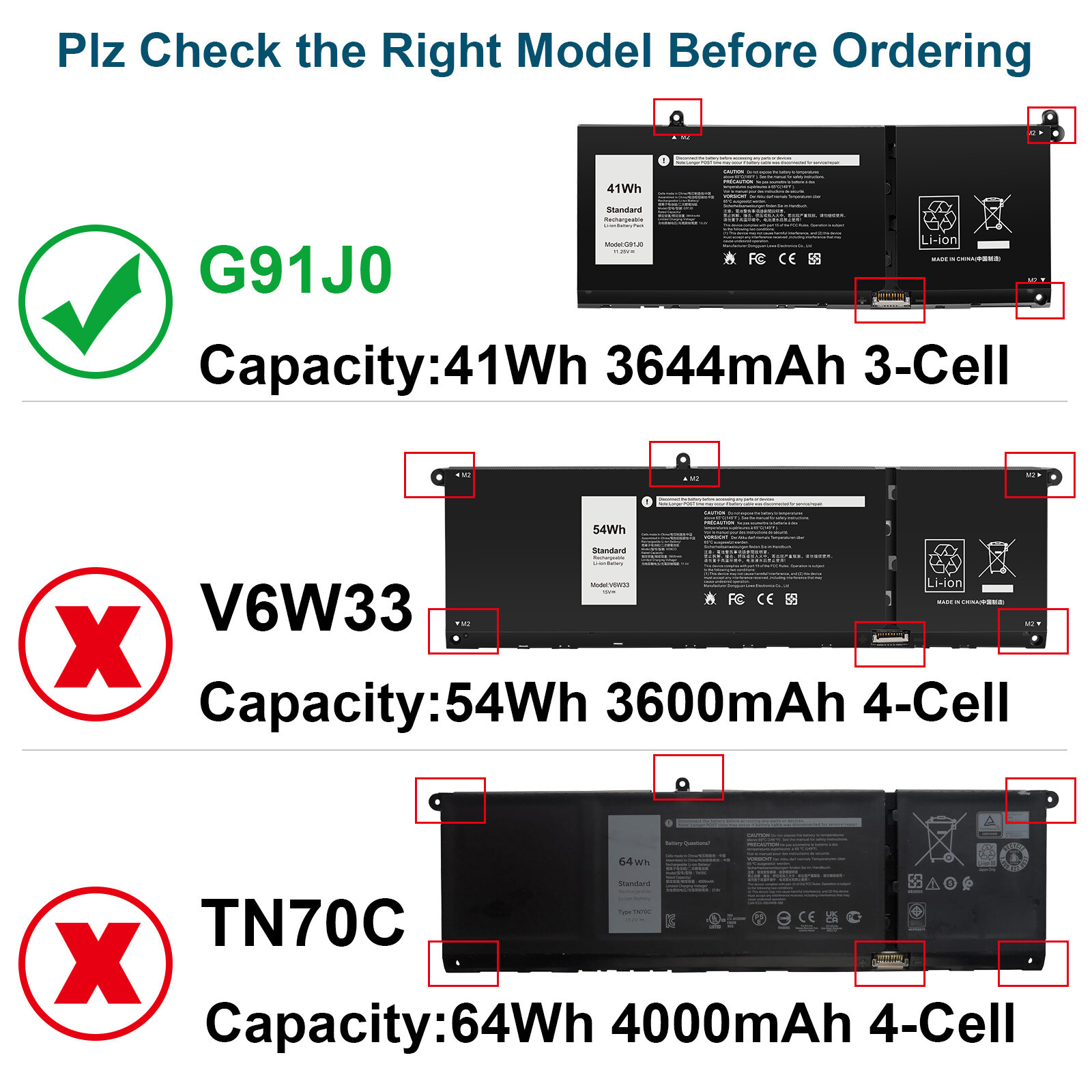
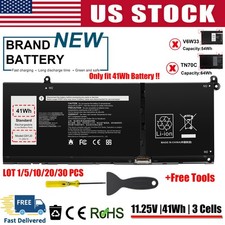
NOTE: The above laptops come in 3 battery models (41Wh-G91J0, 54Wh-V6W33, and 64Wh-TN70C). Please choose the appropriate battery for replacement based on the original battery model of your laptop.
Tips: If the new battery cannot be recognized during the first installation, please reinstall and check if the interface is fully connected. Discharge the new battery to 10-20% (do not discharge to 0%), then charge and cycle 3-4 times to wake up the new battery.
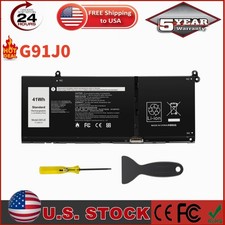
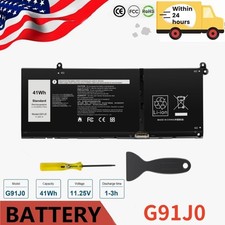
G91J0--11.25V-41Wh
Specifications:
Model:41Wh-G91J0
Condition: Brand NEW, 100% Compatible!
Battery type: Replace Li-ion Battery
Voltage: 15V
Capacity: 54WH
Battery Cells:4 cells
Certification: CE FCC RoHS
Color: black as pictures
Compatible Part Numbers:
G91J0 927N5 0927N5 0WV3K8 0VKYJX
0MVK11 0XDY9K 0PG8YJ 0FH3K2 0MGCM5
Compatible with the following systems:
Dell 14 DC14250
Dell 15 DC15250
Dell 15 DC15255
Dell Pro 14 Essential PV14250
Dell Pro 14 Essential PV14255
Dell Pro 15 Essential PV15255
Dell Pro 15V PV15250
Inspiron 14 5000 (5410)
Inspiron 14 5000 (5410)
Inspiron 14 5000 (5430)
Inspiron 14 5000 (5435)
Inspiron 14 5000 (5440)
Inspiron 14 7000 (7415)
Inspiron 14 7000 (7420)
Inspiron 15 3000 (3511)
Inspiron 15 3000 (3515)
Inspiron 15 3000 (3521)
Inspiron 15 3000 (3525)
Inspiron 15 3000 (3530)
Inspiron 15 3000 (3535)
Inspiron 15 3000 3520 (launched in 2022)
Inspiron 15 5000 (5510)
Inspiron 15 5000 (5515)
Inspiron 16 5000 (5625)
Latitude 3140
Latitude 3320
Latitude 3330
Latitude 3420
Latitude 3430
Latitude 3520
Latitude 3530
Vostro 14 3000 (3420)
Vostro 14 3000 (3430)
Vostro 14 3000 (3435)
Vostro 14 5000 (5410)
Vostro 15 3000 (3510)
Vostro 15 3000 (3520)
Vostro 15 3000 (3530)
Vostro 15 3000 (3535)
Vostro 15 5000 (5510)
Vostro 16 5000 (5620)
On Jun 15, 2026 at 20:34:54 PDT, seller added the following information: