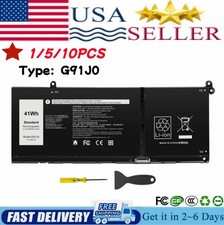
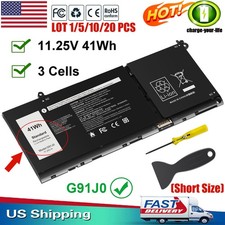
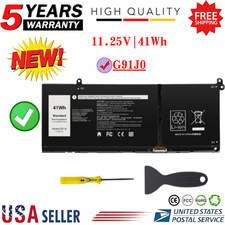
Specifications:
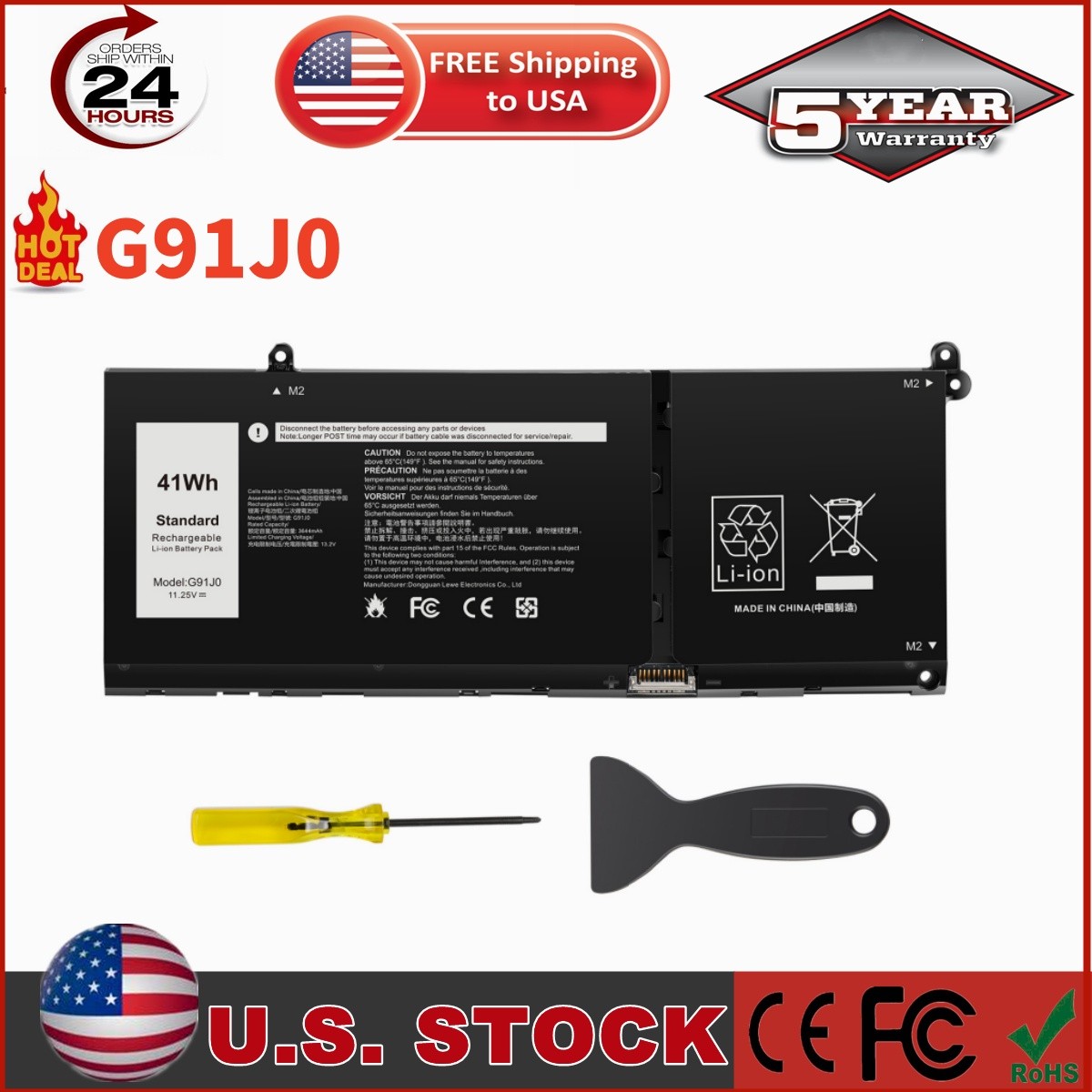
*Condition: Brand New , 'A' grade cells,100% Compatible!
*Battery type: Li-ion Battery
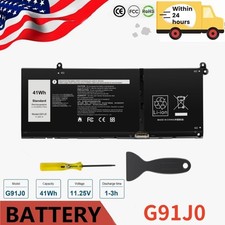
*Voltage: 11.25V
*Capacity: 41Wh
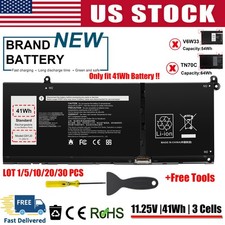
*Number of Battery Cells: 3
*Life Cycles (times):300-500
*Certification: CE FCC RoHS
*Color: black as pictures
*Operation time: approx 1.5-3.5 hours
*Package including: 1×battery (in packing box)
Compatible Model:
For Dell Inspiron 15 3510 3511 3515 3520 3525 3530 3535 Series,
For Dell Inspiron 13 5310 5320 5330 Series,
For Dell Inspiron 14 5410 5415 5418 5420 5425 5430 5435 Series,
For Dell Inspiron 14 Plus 7420 Series,
For Dell Inspiron 15 5510 5515 5518 Series,
For Dell Inspiron 16 5625 5630 5635 Series,
For Dell Inspiron 14 5410 2-in-1 Series,
For Dell Inspiron 14 7415 2-in-1 Series,
For Dell Inspiron 14 7420 2-in-1 Series,
For Dell Inspiron 14 7425 2-in-1 Series,
For Dell Inspiron 14 7430 2-in-1 Series,
For Dell Inspiron 14 7435 2-in-1 Series,
For Dell Inspiron 16 7620 2-in-1 Series,
For Dell Latitude 3320 3330 3420 3520 Series,
For Dell Vostro 15 3510 3511 3515 3520 3525 Series,
For Dell Vostro 13 5310 5320 Series,
For Dell Vostro 14 3420 3425 5410 5415 Series,
For Dell Vostro 15 5510 5515 Series,
For Dell Vostro 5620 5625 Series.
Purchasing Note:There are 2 batteries (41Wh-G91J0 and 54Wh-V6W33) of the above laptops, Please choose which one you are going to replace according to your laptop's original battery.
Compatible Part Numbers:
0WV3K8 0VKYJX 0MVK11 0XDY9K G91J0 0PG8YJ 0927N5 0FH3K2 0MGCM5
Please Note:
🔎How to find the model of your laptop
Method 1Step 1: Turn over the laptop and check the white label on the bottom.
- Model: e.g., Inspiron 15 5580, Latitude 5420, XPS 13 9310(Please refer to the close-up image showing the location of the MODEL on the sticker)
Step 2: Check within the Windows system (requires the PC to be powered on).
- Option 1: Settings → About (Easiest way)
- Press Win + I to open Settings → System → About.
Step 3: Locate the "System Model" field.
- Press Win + R, then type:
- msinfo32→ Look for System Model
- Or dxdiag→ System tab → Look for System Model
- Or open cmd (Command Prompt) → Type: wmic csproduct get name
Method 2Steps:Visit the website shown in the right-hand image, enter your laptop's model number, and click through to view the battery's model code (Part Number).