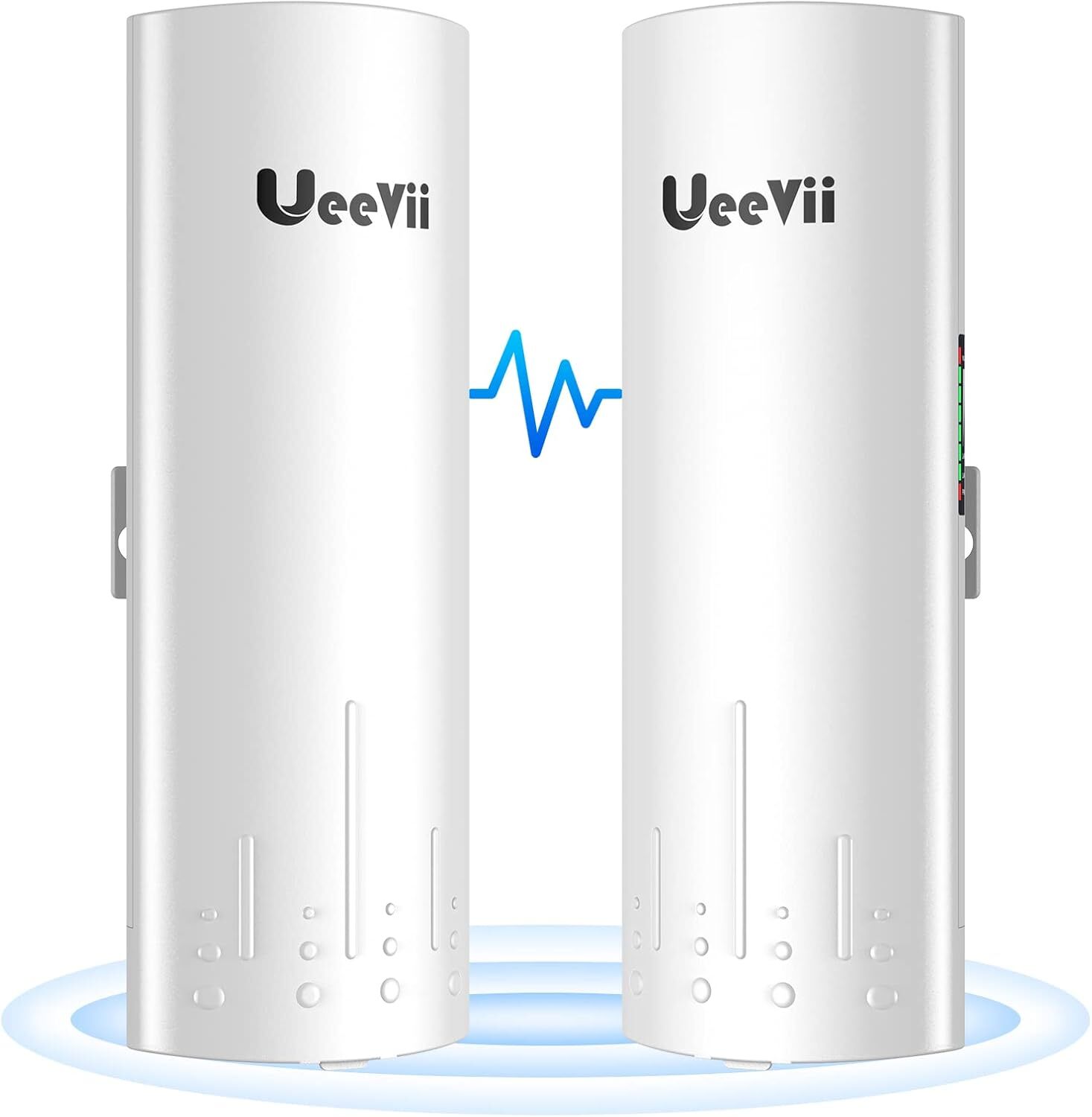
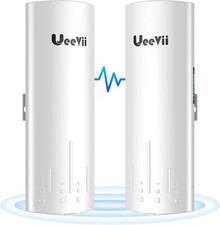
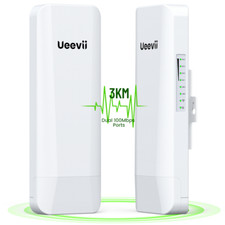
Wireless Bridge,UeeVii CPE450 5.8G Access Point to Point WiFi Bridge Outdoor to Shop Barn Garage Building,Plug and Play,3KM Long Distance,14dBi Antenna,24V PoE Injector,2 RJ45 LAN Port,2PCS
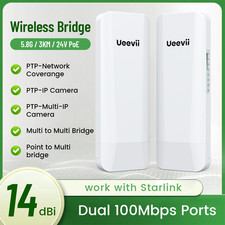
- Enhanced Dual 100Mbps Ports: The UeeVii CPE450 wireless bridge provides reliable connections with dual 10/100Mbps RJ45 ports, offering data transfer speeds of up to 300Mbps between point to point bridges, perfect for stable network extension
- Versatile Network Expansion: Effortlessly extend your network to an old house, barn, shop, or garage by point to point wireless bridge outdoor. Share the internet with neighbors or family members and save on subscription fees
- Maximized Reach with Starlink: Pair the CPE450 outdoor wifi bridge with your Starlink router for extended coverage to distant outbuildings, ensuring seamless connectivity across your property
- Effortless Surveillance Setup: Wifi bridge point to point outdoor wire connects IP cameras to monitor large areas such as lanes, yards, or farms. No need for complex wiring, saving you time and costs
- Plug and Play Simplicity: The pre-configured wireless bridge point to point outdoor is ready to use out of the box. If reconfiguration is needed, easily pair them with a simple dial, ensuring hassle-free installation
- Advanced 5G Transmission: The CPE450 point to point wireless bridge operates on a 5G frequency with 15 channels, delivering higher speeds, stronger anti-interference, and longer-range coverage compared to 2.4G alternatives
- Optimized Installation Requirements: With a built-in 14dBi high-gain directional antenna, the PTP wireless bridge requires a clear line of sight for optimal performance. Ensure face-to-face positioning for the best results
- Adaptive Power Management: Wireless bridge kit automatically adjusts power output based on environmental changes, maintaining smooth network and video transmission across varying conditions
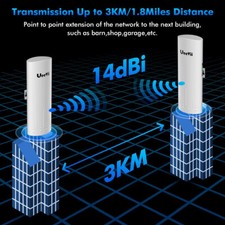
- 3KM Long-Range Transmission: Achieve up to 3 km barrier-free transmission. Even with obstacles like trees, the building to building wifi bridge maintains robust performance for point-to-point connections
- Weather-Resistant Design: The wifi ethernet bridge IP65-rated weatherproof casing ensures reliable operation in harsh outdoor environments, with protection against rain, dust, and freezing conditions
CPE450 is a 3Km 5.8G wireless transmission equipment. It uses wireless communication technology to transmit network data using air as a medium to carry out long-distance PtP or PtMP interconnection. The working data link layer realizes the interconnection and transmission of local area networks.5.8Ghz Technology 300Mbps Speed3 KM Long RangeWireless Signals Are Everywhere In Life. UeeVii CPE450 WiFi bridge is widely used in warehouses, farms, and house lane monitoring systems. Point to point extend network WiFi range, extend the network in the house to your barn, garage, church, warehouse, and even neighbor's house through wireless bridge signal transmission.How to Access and Setting the Wireless Bridge CPE Through Computer Access:
Step 1. Use a PoE adapter to power the wireless bridge through a network cable. Pay attention to the "PoE" and "LAN" ports marked on the PoE adapter, and power is supplied by POE instead of a DC power interface.
Step 2. Use a network cable to connect the CPE "LAN" port, connect the network cable other ends to the PoE Adapter "POE" port, use another network cable to connect to the "LAN" port of the PoE adapter, and connect the other end of the network cable to the computer's "LAN" port.
Step 3. Find the number of the Wireless Bridge CPE digital display tube. For example, the number is 1 and the CEP is the A master bridge, then the IP of this CPE is 192.168.255.101; if the CPE is the B slave bridge, then the IP address of the CPE is 192.168.255.201.(There is a table corresponding to a number and IP in the manual)
Step 4. Very important step: Modify your computer's IP address, change your computer's IP address to 192.168.255.xxx(192.168.255.xxx cannot be the same as the IP of the CPE), make your computer's IP and the bridge's IP address be on the same network segment so that you can access them. Please refer to the manual to modify the computer IP address step or Google searches how to modify the computer IP address, it is very simple.
Step 5. After you modify your computer's IP address, you open the computer browser and enter the IP address of the wireless bridge to access. For example, enter 192.168.255.101 to access.
Step 6. Enter the account password "admin/admin" to access, and set it after successful access.
How to find and change CPE450 WiFi SSID and password?
1. Find the WiFi hotspot password of CPE450, path: Setting-->Wireless--> Name(SSID) and Password.
2. Enter the new SSID and password and save.