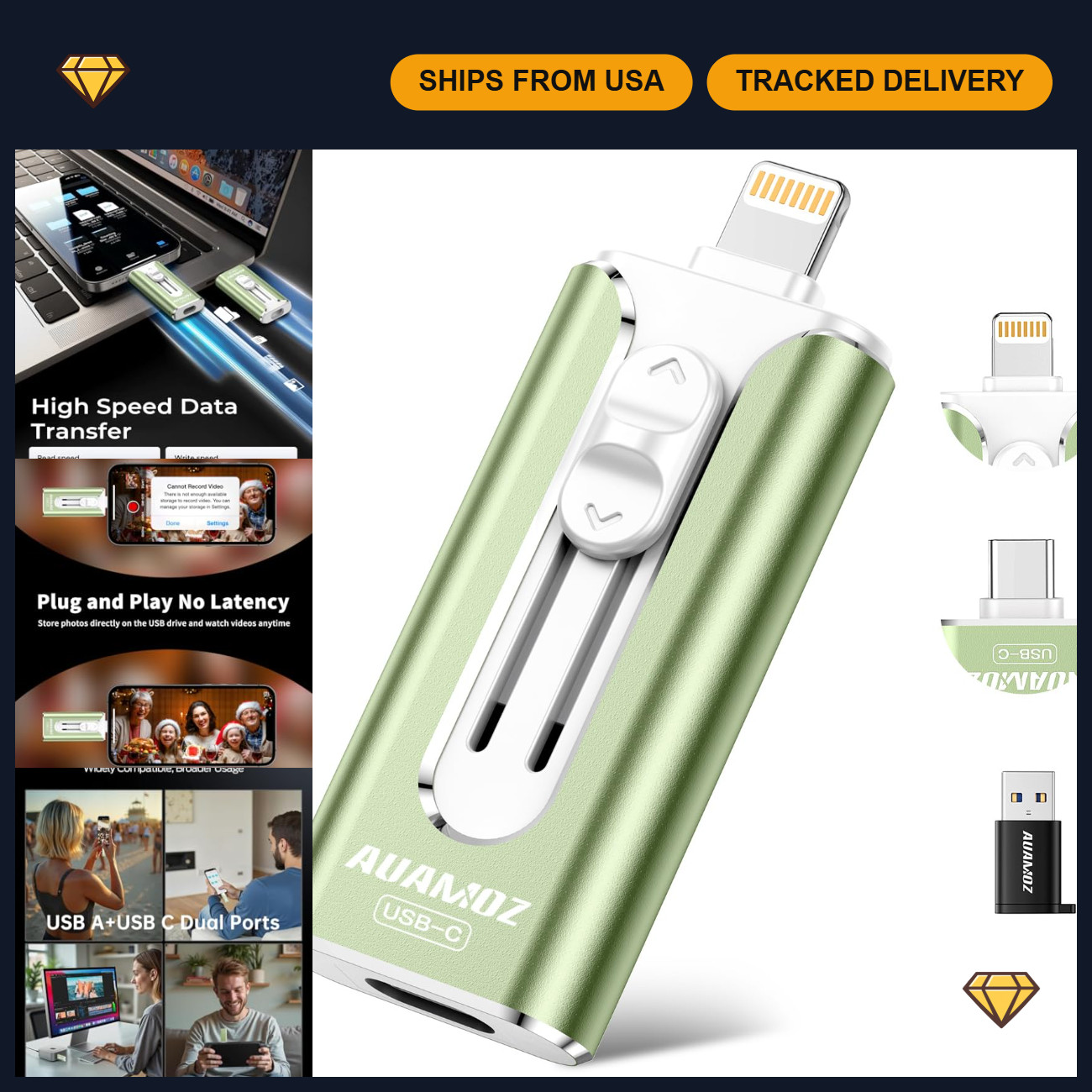
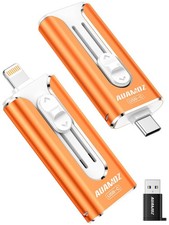
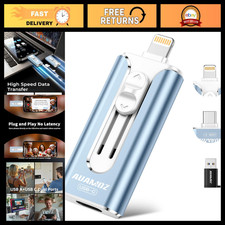
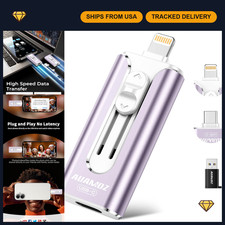
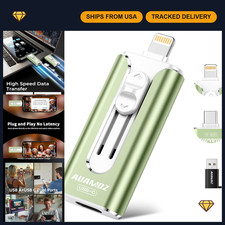
High Capacity & Effortless Backup
This USB storage flash drive is designed to handle larger 4K videos, high-resolution photos, and contacts with ease. Instantly free up space on your device so you never miss capturing important moments. Compatible with iPhone, iPad, Android, and PC users.
Universal Compatibility with Dual Interfaces
Featuring USB-C and USB-A ports, this photo storage stick connects seamlessly with iPhone/iPad devices, Android OTG phones, laptops, and tablets. Enjoy hassle-free file transfers without incurring iCloud fees or needing an internet connection—just plug in and move files freely.
Blazing Fast Transfers Anywhere
Equipped with upgraded high-speed chips, this portable external storage drive enables instant mass file transfers at speeds of up to 30 MB/s for reading and 15 MB/s for writing. No WiFi or data cables are required, making it perfect for sharing photos or moving large video projects on the go.
Easy Backup, Enjoy Anytime Anyplace
With a plug-and-play design, quickly back up videos, photos, contacts, and documents without tedious copying or pasting. No third-party apps are needed; simply plug the drive into your device and operate via the "Files" app. Share files directly from the photo stick to social media to instantly connect with friends and family.
How to Transfer on iPhone/iPad
Requires iOS 13 and higher: Insert the flash drive into your device, open the "Files" app, click back to “Browse,” and find the flash drive named “Untitled.” Move photos, videos, and files as needed.
How to Transfer on Android Phones
Ensure your Android phone supports OTG; you can find the flash drive in the “File Manager” of most devices.
Kindly Note
- The phone case may prevent proper connection between a phone and the USB flash drive. If your device does not recognize the drive, remove the case and try again.