About this item
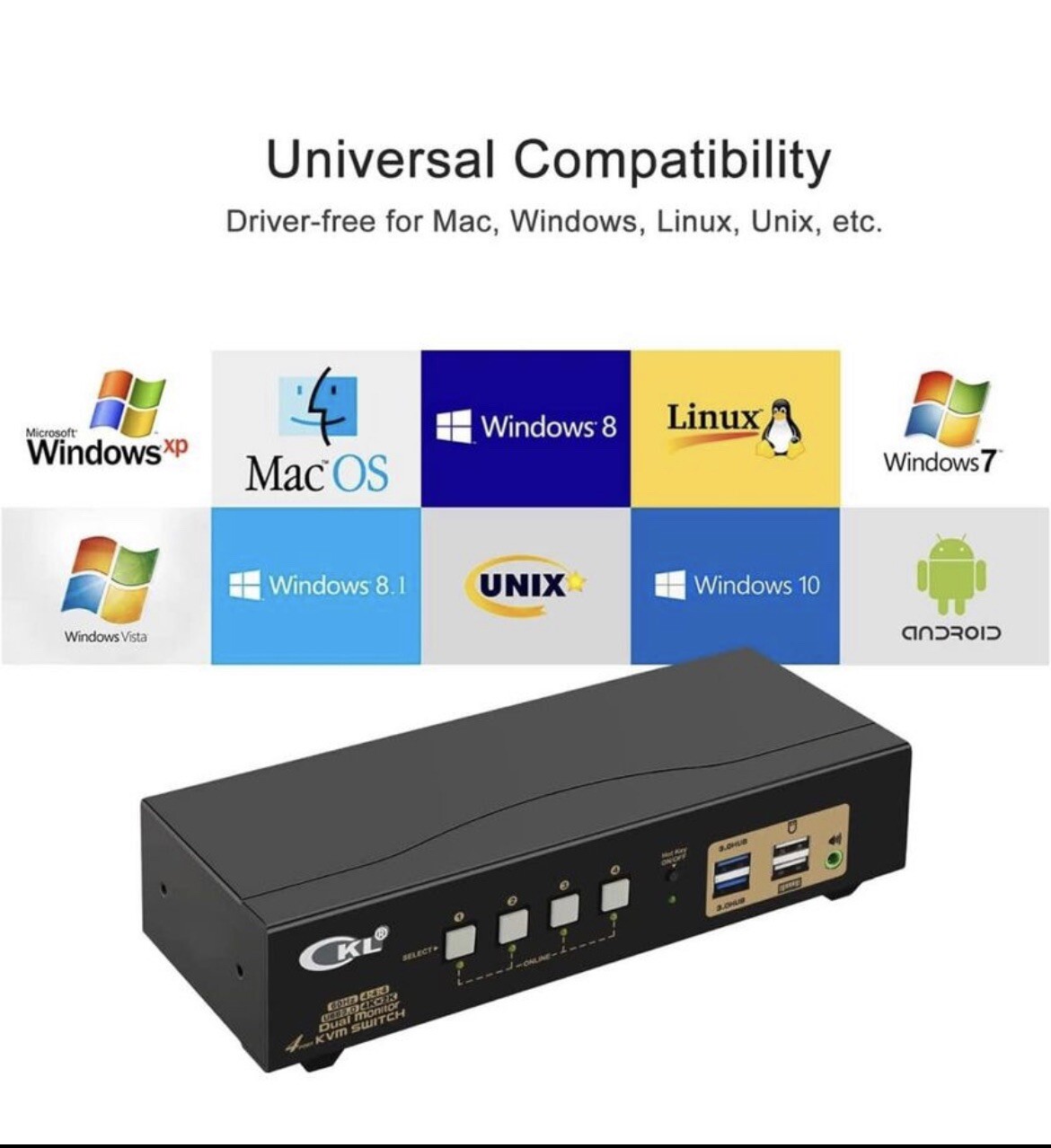
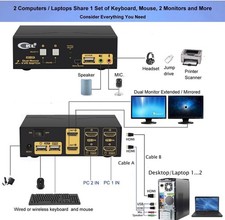
KVM SWITCH DUAL MONITOR 4 IN 2 OUT : Control 2 computers or laptops with one set of wired or wireless keyboard, mouse and 2 extended or mirrored monitors at the same time;
USB 3.0 KVM SWITCH 4 COMPUTERS 2 MONITORS: The integrated 2 USB 3.0 HUB ports allows you to share 2 more USB peripherals like printer, scanner, webcam and hard disk between 4 computers with data transfer rate up to 5Gbp/s (10 times faster than USB 2.0); The USB 3.0 cable Also draws power from USB 3.0 port on computers to drive the KVM switch.
HDMI 2.0 KVM SWITCH 4 PORT 4K 60HZ: Supports maximum resolution up to 3840x2160 4K@60Hz, 3440x1440@60hz/120Hz, 3840x1080@60hz/120Hz and compatible downwards depending on support of graphic card, monitor and adapters if used any; Supports auto detection and memory function in case of power down;
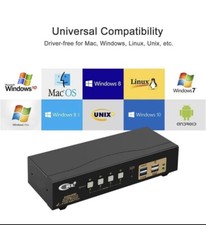
MULTI PLATFORMS COMPATIBLITY : Cross supports most major operation systems like Windows, Linux, Mac and more; also support switch between devices without keyboard and mouse like DVR and NVR;
EASY SWAPPING BETWEEN 4 DEVICES: You can freely switch between personal and work using push button, keyboard hotkeys, mouse clicks or wired remoter, as well as auto scan for monitoring or testing purpose; What's in the box
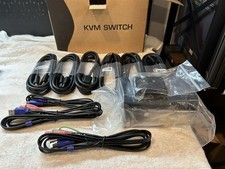
1* 4 Port HDMI KVM switch
1* USB to DC Power Cable (US PLUG)
1* User manual in English
1* Mini USB Cable+Wired Remoter
8* HDMI Cables (4.92ft)
4* USB3.0 Cables (4.92ft)
Note:
The HDMI cables for monitor is not including!
Installation Proceedures
Power off everything before installation;
Computer 1: Connect 2 HDMI outputs from computer 1 to HDMI IN 1 A and HDMI IN 1 B ports; Connect USB A-male to USB 3.0 port on computer 1, and USB B-male to USB 1 input on the KVM switch;
Computer 2: Connect 2 HDMI outputs from computer 2 to HDMI IN 2 A and HDMI IN 2 B ports; Connect USB A-male to USB 3.0 port on computer 2, and USB B-male to USB 2 input on the KVM switch;
Repeat above for connecting Computer 3 and 4;
Primary Monitor: Connect primary monitor to HDMI Out A;
Extended Monitor: Connect extended monitor to HDMI Out B;
Keyboard and Mouse: Connect keyboard and mouse into USB keyboard and mouse port respectively;
Connect USB peripherals to USB 3.0 ports if needed (optional);
After cables being connected, power on the kvm switch first, then monitors, then computers.