 When you click on links to various merchants on this site and make a purchase, this can result in this site earning a commission. Affiliate programs and affiliations include, but are not limited to, the eBay Partner Network. When you click on links to various merchants on this site and make a purchase, this can result in this site earning a commission. Affiliate programs and affiliations include, but are not limited to, the eBay Partner Network.
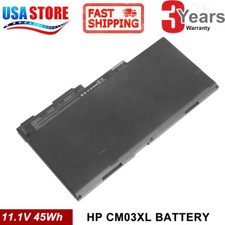
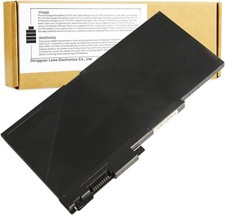
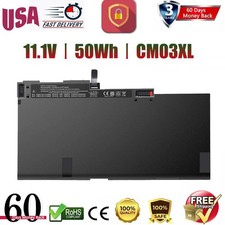
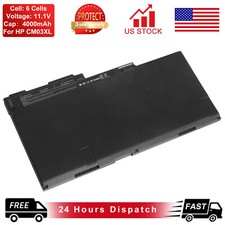
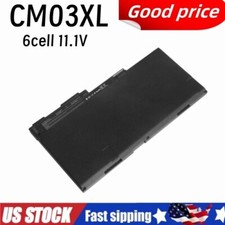
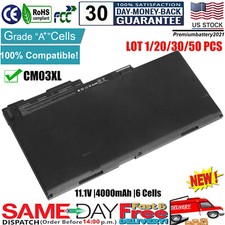
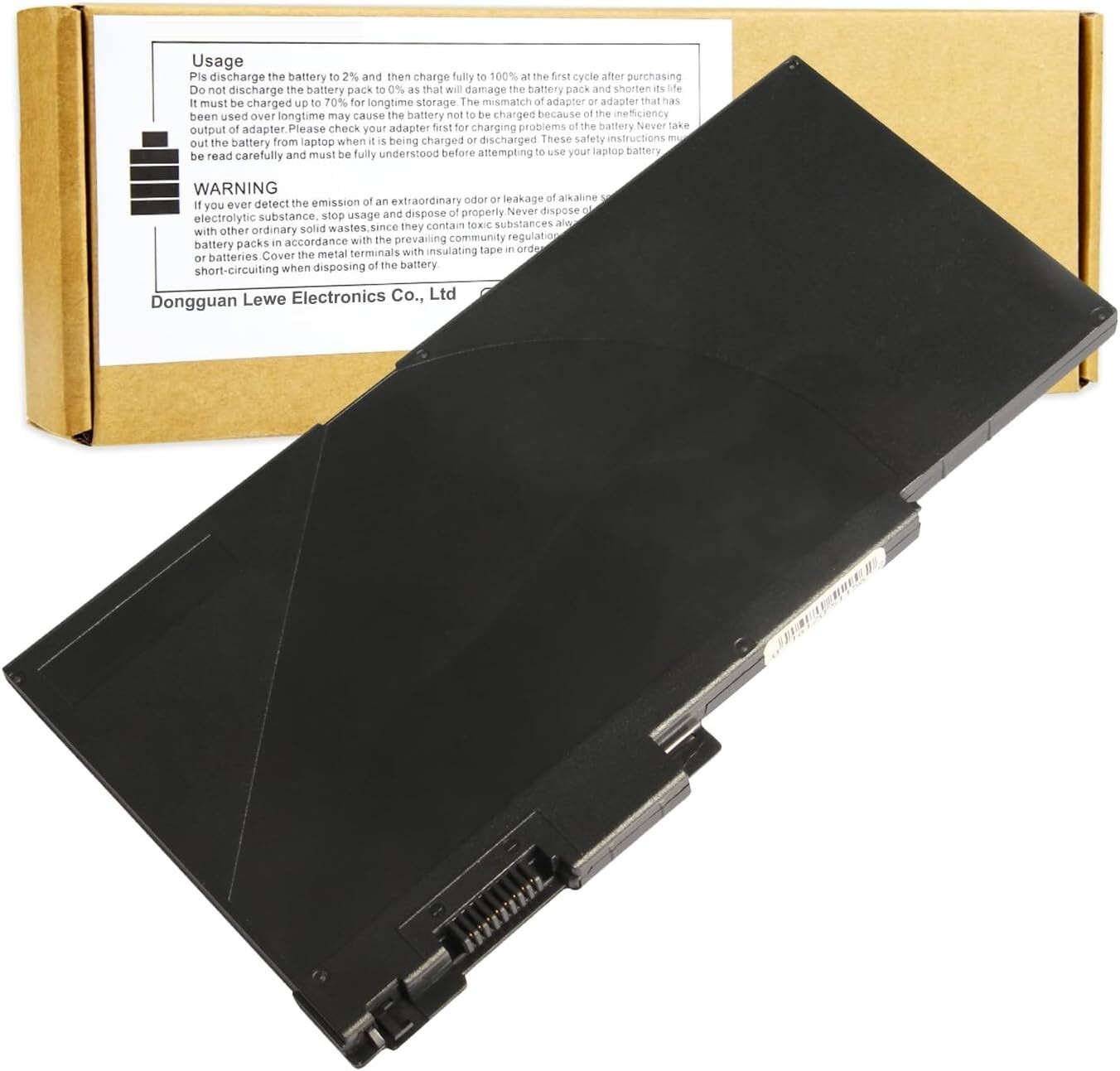
- 6 cell, Li-ion battery, rated at 4000mAh / 44Wh and 11.1v
- Replacement HP 717376-001, CM03050XL-PL, E7U24UT, E7U24AA, CM03XL, CM03, 716724-421
- Fits HP Elitebook 740 G2, 745 G2, 750 G2, 755 G2, 850 G2, 755 G2. HP EliteBook Folio 9480m. HP Zbook 14. HP Elitebook 850 G1, 1040 G1
- 12 Month Warranty
- Note:As this replacement battery can fit many models and part numbers,the factory can not mark all the compatible part numbers on it,please understand.If you have any problems,pls contact us by the message, we will help you to deal with it timely.
Press [CTRL + F] to search your laptop model/part number.Compatible Part NumbersCM03 CM03XL CO06 CO06XL CM03024XL-PL CM03050XL 716723-271 716724-1C1 716724-421 716724-541 717375-001 717376-001 719941-002Compatible Part NumbersHSTNN-DB4Q HSTNN-DB4R HSTNN-IB4R HSTNN-I11C HSTNN-I11C-4 HSTNN-I11C-5 HSTNN-LB4R HSTNN-UB4R 996TA048H D8R80AV D8R82AVCompatible Part NumbersE2P27AV E3W16UT E3W17UT E3W19UT E3W20UT E3W24UT E3W28UT E7M95PA E7N00PA E7U24AA E7U24UT F2P20UT F2P22UT F2Q24UT F2Q28UT F6B35PA F6B36PA F6B37PA L3J31PT L5J27PA L9S80PACompatible Models:HP EliteBook 740 G1 Series, HP EliteBook 740 G2 Series,HP EliteBook 745 G1 Series, HP EliteBook 745 G2 Series,HP EliteBook 750 G1 Series, HP EliteBook 750 G2 Series,HP EliteBook 755 G1 Series, HP EliteBook 755 G2 SeriesCompatible Models:HP EliteBook 840 G1 Series, HP EliteBook 840 G2 Series,HP EliteBook 845 G1 Series, HP EliteBook 845 G2 Series,HP EliteBook 850 G1 Series, HP EliteBook 850 G2 Series,HP EliteBook 855 G1 Series, HP EliteBook 855 G2 SeriesCompatible Models:HP ZBook 14 G2 Series, HP ZBook 15u Series, HP ZBook 14, E7U24AA Mobile Workstation Install A New Battery: - You need to turn off your laptop and disconnect the power.
- Remove the old battery, carefully install the new battery on the battery case, and connect the wiring of the new battery.
- If you don't understand the above steps, you can search for the video about laptop battery installation on YouTube. Maybe it will help you.
Laptop Maintenance Tips: - New battery: For use a new battery, you’d better try a few cycles of discharging to 5%. then charging up to 95%. So that it can be activated completely
- Overuse: Do not always run out of a battery to 0%, this would make it damaged or usage life shortened
- Charging sequence: when charging, first install the battery, then turn on the power, when fully charged, first cut off the power, then pull the power plug.
- Long-term storage:Please store the unused battery fully charged.(Charge it once a month) Do not store at low power to prevent reduce the lifespan of a battery
- Charger: Do not replace the laptop adapter casually. If the original adapter cannot be applied due to malfunction or damage, please replace the models, so as not to reduce the service life of the battery due to incompatibility.
Overload protection Over-current protection Over-voltage protection High voltage protection Short circuit protection Over-temperature protection Easy & Quick Installation All of our batteries are brand new and are 100% compatible to meet OEM specifications for safety and efficiency. Same size as original battery, Don't worry about assembly and adaptation issues Grade "A" cells Top Quality Battery Reliable performance Extended battery life Each battery contains built in multi-protection functions such as short circuit, overheat & overload for maximum safety.  |
|