 When you click on links to various merchants on this site and make a purchase, this can result in this site earning a commission. Affiliate programs and affiliations include, but are not limited to, the eBay Partner Network. When you click on links to various merchants on this site and make a purchase, this can result in this site earning a commission. Affiliate programs and affiliations include, but are not limited to, the eBay Partner Network.
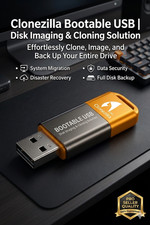
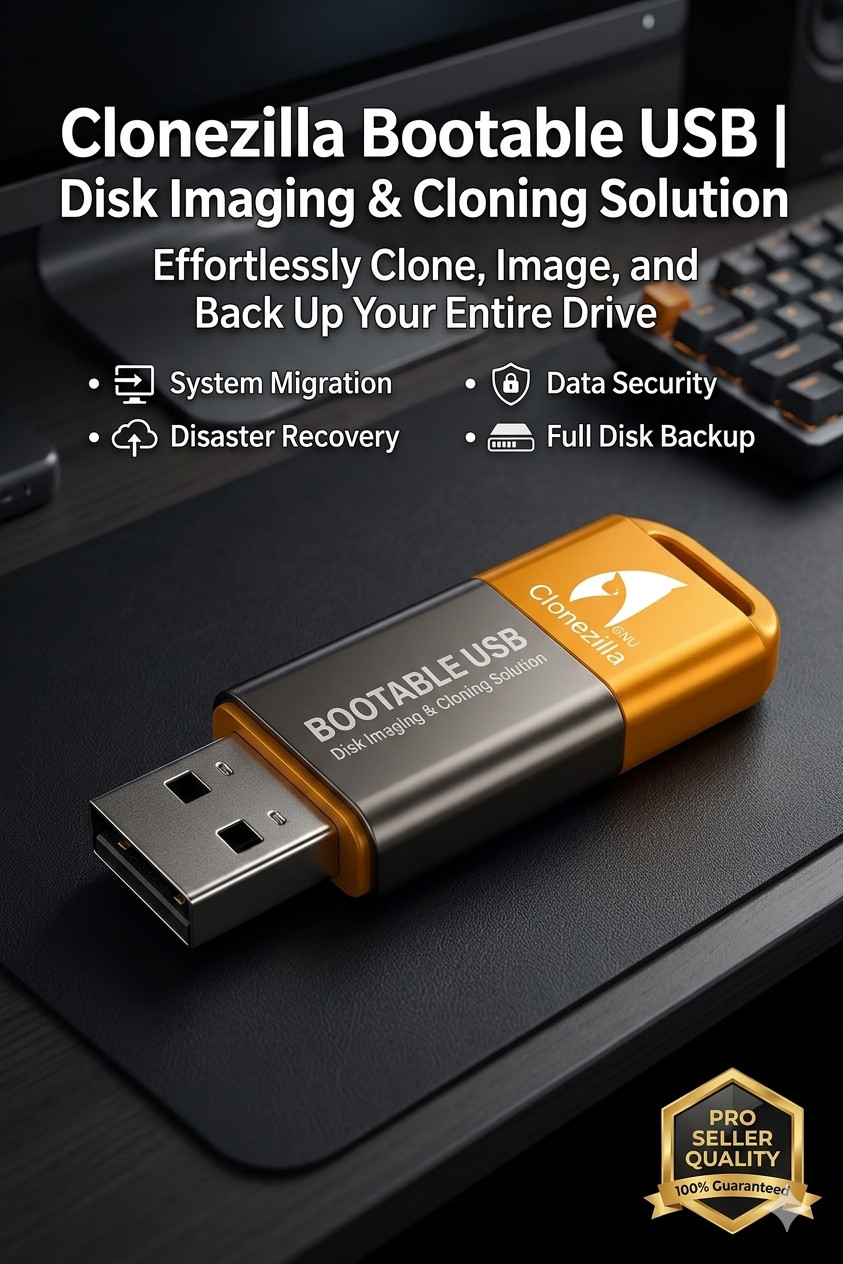
💾 Clonezilla Bootable USB 3.0 Drive | Hard Drive Cloning & Backup Tool The Ultimate Open-Source Disk Imaging, Cloning, and System Recovery Solution. Don't risk losing your important data! This premium, high-speed bootable USB drive comes pre-loaded with Clonezilla, the industry-standard software for backup and deployment. Whether you are upgrading your mechanical hard drive to a blazing-fast SSD, creating a bare-metal backup of your entire operating system, or deploying multiple computers at once, this plug-and-play USB is the perfect tool for the job. 🔥 Key Features & Benefits Full Disk & Partition Cloning: Easily clone one hard drive directly to another (e.g., upgrading an old HDD to a new SSD). Bare-Metal Backup & Restore: Save your entire operating system, settings, programs, and files as an image file to an external drive or network share. Massive File System Support: Works perfectly with Windows (NTFS/FAT32), Mac (HFS+/APFS), and Linux (ext2/ext3/ext4/Btrfs). Safe & Non-Destructive: Runs completely from the USB drive's memory, ensuring your primary operating system remains untouched during the boot process. Efficient Performance: Only saves and restores used blocks on the hard disk to maximize cloning speed and save storage space.
📋 Product Specifications Software Version: Clonezilla Live (Latest Stable Architecture Release) System Support: 64-bit (x86-64) processors (Intel and AMD) USB Interface: USB 3.0 / 3.1 High-Speed (Backward compatible with USB 2.0 ports) Drive Brand: Tier-1 High-Quality Major Brand (SanDisk, Kingston, Kioxia, or Samsung) Boot Mode: Supports both modern UEFI and older Legacy BIOS system setups.
🚀 Common Use Cases Upgrading to an SSD: Plug in your old drive and your new SSD, boot into Clonezilla, and copy everything over seamlessly so your PC boots exactly the same—only much faster. System Disasters Recovery: Image your clean Windows/Mac setup. If you ever get a virus or a corrupted OS, just use this USB to restore your PC back to perfect condition in minutes.
🛠️ Easy Instructions Turn off your computer and insert the Clonezilla USB drive. Power on the computer and immediately press your system's Boot Menu key (Common keys: F12, F11, F8, F9, or Esc depending on your PC manufacturer). Select the USB flash drive from the boot list. Choose your preferred language and keyboard layout, then select "Start Clonezilla" to begin your backup or clone!
 |
|