|
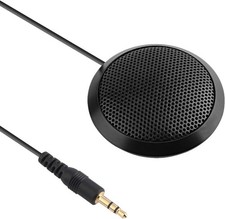
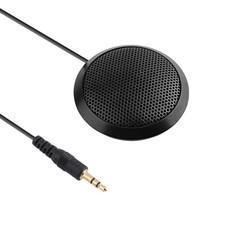
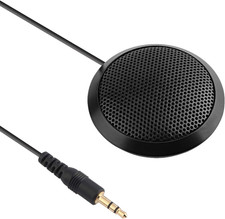
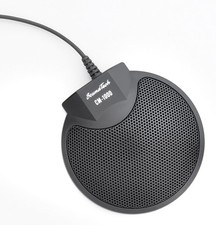
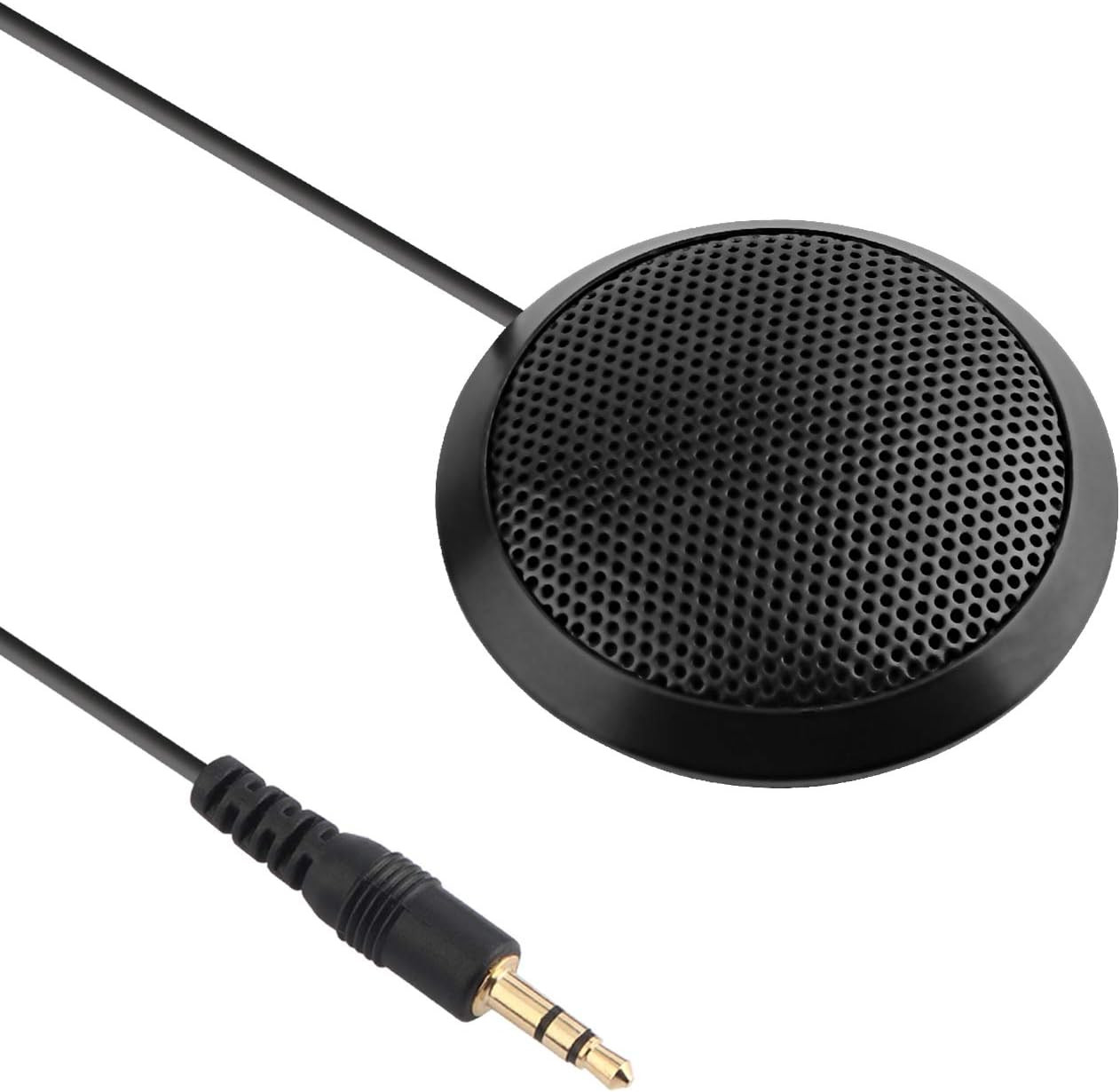
Conference Microphone 3.5Mm Desktop Computer Mic for Computer Desktop and Laptop For Sale
|
 When you click on links to various merchants on this site and make a purchase, this can result in this site earning a commission. Affiliate programs and affiliations include, but are not limited to, the eBay Partner Network. When you click on links to various merchants on this site and make a purchase, this can result in this site earning a commission. Affiliate programs and affiliations include, but are not limited to, the eBay Partner Network.
- 【Stereo & Clear Sound】Offers crystal clear voice capturing on meeting calls with 360°sensitivity pickup range(3m/10ft), 10 times better than a traditional computer microphone.
- 【Works Perfectly】The 3.5mm microphone is very small but powerful. Use it for Skype and online conferences, usually place it in front of you when you talk, but even if I leave it far, they can still hear the voice very well.
- 【Compact & Portable】The portable design makes the microphone take up less space. In a small size as your hand's palm and space-saving, and you can put it in your pocket or briefcase and take it wherever you want. (It's just a microphone, not a speaker).
- 【Plug & Play Directly】This conference microphone for PC is so easy to use. It's designed to plug & play. You don't have to install any software or complex settings. Just connect to your Desktop or Laptop computers and start your video conference or gaming.
- 【Widely Use】This conference microphone has a multi-purpose use, such as online meeting/teaching, business/family video calls, ideal for small group meetings, and virtual learning.
Product description Dreokee 3.5mm Conference Microphone - 3.5mm connector
- Stereo and clear sound
- Portable
Environmental & Distance Tips: For best performance, use the microphone in a relatively quiet environment (to reduce background noise interference) and maintain a distance of 5–15cm between the user’s mouth and the microphone. Specification - Frequency Response: 40Hz-16kHz
- Connect Cable: 1.5m
- 3.5mm plug
- 3m effective distance
Stereo and clear sound - Stereo and clear sound
- Will not take to much of your space
- Easy to use, plug to pad
Online meeting Office conference Distance Learning How to Connect? - Insert microphone 3.5mm plug into the 3.5mm audio interface on your pc (with the color of pink normally), plug to connect;
- If your computer can not recognize it, please right-click the “Volume” icon and select “Recording Devices”; enter the “Recording” tab and select “Microphone” which is the system default recording device, and click “Properties”;
- Choose the “Levels” tab, drag the volume slider to 80, then drag the boost slider to 0 or +10.0 dB
 |
|
|
|