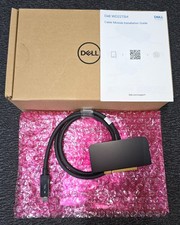
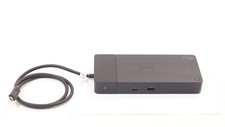
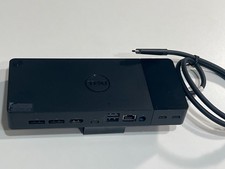
⚠️ PLEASE READ BEFORE PURCHASING This listing is for a Dell WD22TB4 Thunderbolt 4 Docking Station.
Please confirm your laptop supports Thunderbolt 4, Thunderbolt 3, or USB-C with DisplayPort Alt Mode before purchasing. Dell WD22TB4 Thunderbolt 4 Docking Station
Exterior condition checked for wear, damage, and missing parts
Cleaned and sanitized for better daily-use hygiene Power, USB-C / Thunderbolt connection, USB ports, video output, and Ethernet tested before shipping Firmware checked and updated when applicable Service Tag recorded for inventory traceability Factory warranty status checked at the time of listing Securely packed for safe delivery 📦 What's Included
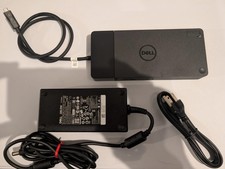
1x Genuine Dell WD22TB4 Thunderbolt 4 Docking Station - 1x Genuine Dell 180W AC Power Adapter
- 1x Power Cord
- Built-in Thunderbolt 4 / USB-C host cable attached to the dock
⚡ Power & Charging
Adapter: 180W Genuine Dell AC Adapter - Dell Systems: Up to 130W power delivery
- Non-Dell Systems: Up to 90W power delivery
- Power Input: Dell 7.4mm DC-in
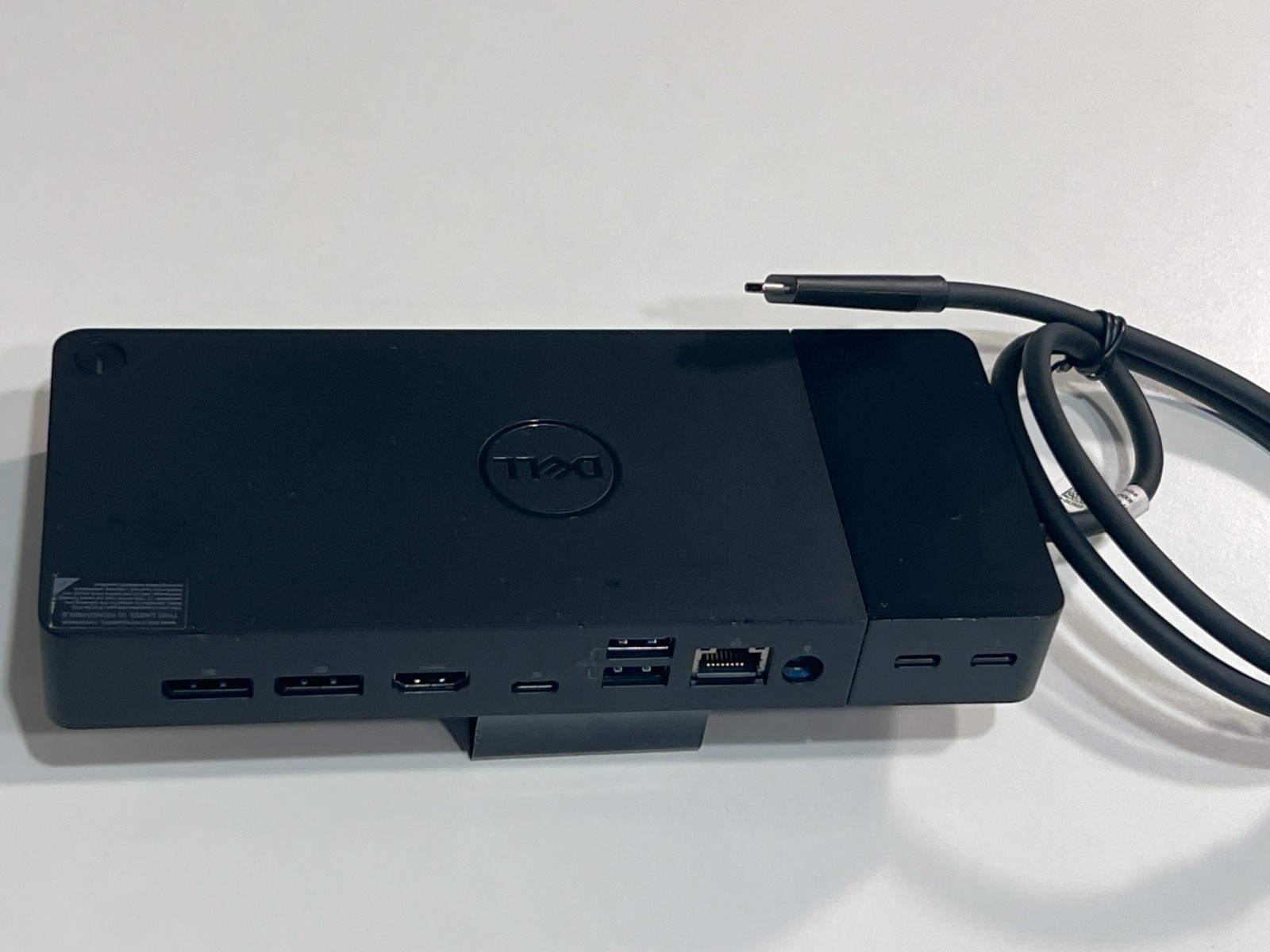
🔗 WD22TB4 Ports & Connectivity Dell WD22TB4 provides a professional single-cable docking setup with Thunderbolt 4, video, USB, and wired network connectivity. • 2 × DisplayPort 1.4
• 1 × HDMI 2.0
• 1 × USB-C 3.2 Gen 2 with DisplayPort 1.4 Alt Mode
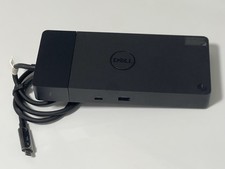
• 2 × Thunderbolt 4 USB-C ports
• 1 × Front USB-C 3.2 Gen 2
• 1 × Front USB-A 3.2 Gen 1 with PowerShare
• 2 × Rear USB-A 3.2 Gen 1 ports
• 1 × Gigabit Ethernet RJ-45
• 1 × Dell 7.4mm DC-in power port Dell Factory Warranty Status: • The Dell Service Tag shows factory warranty coverage remaining at the time of listing.
• Warranty status may be verified through Dell Support using the Service Tag.
• Dell warranty service, ownership transfer, and support eligibility are handled directly by Dell.
• For security and inventory control, the full Service Tag is not publicly displayed in this listing.
• Service Tag information may be provided after purchase if needed. Technical Compatibility Notes: • Thunderbolt 4 Recommended: WD22TB4 is designed for laptops with Thunderbolt 4 support for full performance.
• USB-C DP Alt Mode: On some USB-C DisplayPort Alt Mode systems, the dock may function with reduced capability compared with Thunderbolt systems.
• Display Support: Maximum resolution and number of external displays depend on your laptop, graphics card, DisplayPort bandwidth, cable, monitor, and configuration.
• Power Delivery: Up to 130W is for compatible Dell systems with the included 180W adapter. Non-Dell systems may receive up to 90W.
• No 3.5mm Audio Jack: WD22TB4 does not include a built-in 3.5mm audio jack. Please use USB, Bluetooth, monitor audio, or laptop audio if needed.
• MacBook Users: macOS display behavior may vary. Some multi-monitor setups may mirror displays depending on system and configuration.
• Non-Dell Systems: Charging behavior, power button function, MAC address pass-through, Wake-on-LAN, and firmware management may vary. 🖥️ Display Support Notice WD22TB4 can support multiple external displays, but display performance is not the same on every laptop. Thunderbolt systems generally provide better display bandwidth than standard USB-C systems. Please verify your laptop specifications before purchasing, especially if you plan to use dual, triple, or high-resolution monitors. 🛠️ Condition & Preparation This is a professionally prepared used Dell WD22TB4 Thunderbolt 4 Docking Station. The unit is checked, cleaned, tested, and prepared for dependable daily use. Normal signs of previous use may be present, such as light scratches or minor cosmetic wear, but the dock is fully functional unless otherwise stated. 🔎 Before You Buy Please verify your laptop model, USB-C / Thunderbolt capability, power requirement, and monitor setup before purchase. If you are not sure whether this Dell WD22TB4 dock is right for your system, please send your laptop model and monitor configuration before ordering. We are happy to help check compatibility. 🚚 Fast Shipping 🛡️ 30-Day Money Back 🇺🇸 USA Seller Support