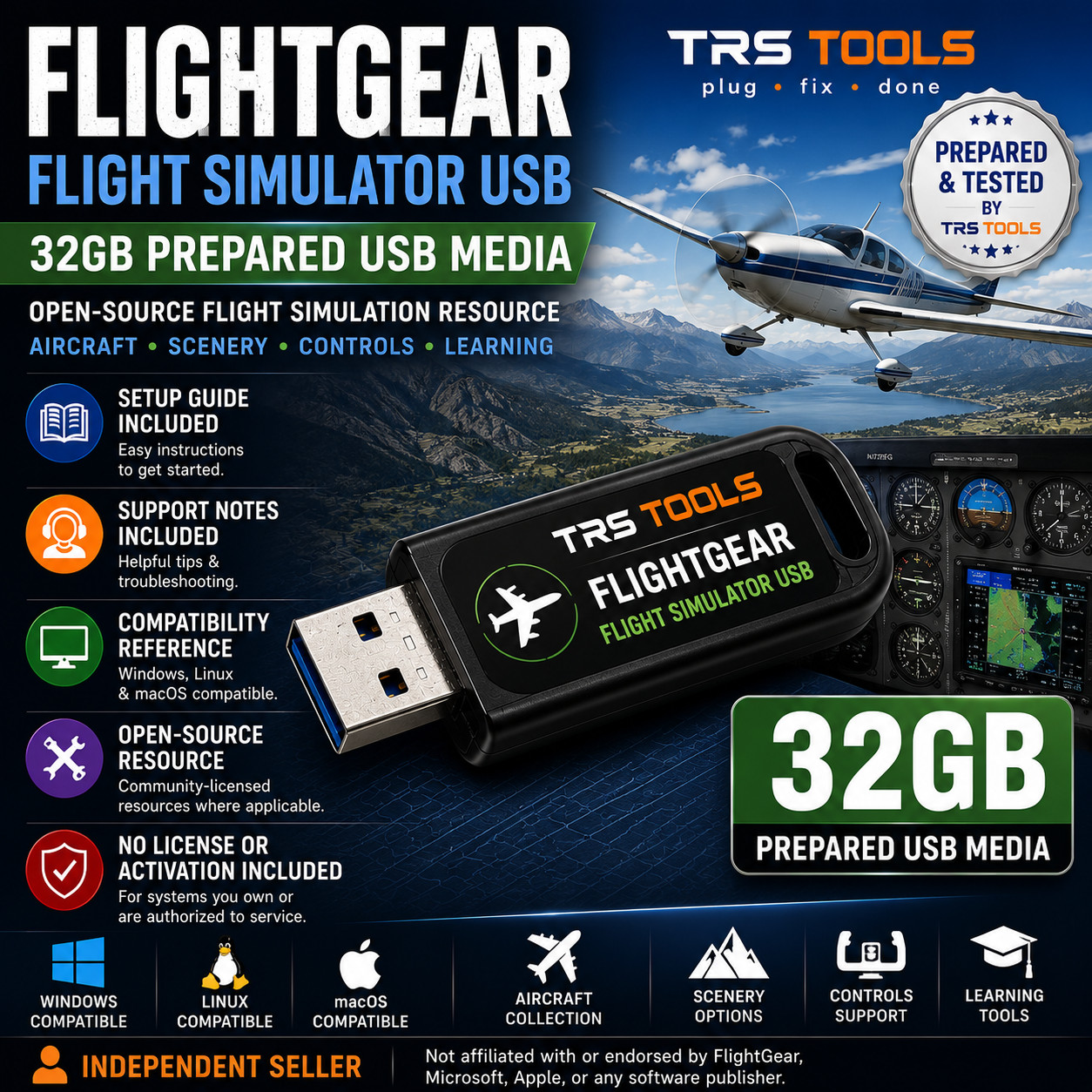
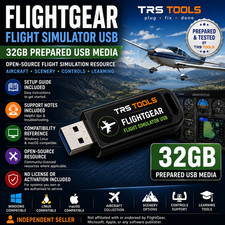
TRS Tools Prepared Physical Media FlightGear Flight Simulator Prepared USB Media 32GB Open-Source Flight Simulation Resource with Setup Guide Plug • Fix • Done Prepared USB Media for Flight Simulation Learning and Desktop Use
This TRS Tools prepared physical USB media is designed for users who want a convenient FlightGear flight simulation resource with setup notes, support information, and compatibility guidance. It is useful for exploring open-source flight simulation, aircraft controls, scenery, navigation concepts, cockpit practice, and general simulator learning on compatible systems.
The value of this listing is the physical USB drive, preparation, organization, testing, setup guide, support notes, compatibility reference, and convenience provided by TRS Tools.
Important: This listing does not include paid software ownership, a subscription, product key, activation key, official installer media, pilot certification, flight training certification, or manufacturer-approved aviation training material. No license or activation is included.
What Is Included
- 1 prepared 32GB USB flash drive from TRS Tools
- FlightGear resource media where permitted by applicable open-source licensing
- Setup guide for compatible desktop systems
- Support notes for basic first-use guidance
- Compatibility reference for Windows, Linux, and macOS supported systems
- Helpful notes for controls, graphics settings, scenery, and beginner simulator setup
- TRS Tools preparation and media testing before shipment
Key Features Flight Simulation Focus
Helpful for learning aircraft controls, exploring scenery, practicing simulator navigation, and using an open-source desktop flight simulator on compatible systems. Prepared Physical USB Media
Organized by TRS Tools for convenience, easier setup reference, and practical desktop use. Setup Guide Included
Includes simple notes to help users get started with compatible systems and understand basic setup steps. Support Notes Included
Includes basic guidance for using the prepared media, checking compatibility, and reviewing common first-use tips. Compatibility Notes
FlightGear is available for Windows, macOS, and Linux, but compatibility depends on your computer hardware, operating system version, graphics support, storage space, permissions, security settings, and the current requirements of the FlightGear project.
Internet access may be required for updates, current downloads, additional scenery, aircraft resources, documentation, multiplayer features, or system-specific troubleshooting. No guarantee is made that every aircraft, scenery area, controller, feature, or workflow will work on every system.
Important Compliance Disclaimer
No proprietary software ownership, paid subscription, activation key, product key, cloud account, official installer media, flight training certification, aviation certification, or manufacturer-approved training material is included. This item is prepared physical USB media with setup notes and publicly available, community-licensed, open-source, or redistributable resources where applicable.
TRS Tools is an independent seller and is not affiliated with, endorsed by, sponsored by, certified by, or approved by FlightGear, the FlightGear project maintainers, aircraft manufacturers, aviation authorities, simulator hardware manufacturers, operating system publishers, or software publishers referenced for compatibility or identification.
Any trademarks, product names, aircraft names, file formats, or project names are used only for accurate identification, compatibility reference, or descriptive purposes.
No License or Activation Included
No license, activation, product key, subscription, account login, paid software access, premium scenery license, premium aircraft license, pilot training certificate, or aviation training credential is included with this listing. Buyers are responsible for following all applicable software and content licenses and obtaining any required paid software or assets directly from the original publisher or rights holder when needed.
30 Years of Information Technology Experience
TRS Tools brings 30 years of Information Technology experience to the preparation, organization, and support notes included with this physical media. The goal is to provide a clean, practical, support-focused USB resource for users who want an easier way to get started with FlightGear and related documentation.
FAQ 1. Am I buying a FlightGear license?
No. This listing does not include a paid software license, activation key, product key, subscription, or premium account. You are buying prepared physical USB media, setup notes, organization, and TRS Tools support documentation.
2. Is this an official FlightGear product?
No. TRS Tools is an independent seller and is not affiliated with, endorsed by, sponsored by, certified by, or approved by FlightGear or the FlightGear project maintainers.
3. What can this flight simulator resource help with?
It can help users get started with open-source flight simulation, aircraft controls, scenery setup, graphics settings, navigation practice, and general simulator learning where supported.
4. Does this work on every computer?
No universal compatibility is promised. Compatibility depends on your operating system, hardware, graphics support, storage space, user permissions, security settings, and current project requirements.
5. Does this include pilot training or aviation certification?
No. This item is not flight training certification, pilot instruction, FAA-approved training, aviation safety training, or manufacturer-approved simulator training.
6. Is internet access required?
Some resources may be usable after setup, but internet access may be required for updates, current versions, scenery downloads, documentation, multiplayer features, or platform-specific requirements.
7. What support is included?
TRS Tools provides support notes for the prepared media and basic setup guidance. We cannot provide support for pilot training, aviation certification, third-party publisher accounts, paid scenery, paid aircraft, simulator hardware warranty service, or advanced flight instruction.
TRS Tools Support-Focused Closing
Prepared physical USB media, clear setup notes, compatibility guidance, and practical support documentation from TRS Tools.
TRS TOOLS Plug • Fix • Done