- Store
- New Arrivals
- Add to Favorite
- View response
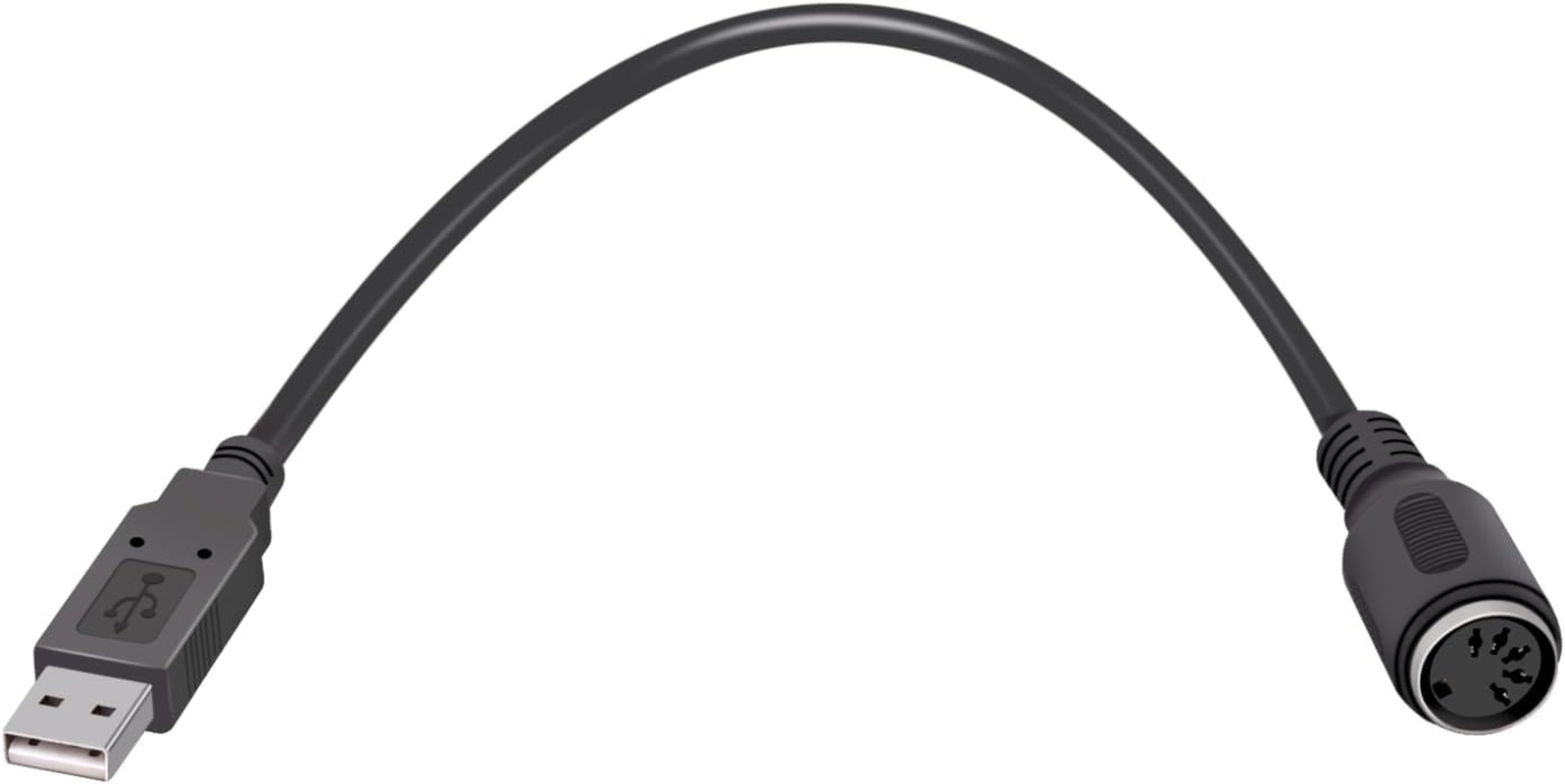
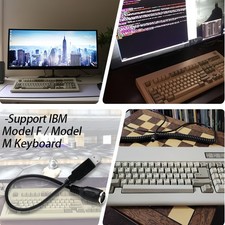
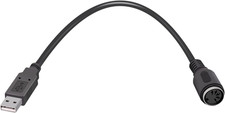
For Xt/At to USB Soarer'S Converter +Remapping +Macros +Nkro-Support IBM Model F/Model MDescription Item model number XT/At to USB Soarer's Converter Color Black Compatible Devices Gaming Console, Keyboard Connector Type DIN Item Weight 1.13 ounces Specific Uses For Product PC Package Dimensions 3.11 x 3.03 x 1.26 inches
- 1.Remapping - Assign any key to any other key, including ones that aren't on the keyboard, like media volume controls or the "Command/Windows" key on older keyboards like model M's.
- 2.Macros - A single key press can "play back" a series of key presses. For example, you could set F12 to send Control-Alt-Delete or set one key to represent an entire shortcut like Alt-C for "copy" when doing copying and pasting. If there's a certain combination move in gaming, you could set one key to perform the entire combination.
- 3.Function Layers - Changes the behavior of other keys when the function key is held down. Think of this like adding extra "Shift" keys to add more functions to existing keys.
- 4.IfSelect - Press a key once and it permanently changes the function of any number of keys until that same key is pressed again. Think of this like "Num Lock" which completely changes what the number pad does.
- 5.If you want to utilize the special features other than straight conversion to USB such as key remapping, macros, and layers, you will need to make a text configuration file and upload it to the converter which is most easily done in Windows. Once configured, this configuration is stored within the cable and you can use it on any computer without the need for additional drivers or software. Please Google "Soarer's Converter" to find the original threads by Soarer
- XT/AT Keyboard (180 Degree, 5-pin DIN) To USB Converter.Use XT/AT Keyboard To USB Converter,You can use your old 5-pin IBM XT or AT and compatible keyboard on a modern computer with USB support.
Product description
Remapping - Assign any key to any other key, including ones that aren't on the keyboard, like media volume controls or the "Command/Windows" key on older keyboards like model M's.
Macros - A single key press can "play back" a series of key presses. For example, you could set F12 to send Control-Alt-Delete or set one key to represent an entire shortcut like Alt-C for "copy" when doing copying and pasting. If there's a certain combination move in gaming, you could set one key to perform the entire combination.
Function Layers - Changes the behavior of other keys when the function key is held down. Think of this like adding extra "Shift" keys to add more functions to existing keys.
IfSelect - Press a key once and it permanently changes the function of any number of keys until that same key is pressed again. Think of this like "Num Lock" which completely changes what the number pad does.
- XT/AT Keyboard (180 Degree, 5-pin DIN) To USB Converter.Use XT/AT Keyboard To USB Converter