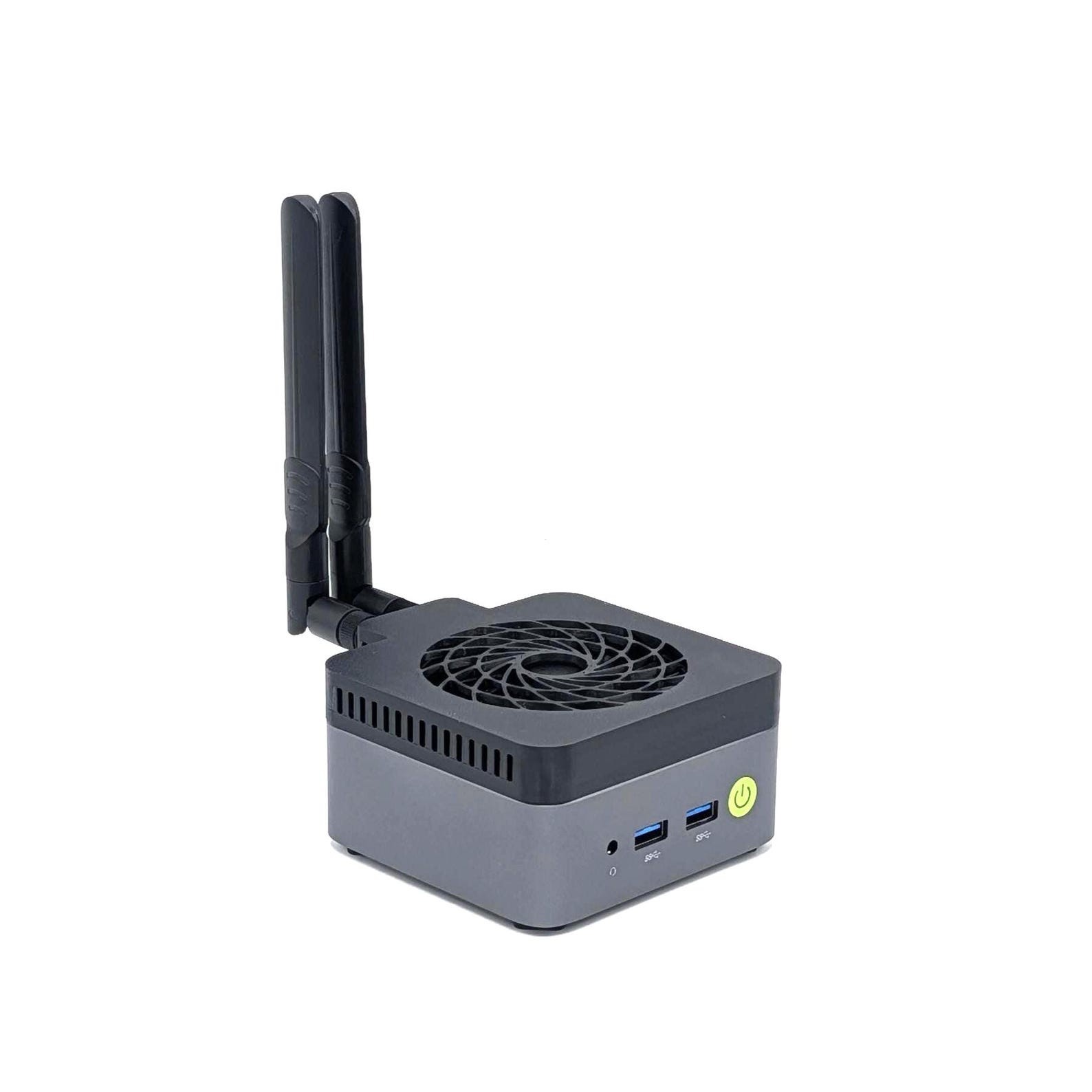
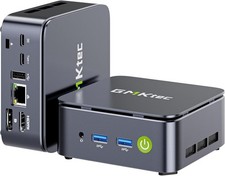
The Ultimate Active Cooling and WiFi Signal Upgrade for High-Performance GMKtec Nucbox G10 Mini PCs.Eliminate thermal throttling and heat-induced crashes with the custom-engineered Active Cooling Base. This precision 3D-printed solution solves the "heat-soak" issues common in RAM and NVMe SSDs by forcing constant, active airflow through the chassis.Paired with our optional high-gain antenna system, this is the definitive performance overhaul for your GMKtec workstation.***KEY BENEFITS:INTEGRATED ACTIVE COOLING: Features a built-in, silent 80x10mm USB fan providing direct-strike airflow to the high-stress RAM and NVMe SSD zones. This targets the primary heat-soak source that the stock GEEKOM chassis leaves uncooled.MASSIVE TEMPERATURE DROP: Proven to reduce critical component by 10-50°C. By keeping these components cool, you eliminate the "heat-saturated" conditions that lead to data errors and system-wide instability.TOTAL THERMAL RECOVERY: While the fan targets the bottom-side, the resulting reduction in PCB heat-soak provides massive thermal headroom for the APU/Chipset on the opposite side. This allows the entire system to shed heat more effectively, preventing the thermal throttling that kills performance.MISSION-CRITICAL STABILITY: Specifically engineered to stop heat-induced crashes. This is a vital upgrade for power users, video editors, and gamers who demand 100% stability and peak clock speeds during sustained, heavy productivity sessions.PRO-GRADE CONNECTIVITY: Precision-molded with integrated internal routing channels to accommodate stock antennas or our upgraded 8dBi leads for a clean, snag-free installation.Exclusively engineered for the GMKtec NucBox G10 chassis, adding only 12mm to the original height.IMPORTANT: This base fits the 103mm x 98mm G10 series housing. It is NOT compatible with other models.***COOLING SYSTEM:Integrated high-efficiency, quiet 80x10mm USB-powered fan (plugs directly into rear USB port).***ANTENNA OPTIONS (CHOOSE FROM DROPDOWN):NO - REUSE INTERNAL: Includes cooling base and fan. You will transfer your original factory antennas to the new base using the integrated internal mounting points.YES - EXTERNAL 8dBi: Includes dual 8dBi Omni-directional antennas. Cables are pre-routed through dedicated internal channels and secured tightly to gold-plated leads. Simply screw on the antennas upon receipt for maximum signal penetration. Do not overtighten antennas.***INSTALLATION INSTRUCTIONS:PREP: Remove the original plastic top by prying it away from the main chassis of the PC. Set aside the stock plastic top; it is no longer used.***ANTENNA SETUP:IF REUSING STOCK: No modification is required.IF UPGRADING (8dBi KITS): Your antennas standoffs arrive PRE-MOUNTED and professionally routed through the base's integrated channels. To connect, unscrew the M.2 SSD and lift the clear WiFi module cover. Swap the stock antenna connectors for the new ones. Do not overtighten antennas.***FINAL MOUNT:Align the side inscribed "Front" with the front of the PC. Line up the eight mounting holes of the PC's chassis and the eight clips found on the colling top. Secure the to the chassis by pressing the new top down with even and level pressure onto the chassis until the clips snap into the holes.POWER: Plug the fan into any available rear USB port.PRO TIP: For maximum thermal efficiency, ensure your PC is placed on a hard, flat surface to allow the base fan to pull fresh air without restriction.***NOTE: This is a 3D-printed performance accessory; the GMKtec Mini PC is not included. Each unit is printed with high-strength material and may display minor surface variations—a hallmark of the manufacturing process. Do not overtighten antennas, as this may break the antenna cables. Install and uninstall by applying even and level pressure, to ensure the mounting tabs do not break.