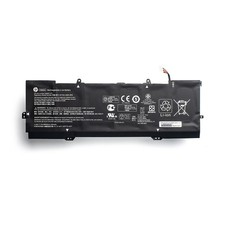
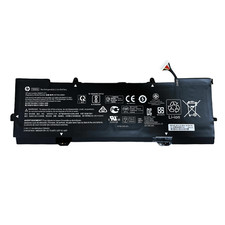
Description:
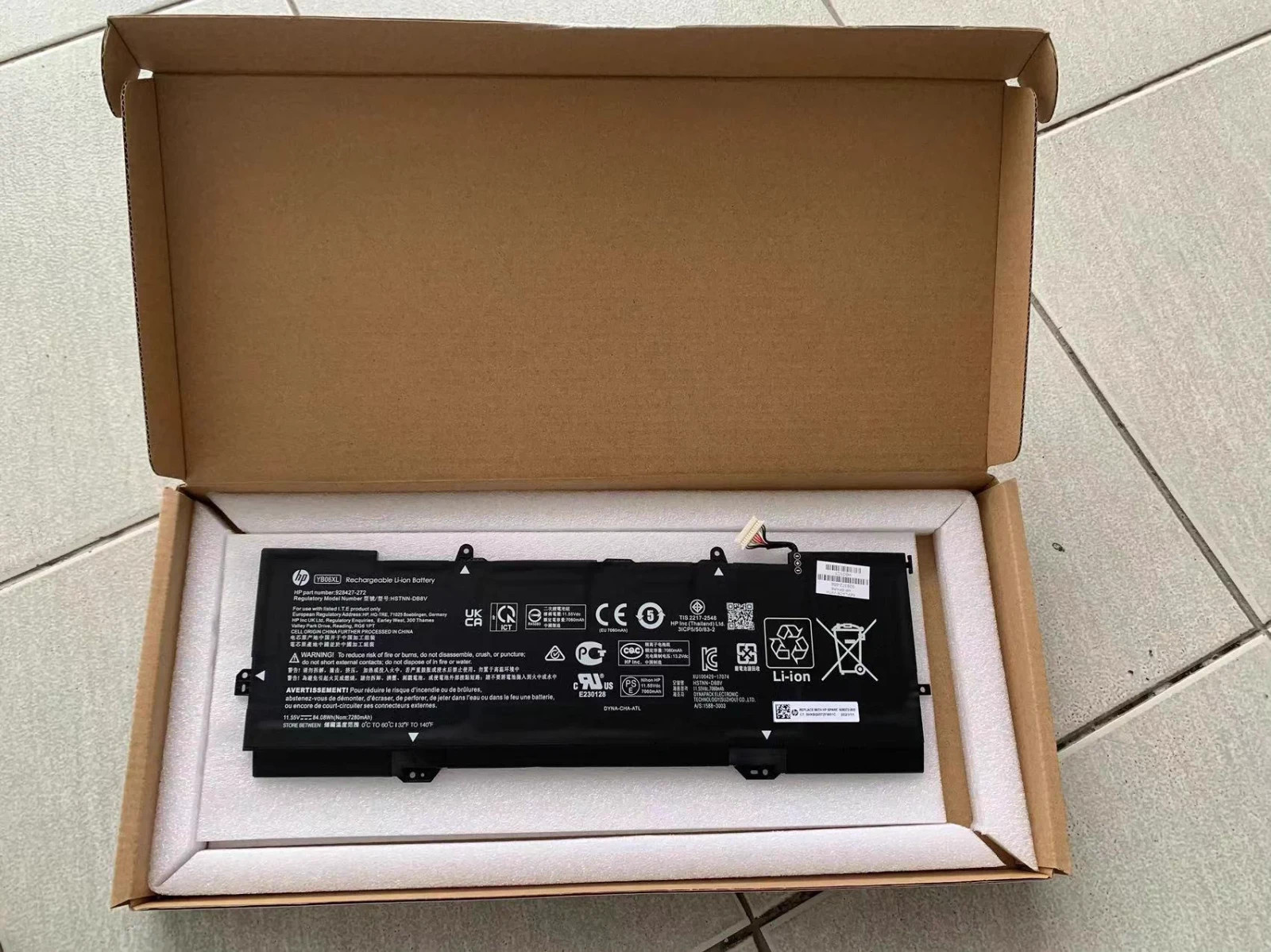
Type:Brand New
Chemistry: Li-ion
Voltage: 11.55V
Capacity: 84.04WH
Color:Black
Warranty : 1 year
Pack:Well packed in exquisite box
Replace Part Number:YB06XL YB06084XL 928427-271 928372-855 928372-856 926372-855 926427-271 928427-272 HSTNN-DB8H HSTNN-DB8V TPN-Q200 3ICP5/50/83-2 YBO6XLCompatible Models:
for HP Spectre x360 Convertible 15-CH 15T-CH 2018 Series
15-CH000 15-CH0XX 15-CH000NA 15-CH000NB 15-CH000ND 15-CH000NF 15-CH000TX 15-CH001NC 15-CH001NF 15-CH001NG 15-CH001NO 15-CH001TX 15-CH001UR 15-CH002NC 15-CH002NF 15-CH002NG 15-CH002TX
15-CH002UR 15-CH003NF 15-CH003ng 15-CH003NO 15-CH003TX 15-CH003UR 15-CH004NA 15-CH004NF 15-CH004NG 15-CH004NL 15-CH004no 15-CH004TX 15-CH005NA 15-CH005NF 15-CH005NG 15-CH005NO 15-CH005TX
15-CH006NA 15-CH006NF 15-CH006NO 15-CH006TX 15-CH007NA 15-CH007NF 15-CH007TX 15-CH008CA 15-CH008NA 15-CH008TX 15-CH009NG 15-CH009TX 15-CH010CA 15-CH010ND 15-CH010TX 15-CH011DX 15-CH011NR
15-CH011TX 15-CH012NR 15-CH012TX 15-CH013TX 15-CH015ND 15-CH075NR 15-CH020ND 15-CH025nd 15-CH031ng 15-CH032ng 15-CH034NG 15-CH040NZ 15-CH050NA 15-CH054NA 15-CH055NA 15-CH060NZ 15-CH070NZ
15-CH090NZ 15-CH015NR 15T-CH000
Q&A:
1.Q:why battery don't hold a charge, how to fix it?
A:this is new battery,for first use, we suggest buyer:
Remove the battery for a while
Install battery and full charge it by ac adapter
Leave charger and let the battery drain to shut off
Repeat above charging and discharging at least 2 times.
you charge the battery when power lower than 20%. If available, connect ac charger when doing computer work.
If run the battery shut down often, it will shorten the battery life.
2.Q:battery can't charge fully,how to fix it?
A: Remove the battery for a while
Install battery and full charge it by ac adapter
Leave charger and let the battery drain to shut off
Repeat above charging and discharging at least 2 times.
3.Q:Battery can't be recognised by my laptop, do i need exchange a new one,
A:we met this issue before, maybe beacuse of your laptop system, we suggest you can:
Remove all battery drivers
Remove battery
Connect laptop using AC charger, double check no battery drivers installed
Connect battery
Drivers will install automatically
Full charge the battery by ac adapter
Leave charger and let the battery drain to shut off
Repeat full charge and full discharge about 2 times.
if still not be solved, please contact us and exchange a new one.
Note:
Please check your battery part number and Laptop Models to ensure you are getting the correct battery for your laptop!
The new battery needs 3-4 cycles of charging and discharging to 5%, and it takes about 7-8 hours to fully activate lithium ions to maximize its space.
Please do not let the battery discharge to the computer to shut down, otherwise it may be damaged easily and may not be charged fully.
If you connect external power to use for a long time, please remove the battery.
If you do not use battery for a long time, make sure to charge more than 80% every month.
If any problems when using our item you can feel free to contact us, we will reply within 24 hours and help you to solve.
Shipping
Your orders will be shipped out within24 hoursafter your payment is verified(Saturdays & .Sundays are excluded.) .Generally takes3-7Days forUS customer FromNY.The tracking number will be updated the next business day you pay for it .
Returns & Warranty
Your repeat business is important for us, any reason, money back in 60 days and 12 months for warranty and exchange. We are responsible sellers, so please don't worry about after-sales service.
PLEASE CONTACT US, we will make it up and solve it more efficiently.
response
Your better comments will be an encouragement for us to offer the better quality and the better service in future.If you are satisfied with our service or product ,could you please leave us the 5 star positive response? Thank you so much . If you are not satisfied with them, please contact us first via Ask a Question or viaContact Sellerbefore leave a response . Your messages will be answered within 24 hours. We shall try our best to solve your problem to your satisfaction.