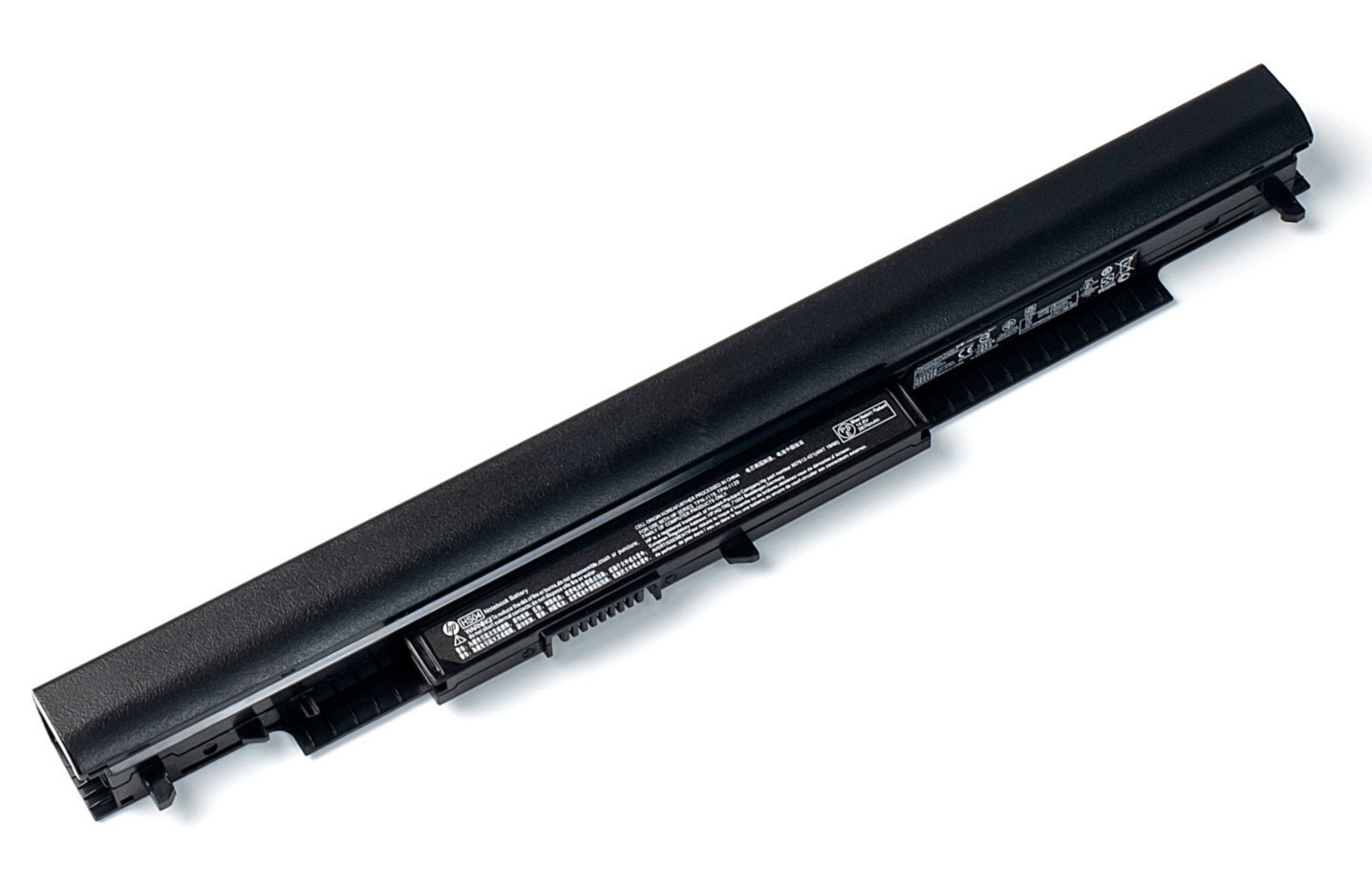
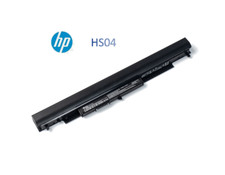
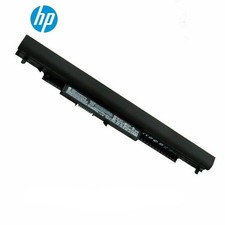
Specifications:
Battery Type: Li-ion
Battery Condition: Brand New
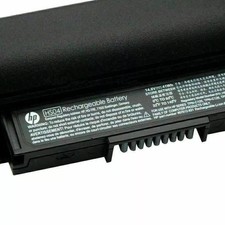
Battery Voltage: 14.8V
Battery Capacity: 41Wh
Compatible Part Numbers:
807611-131, 807611-141, 807611-421, 807611-831, 807612-131, 807612-141, 807612-421, 807612-831, 807956-001, 807957-001, HS03, HS03031-CL, HS04, HS04041-CL, HSTNN-LB6U, HSTNN-LB6V
Compatible Models (use "Ctrl+F to find your model quickly")
HP 240 G4, 245 G4, 246 G4, 250 G4, 255 G4, 256 G4 SeriesHP Pavilion 14 Series:14-ac000, 14-ac072tu, 14-ac073tu, 14-ac074tu, 14-ac080no, 14-ac100, 14-ac100na, 14-ac100nd, 14-ac100ne, 14-ac100nia, 14-ac100nl , 14-ac100nv, 14-ac100nx, 14-ac100ur, 14-ac101la, 14-ac101na, 14-ac101ne, 14-ac101nf, 14-ac101ng, 14-ac199ur, 14-af000, 14-af001auHP Pavilion 14g Series:14g-ad000, 14g-ad001tu, 14g-ad002tx, 14g-ad003tx, 14g-ad007tx, 14g-ad100HP Pavilion 14q Series:14q-aj000, 14q-aj001tx, 14q-aj002tx, 14q-aj003tx, , 14q-aj100, 14q-aj101tx, 14q-aj102tx, 14q-aj103tx, 14q-aj104tx, 14q-aj105txHP Pavilion 15 Series:15-ac000, 15-ac097tu, 15-ac097ur, 15-ac098nia, 15-ac098nx, 15-ac098tu, 15-ac098ur, 15-ac099nia, 15-ac099tu, 15-ac099ur, 15-ac100 , 15-ac100nd, 15-ac100nf, 15-ac100ni, 15-ac100nia, 15-ac198tu, 15-ac198tx, 15-ac199ne, 15-ac199nia, 15-ac199tu, 15-ac199tx, 15-ac199ur , 15-ac500, 15-ac501tu, 15-ac502tu, 15-ac503tu, 15-ac504tu, 15-ac505tu, 15-ac506tu, 15-ac600, 15-ac600ur, 15-ac601tu, 15-ac601txHP Pavilion 15g series:15g-ad000, 15g-ad001tx, 15g-ad002tx, 15g-ad003tx, 15g-ad004tx, 15g-ad005tx, 15g-ad006tx, 15g-ad007tx, 15g-ad100, 15g-ad101tx , 15g-ad102tx, 15g-ad103tx, 15g-ad104tx, 15g-ad105tx, 15g-ad106tx, 15g-ad107tx, 15g-ad108tx, 15g-ad109tx, 15g-ad110txHP Pavilion 15q series:15q-aj000, 15q-aj001tx, 15q-aj002tx, 15q-aj003tx, 15q-aj004tx, 15q-aj005tx, 15q-aj006tx, 15q-aj100, 15q-aj101tx, 15q-aj102tx, 15q-aj103tx, 15q-aj104tx, 15q-aj105tx, 15q-aj107tx, 15q-aj108tx, 15q-aj109tx, 15q-aj110tx, 15q-aj111tx
Not all the compatible laptop models have been listed, please open the back case of your laptop and choose the right battery model according to your laptop's original battery.
Laptop Battery Instruction:
1. First check if the battery is the same size as your original battery after receiving it. When installing the battery, pay attention to whether the battery cable is fixed. If the battery cable is not installed correctly, the battery may not be charged.
2. If you use the battery for the first time after installing the battery, please do not charge the battery immediately, first use the battery to 10-20%, and then charge the battery, and cycle charging 5-6 times to activate the maximum use of the battery space.
3. We recommend that you search for battery removal tutorials on the Internet in advance, or seek help from a professional technician. We won't responsible for any damage due to improper operation.
Note:
1. Do not use it if the battery is damaged and swollen.
2. Do not disassemble, crush or puncture. Do not dispose of it in fire or water.
3. If you remove the battery for a long time, charge more than 80% at least one time within one month.
4. When using the battery, care should be taken to prevent exposure and moisture.
Warranty & Support:
Full refund in 60 days, 12 months warranty. If any issues about the product within 365 days, click the button "SEND MESSAGES" and CONTACT US, we will respond within 24 hours via emails and give you friendly after-sales service.