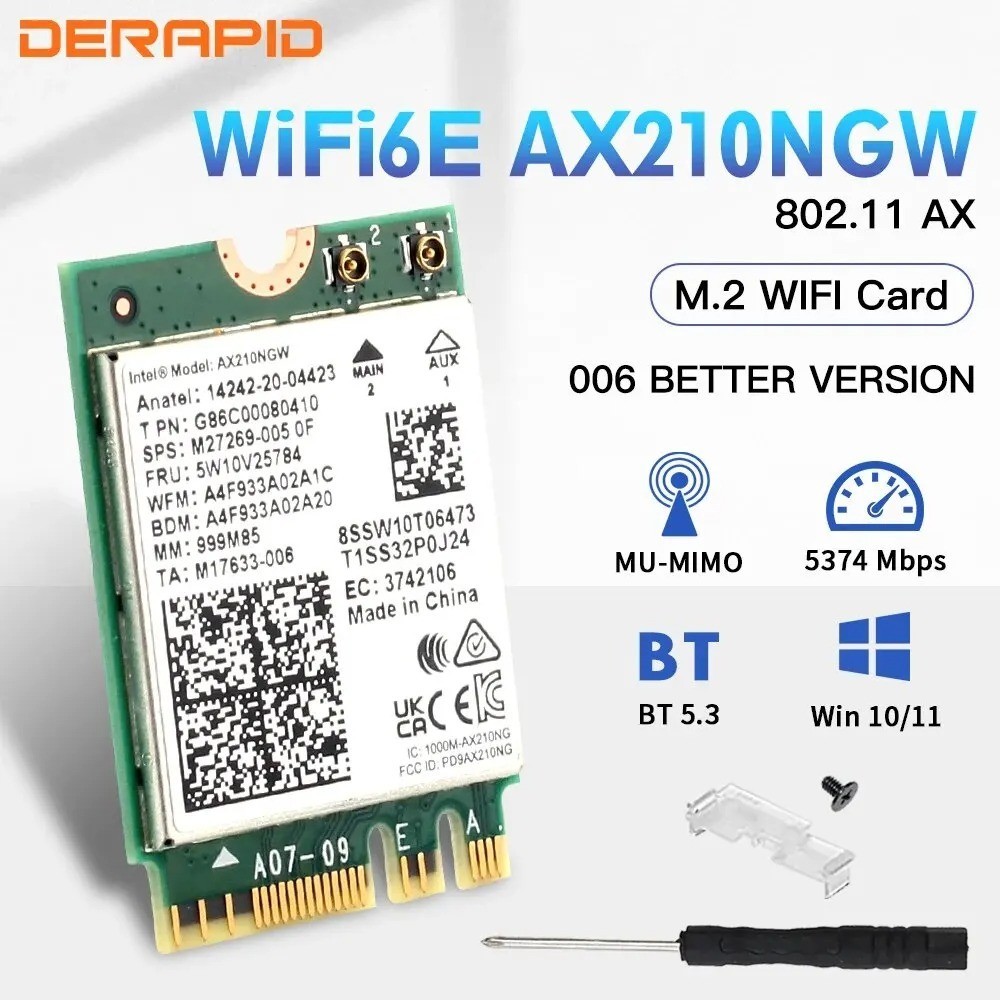
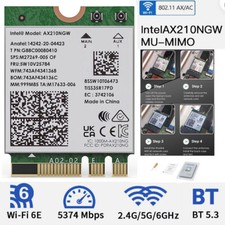
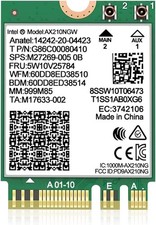
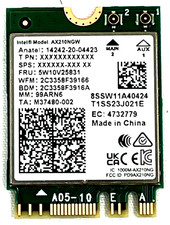
Intel AX210NGW Wi-Fi 6E M.2 Wireless Network Card – Bluetooth 5.3
Upgrade your compatible laptop or PC with the Intel AX210NGW Wi-Fi 6E Wireless Network Card. Supporting 2.4GHz, 5GHz, and 6GHz bands with Bluetooth 5.3, this compact M.2 NGFF wireless card provides fast and reliable wireless connectivity for compatible systems.
Product Features:
Wi-Fi 6E Technology: Supports 2.4GHz, 5GHz, and 6GHz wireless bands.
High-Speed Wireless: Supports speeds of up to 2400Mbps when using a compatible router with 160MHz channel bandwidth.
Bluetooth 5.3: Provides modern Bluetooth connectivity for compatible devices and peripherals.
Compact M.2 Design: Uses an M.2 NGFF 22 × 30mm interface.
Triple-Band Support: Compatible with 2.4GHz / 5GHz / 6GHz (160MHz) networks.
Wide OS Compatibility: Supports Windows 10 64-bit, Windows 11, and Intel AX210NGW
Wireless Standard: 802.11ax
Frequency Bands: 2.4GHz / 5GHz / 6GHz
Maximum Speed: Up to 2400Mbps
Bluetooth Version: 5.3
Interface: M.2 NGFF
Module Size: 22 × 30mm
Interface Type: M.2 Key A or Key E
Operating Systems: Windows 10 64-bit / Windows 11 / Linux
Compatibility Notes:
Requires an M.2 Key A or Key E socket.
Not compatible with M.2 Key M or Key B sockets, which are commonly used for SSDs.
Does not support M.2 Wi-Fi CNVIO/CNVio interfaces.
Not compatible with Windows 7, Windows 8, or Windows 8.1.
Not supported on IBM, ThinkPad, Lenovo, or HP laptops.
Please confirm that your device has a compatible M.2 connector before purchasing.
Wi-Fi 6E Requirements:
To use the 6GHz Wi-Fi 6E band, both the router and device must support Wi-Fi 6E. Wi-Fi 6E functionality requires Windows 11 64-bit according to the provided specifications.
Driver:
Driver: Includes:
Please Note: Actual wireless performance and maximum speed may vary depending on the router, network configuration, operating system, environment, and other hardware.
Q&A
1.How To use WiFi 6E
-The WiFi6E Needs buyer's router support WiFi6E Too.
And WiFi6e Just can work in windows11-64bits.
2.What kind of interface can this network card be compatible with
-Enables Key A or E M.2 socket to attach the module. (Not for Key M and B, Key M and B is used in SSD、And Don't support M.2 WIFI CNVO). Please make sure there is M.2 Connector in your laptop.