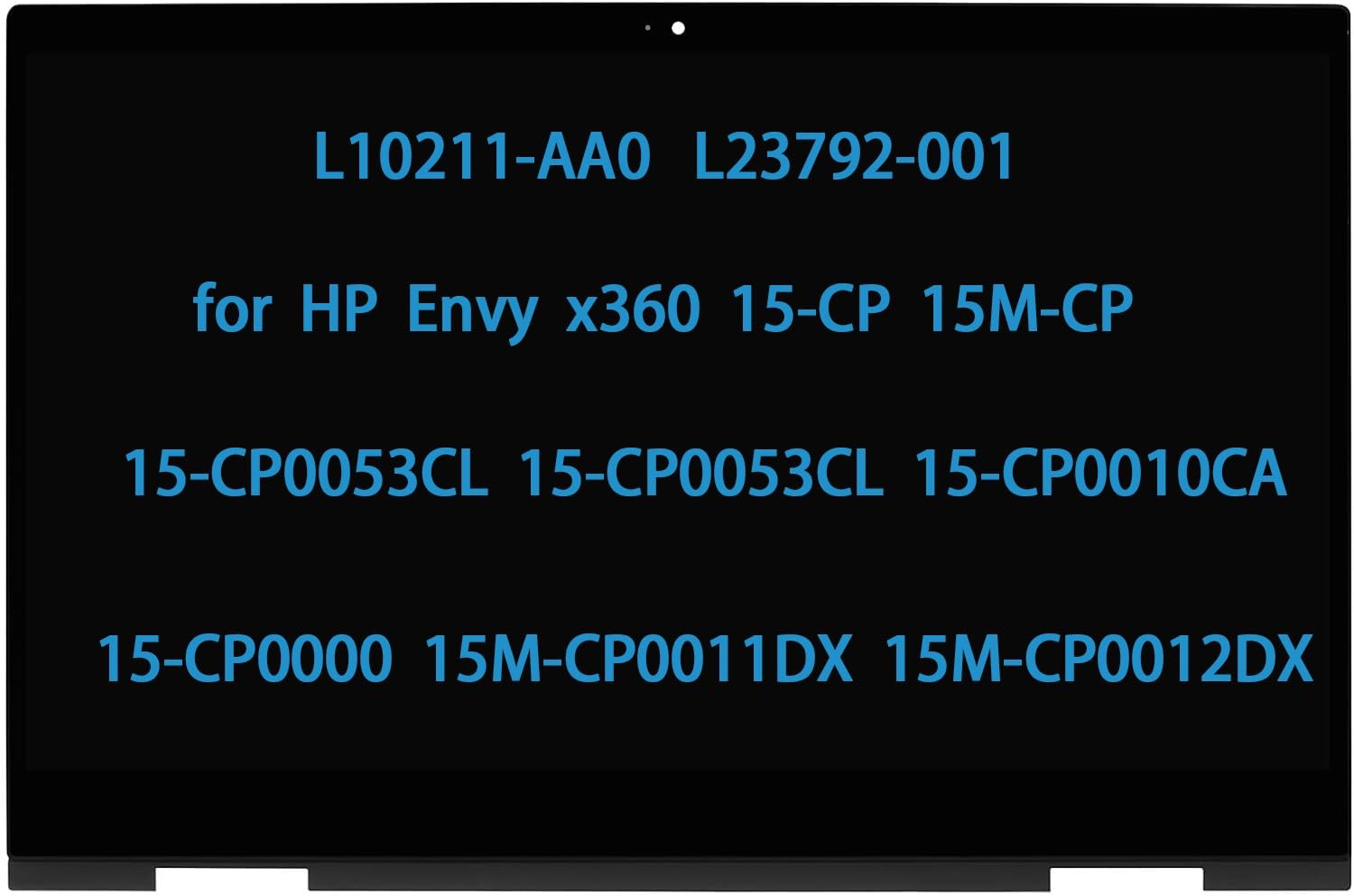
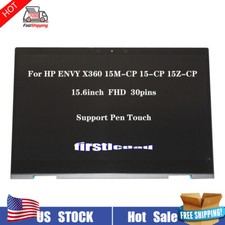
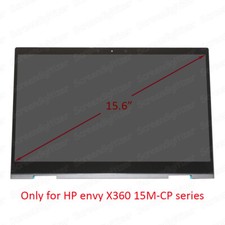
L23792-001 Screen Replacement for HP Envy X360 15-CP0053CL 15M-CP0011DX 15M-CP0012DX 15-CP 15M-CP 15Z-CP000 15.6" LCD Touch Screen Display Digitizer Assembly FullHD(1920 * 1080)Package Dimensions16.06 x 11.46 x 2.01 inchesItem Weight2.66 poundsManufacturerdaplinnoItem model number15-CP
- Compatible Model : for HP Envy X360 15M-CP0011DX 15M-CP0012DX 15-CP 15M-CP 15-CP0053CL 15-CP0010CA 15-CP0000NA 15Z-CP000 15-CP0000 L10211-AA0 L23792-001 lcd screen replacement
- Screen Resolution : 1920x1080(Not for 3840x2160); Screen Size : 15.6"; LCD Connector: EDP 30pins (Not for 40pins)
- Note : Please turn off the power before assembly. And we provide a 3-month warranty for quality problems.
- When opening the package, please confirm that the package is complete, this product is fragile, please operate carefully to avoid damage.
- Before purchasing, please reconfirm whether the product you choose is the model you need, if you have any doubts, please contact us in time.
Compatible for HP Envy X360 15M-CP0011DX 15M-CP0012DX 15-CP 15M-CP 15-CP0053CL 15-CP0010CA 15-CP0000NA 15Z-CP000 15-CP0000 L10211-AA0 L23792-001 lcd screen replacement
Compatible For HP L20554-001 L20551-001 L18192-001 L20552-001
Screen Resolution : 1920x1080(Not for 3840x2160); Screen Size : 15.6"
LCD Connector: EDP 30pins (Not for 40pins);Backlight: LED LCD
Note : Please install it Very Professionally, if Not, Please Do Not Try. (You need to Pull Off the Power Adaptor & Battery Cable when install)
Images show actual product, please verify all connectors and specifications carefully.Be careful to take the screen out of the box.
IF THE TOUCH SCREEN DOES NOT WORK,PLEASE FOLL OW THE STEPS BEL OW(ORCONTACT CUSTOMER SERVICE) :
1. Right-click "My Notebook" on the desktop,and first open the properties.
2. Right click on "Device Manager"
3. Right click on "Manual Input Device"
4. Right click on "i2C HID Device"
5. Click "Uninstall Device"
6. Refresh
Shipping
- We offer FREE shipping on all orders!
- We ship within Three business days of payment, usually sooner.
- We use a selection of shipping services such as UPS, FedEx, USPS etc.
- We only ship to the lower 48 states, no APO/FPO addresses or PO Boxes allowed.
- Local pickups and combined shipping options are not provided at this time.
Return
- You can return a product for up to 30 days from the date you purchased it.
- Any product you return must be in the same condition you received it and in the original packaging. Please keep the receipt.
Payment
We accept payment by any of the following methods:
PayPal
Please pay as soon as possible after winning an sale, as that will allow us to post your item to you sooner!
response
Customer satisfaction is very important to us.
If you have any problem with your order, please contact us and we will do our best to make you satisfied.
Contact Us
If you have any queries, please contact us via . We usually respond within 24 hours on weekdays.
Please visit our store to check out other items for sale!
Thank you for shopping at our store.