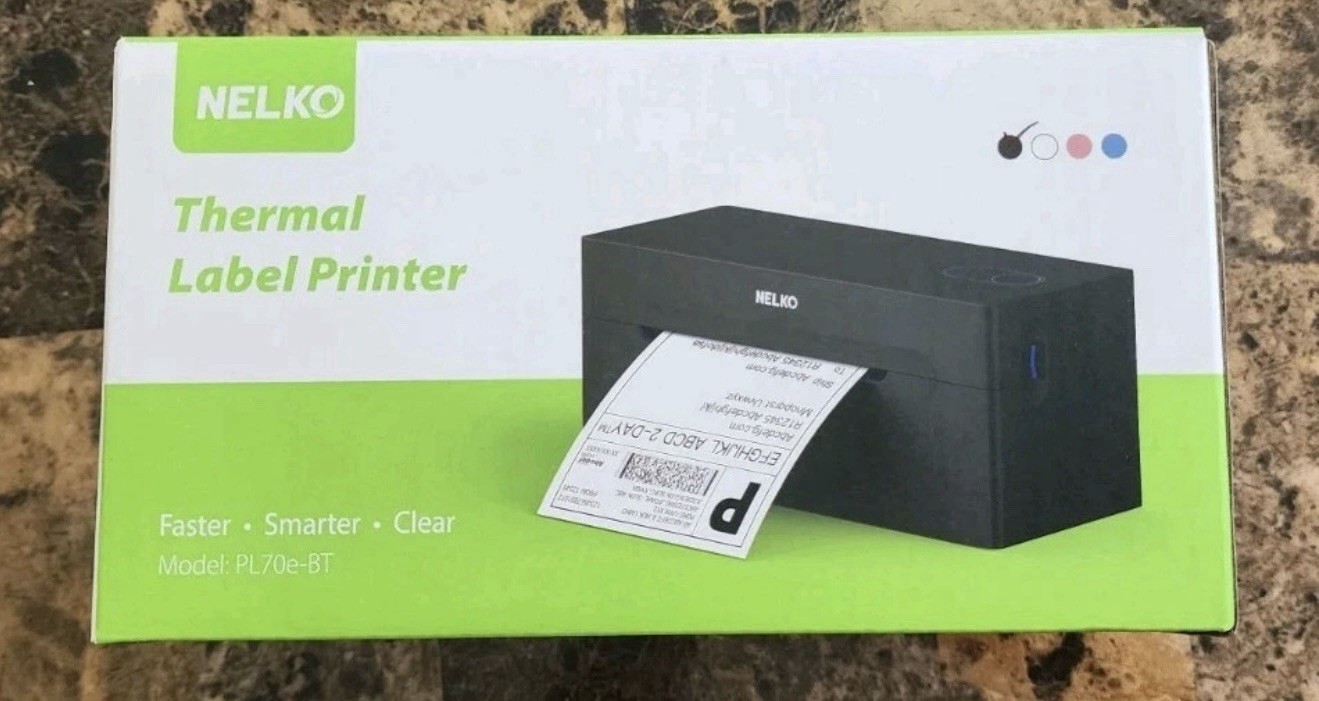
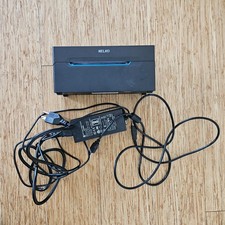
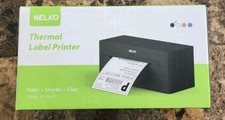
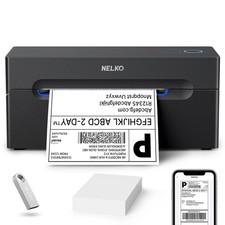
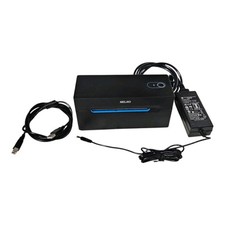
Nelko PL70e-BT Thermal Label Printer Bluetooth USB Connectivity
Thermal
Sheet Size Paper Width: 1.54"-4.1"; 4"x6", 3"x2", 3"x1", 2"x1", 2-5/16" x 4" inches
Maximum Media Size 4 x 6 inch
Color black
Wattage 6 watts
Number of USB 2 Ports 1
Max Printspeed Monochrome 72.00
Number of Drivers 2
Printer Output Monochrome
Maximum copies per run 500
Manufacturer Nelko
Product Dimensions 9"D x 6"W x 5"H
Go Wireless with Bluetooth: Connect your Nelko Bluetooth thermal label printer to iOS 13 or later and Android devices via the "NELKO" app. Windows 7 or later users can also print wirelessly via Bluetooth. For Mac users with M1 or M2 CPUs, install the app and connect via Bluetooth. Note: All devices must connect through the app and cannot pair directly via Bluetooth settings
Print via USB: For Windows 7 or later, Mac OS,Chrome OS, you can connect the desktop label printer via USB cable. Note that Mac OS only works with USB connection, you can not print via Bluetooth
Good Helper for Cost Saving: Advanced thermal direct technology is adopted to achieve the printing speed of 150 mm/s, up to 72 sheets 4x6 labels/min. High speed brings high efficiency and helps your business grow faster! 203 DPI makes printing clearer. No ink, no toner, only thermal labels needed. Both fanfold labels and roll labels could be used. Label size: labels width ranges from 1.54" to 4.1"(40-104 mm), such as 4x6, 3x2, 3x1, 2x1 thermal labels and so on. To ensure proper printing, it's essential to select the correct size when printing
Wide Application Range, Meets Diverse Printing Needs: Efficiently prints shipping labels for e-commerce, warehouse management tags, product price stickers, and classroom teaching labels (suitable for teacher supplies). Supports labels 1.57"-4.1" wide (both fanfold and roll types), with flexible design of text, barcodes, and QR codes. This thermal label printer fits both home and business scenarios
Suitable for Commercial and Home Use: Printer driver, instruction videos and problem shooting videos are provided in U-Disk for better setting. Nelko PL70E label printer is much smaller than traditional printers and only requires a small piece of space to achieve printing. Very suitable for printing shipping labels, mailing labels, price labels, barcode labels, name tags and all kinds of small category labels
Wide Compatibility & Solid Support: Works seamlessly with Amazon, , Shopify, USPS, UPS, ShipStation, Shipping Easy, Shippo, ShipWorks, Ordoro and more. Set up in 1 minute with the included U-Disk (drivers, tutorials, troubleshooting). Backed by a 2-year warranty, with responsive support via email and phone—we’ve got your back
Product Description
NELKO PL70E Bluetooth Thermal Label Printer
Add to Cart
Add to Cart
Add to Cart
Add to Cart
Add to Cart
Label Holder
Add to Cart
Customer Reviews
4.4 out of 5 stars 4,329
4.8 out of 5 stars 1,403
4.6 out of 5 stars 152
4.5 out of 5 stars 39
4.4 out of 5 stars 98
—
4.5 out of 5 stars 39
Price
$69.98$69.98 $22.99$22.99 $15.99$15.99 $11.19$11.19 $10.99$10.99 — $9.99$9.99
Pack
1 500 Labels 1000 Labels 1000 Labels 750 Labels 1 1000 Labels
Hight Quality
√ √ √ √ √ √ √
Color
Black White White White White Black Pink
Advantage
Bluetooth, High Efficiency Using as Shipping Labels Using as Shipping Labels Using as Barcode Labels Using as Barcode Labels For Rolls and Fan-Fold Labels Using as Barcode Labels
Support
Bluetooth & USB Connection Thermal Label Printer Thermal Label Printer Thermal Label Printer Thermal Label Printer Thermal Label Printer Thermal Label Printer
The video showcases the product in use.The video guides you through product setup.The video compares multiple products.The video shows the product being unpacked.
hero-video
Merchant Video
1 NELKO APP 2 For Mac 3 Shipping Printer Pro APP
How to use PL70E Bluetooth Shipping Label Printer via Phone?
Step 1: Scan to install "NELKO" app or "Shipping Printer Pro" app. Suggest using a more user-friendly "NELKO" app.
Step 2: Allow APP access and open "Bluetooth", "Location".
Step 3: Tap the top left corner to select the model PL70e-BT and Tap "Not connected" and connect printer.
Step