Screen Recording, Streaming & Video Editing Software -- Windows & Mac Professional Streaming, Recording & Video Editing Suite.
OBS Studio + Shotcut -- No Subscriptions. No Watermarks.
OBS Studio (32-bit & 64-bit) + Shotcut Video Editor -- Windows 7, 8, 10, 11 & Mac -- Available on DVD-ROM, USB, or Combo Pack
✓ No Subscription ✓ Windows 7 & 8 Compatible ✓ 2 Software Titles Included ✓ 30-Day Returns
A complete content creation toolkit on a single disc or USB drive -- OBS Studio for professional screen recording and live streaming, plus Shotcut for full-featured video editing. Multiple versions are included to cover Windows 7 through Windows 11 and Mac, so this works on virtually any system. Both user manuals and installation guides are included.
📦 Choose Your Format Above Before Purchasing:DVD-ROM OnlyInstall directly from disc. Standard DVD-ROM drive required.USB Flash Drive OnlySame content on USB. Ideal for computers without a disc drive.Combo Pack (DVD + USB)Both formats included. Keep one as a backup or use on different systems.
All three formats contain identical software and documentation.
Software 1: OBS Studio -- Screen Recording & Live Streaming
OBS Studio is the industry standard for screen recording, live streaming, and video capture. Two versions are included to cover all supported Windows and Mac configurations:
- OBS v27.2.4 (32-bit) -- For Windows 7, 8, and older 32-bit systems
- OBS v30.0.2 (64-bit) -- For Windows 7, 8, 10, 11, and Mac (64-bit)
Both installers are included on the same disc/drive so you can select the correct version for your system.
Software 2: Shotcut -- Bonus Professional Video Editor
Shotcut is a full-featured, professional video editor for trimming, cutting, adding effects, titles, transitions, and exporting finished video files. Two versions are included:
- Shotcut v23.09.29 -- For Windows 10, 11, and Mac
- Shotcut v22.12.21 -- For Windows 7 and 8
Record with OBS, then edit the finished video with Shotcut -- a complete workflow from a single disc.
What You Can Do:Record Your Screen or Capture Gameplay
Capture your full display, individual windows, webcam, or game footage in high quality with OBS Studio. No watermarks, no time limits.Live Stream to YouTube, Twitch & More
Broadcast directly to any major streaming platform with OBS Studio’s professional scene-based workflow and multi-source mixing.Edit Your Videos With Shotcut
Trim clips, add transitions and titles, apply filters and effects, and export finished videos in multiple formats -- all with Shotcut’s professional timeline editor.Work on Windows 7 Through 11 or Mac
Multiple version installers cover virtually every supported Windows and Mac configuration, including older systems that newer software no longer supports.What You Will Receive:
- OBS Studio v27.2.4 (32-bit) installer -- Windows 7, 8 and older systems
- OBS Studio v30.0.2 (64-bit) installer -- Windows 7, 8, 10, 11 and Mac
- Shotcut v23.09.29 installer -- Windows 10, 11 and Mac
- Shotcut v22.12.21 installer -- Windows 7 and 8
- Step-by-step OBS Studio installation guide PDF (on disc/drive)
- Step-by-step Shotcut installation guide PDF with screenshots (on disc/drive)
- OBS Studio User Manual PDF -- comprehensive reference guide (on disc/drive)
- Shotcut User Manual PDF -- comprehensive reference guide (on disc/drive)
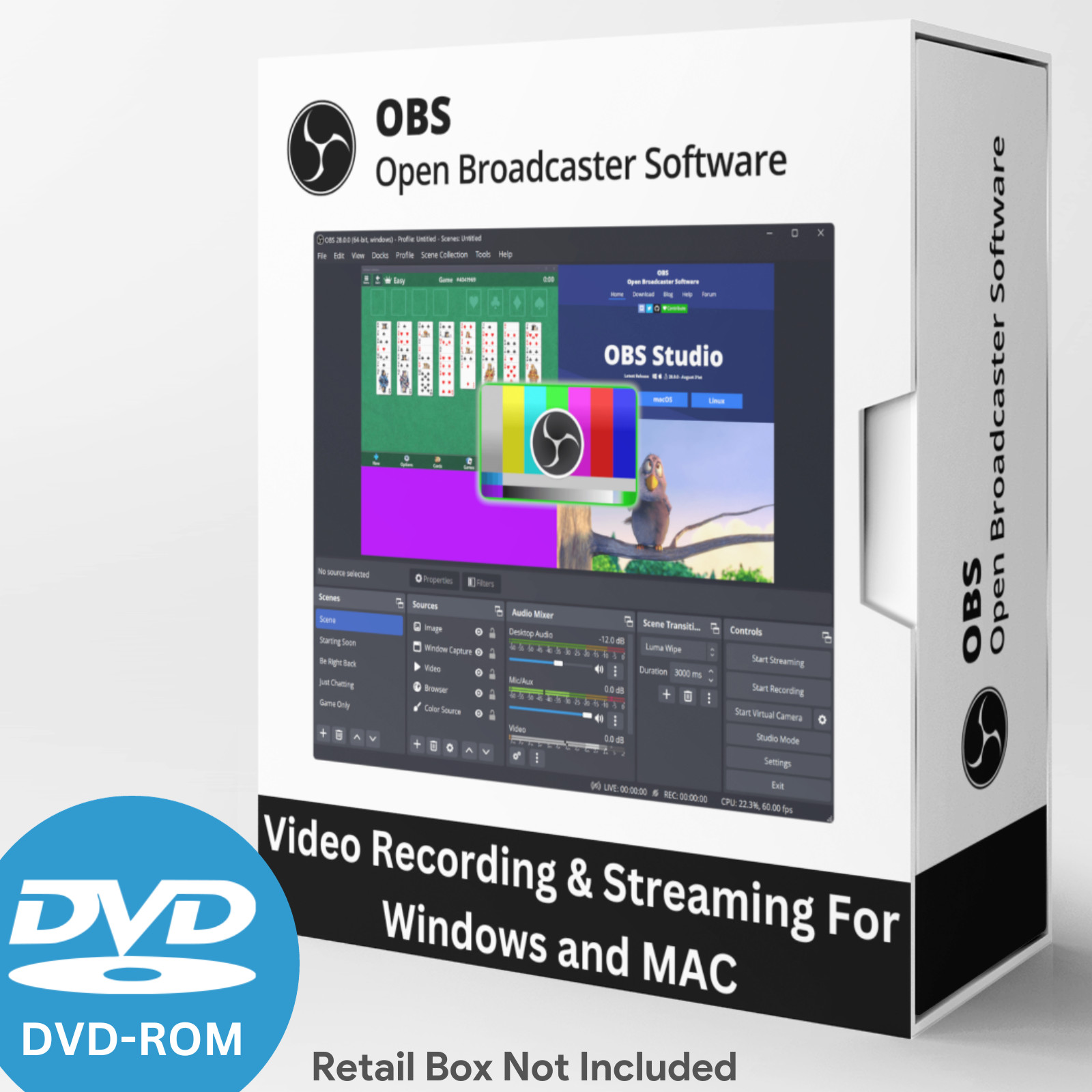
⚠ PLEASE NOTE: The software box shown in the listing photos is a product display image only. It is NOT included with your purchase. You will receive the disc and/or USB drive only, as selected above.
System Requirements:
OBS Studio:
- Windows: 7, 8, 10, or 11 (32-bit or 64-bit)
- macOS: 10.13 or newer
- Processor: Multi-core CPU recommended
- Memory: 4 GB RAM or more recommended
- Storage: 500 MB free disk space
Shotcut:
- Windows 10/11 & Mac version: Windows 10, 11 or macOS 10.13+
- Windows 7/8 version: Windows 7 or 8
- Memory: 4 GB RAM minimum (8 GB recommended for video editing)
- Storage: 1 GB free disk space recommended
DVD-ROM drive required for DVD version. Standard USB port required for USB version.
Note: The product image is for representation only. This product comes in Bulk/Wholesale Packaging. Your item will be shipped in a 6x9 inch bubble mailer without a physical retail box. Installation instructions are included as a PDF in the main directory of the disc or USB drive. The file name begins with “Read Me First”.
Hassle-Free 30-Day Returns or Exchanges
We want you to shop with confidence. If you ordered the wrong item, aren’t completely satisfied, or simply changed your mind -- no problem.
We offer a 30-day return or exchange policy, completely hassle-free. Just submit a return request through ’s return system, and we’ll approve it promptly.
Why Doesn’t This Come in a Retail Box?
This item is brand new and professionally packaged in bulk/wholesale packaging rather than a traditional retail box. Many high-quality software products are distributed this way to reduce waste, lower shipping costs, and offer better value.
What Is Bulk/Wholesale Packaging?
This is our most popular packaging type. Items are distributed in bulk to reduce costs and pass savings on to you. DVDs are shipped in paper sleeves. USB drives are shipped loose. This item does not come sealed or shrink-wrapped.
Frequently Asked Questions (FAQ)💻 Can I install this on multiple computers?
Yes. There are no limits -- install on as many compatible computers as you like.🔑 Does this require a product key or activation?
No. Neither OBS Studio nor Shotcut requires a product key, activation, or registration of any kind.💻 Will this work on Windows 7 or 8?
Yes. Both OBS Studio and Shotcut include dedicated installers for Windows 7 and 8. Newer releases of both programs have dropped support for older Windows versions -- these versions retain it.🎥 Will OBS work for streaming to YouTube or Twitch?
Yes. OBS Studio supports direct streaming to YouTube, Twitch, Facebook Live, and most other major streaming platforms.🎥 Does OBS record without watermarks?
Yes. All recordings and streams are completely clean -- no watermarks or branding overlays of any kind.🎬 What can I do with Shotcut?
Shotcut is a full-featured video editor. You can trim and cut clips, add transitions, apply filters and effects, add titles and text overlays, mix audio, and export finished video files in multiple formats.📚 Do you include printed manuals?
Printed manuals are not included. Step-by-step installation guides and comprehensive user manual PDFs for both OBS Studio and Shotcut are included on the disc or USB drive.📦 Does it come in a box?
No. The box shown in the images is for illustration only. You will receive the disc and/or USB drive in protective packaging inside a bubble mailer.🔁 Do I need to pay for updates?
No. Software updates are available at no charge when released.✅ Is this software legal?
Yes. Both OBS Studio and Shotcut are 100% legal open-source software licensed under the GNU General Public License (GPL). Both are fully authorized for distribution and use.Still have questions?
Feel free to message us -- we’re happy to help.Description of Our Services
All software and digital materials offered in our listings are sourced exclusively from open-source or public-domain repositories that are freely available online.
The price you pay does not reflect the cost of the software itself, which is available at no charge. Instead, it covers the labor involved in sourcing, organizing, testing, and preparing the files; creating instructional materials; transferring content to physical media; packaging; shipping; and associated marketplace fees.
We have been a trusted seller since April 2003 -- over 22 years of delivering quality products and reliable service. We take pride in delivering a convenient, ready-to-use product that saves you time and provides long-term value.
LICENSE AND DISCLAIMER INFORMATION
Rogers Ebooks and Software is the creator of this software package and its UPC code. All software included is open source. Rogers Ebooks and Software is authorized to distribute this software under the GNU General Public License (GPL).
THE SOFTWARE IS PROVIDED “AS IS”, WITHOUT WARRANTY OF ANY KIND, EXPRESS OR IMPLIED, INCLUDING BUT NOT LIMITED TO THE WARRANTIES OF MERCHANTABILITY, FITNESS FOR A PARTICULAR PURPOSE AND NONINFRINGEMENT. IN NO EVENT SHALL THE AUTHORS OR COPYRIGHT HOLDERS BE LIABLE FOR ANY CLAIM, DAMAGES OR OTHER LIABILITY.