 When you click on links to various merchants on this site and make a purchase, this can result in this site earning a commission. Affiliate programs and affiliations include, but are not limited to, the eBay Partner Network. When you click on links to various merchants on this site and make a purchase, this can result in this site earning a commission. Affiliate programs and affiliations include, but are not limited to, the eBay Partner Network.
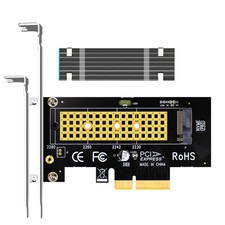
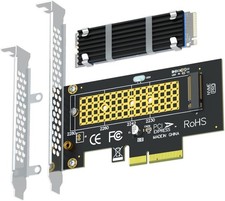
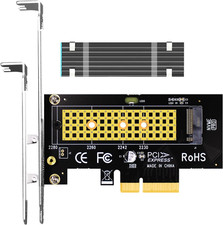
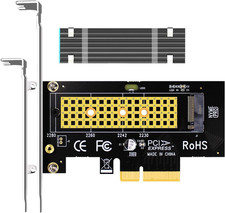
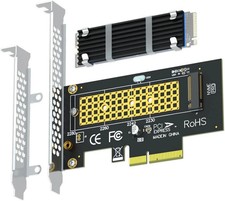
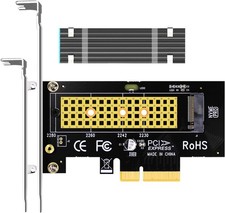
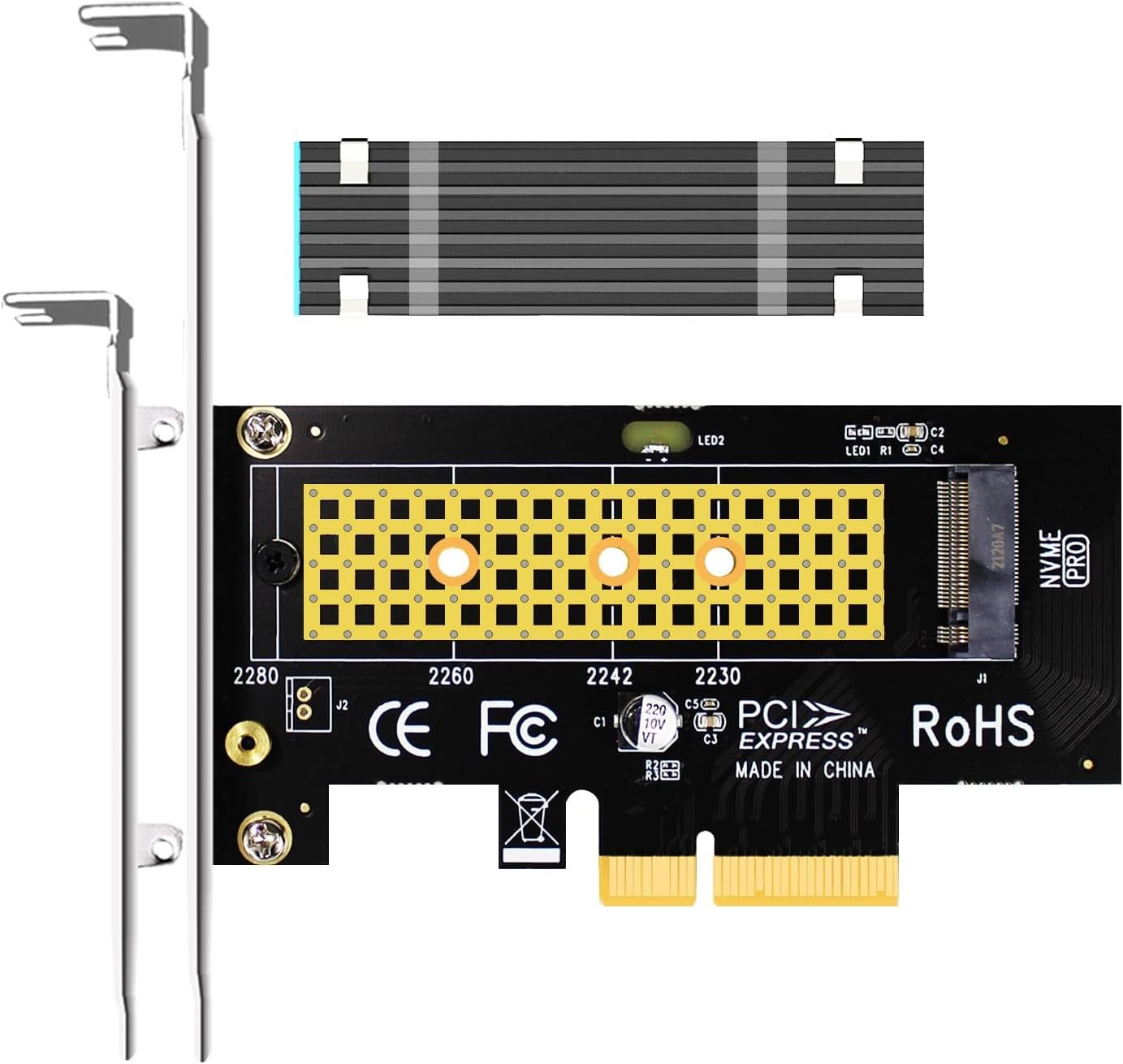
- This adapter turns your motherboard's PCIE X4/X8/X16 slot into an M.2 Key M slot for M.2 NVMe SSD installation. PCIE X1/PCI slots aren't supported. It comes with heatsinks that cool M.2 SSDs by 5 - 20°C.
- Works with PCIE 4.0/3.0 M.2 NVMe SSDs. For full PCIE 4.0 X4 speed, your CPU, slots, and SSD must all support it. Note: Intel CPUs below 11th gen don't support PCIE 4.0.
- No capacity limit for M.2 NVMe SSDs (2T, 4T work). Supports 2230/2242/2260/2280 sizes. New SSDs need initialization and formatting. M.2 SATA SSDs aren't supported.
- Compatible with Windows 11/10/8, Linux, and Mac OS. Support OS boot from NVMe SSD, except on some old motherboards (usable as storage then). Windows 7 lacks native NVMe driver; download from Microsoft or SSD manufacture site.
- Includes 12cm regular and 8cm low - profile brackets for any PC frame. FCC and CE certified. Get lifetime tech support - contact us for troubleshooting.
Product description Model: PA09-HS Internal Interface PCI-Express X4 External Interface Key M Max Bandwidth 8GB/s for PCIe 4.0 and 4GB/s for PCIe 3.0 PCI-E Compatibility PCI-Express 4.0/3.0/2.0 M.2 Compatibility M.2 NVMe SSD Form Factor 2230/2242/2260/2280 OS Compatibility Windows, Linux, Mac OS (Not support Windows 7) NVMe drive as boot drive or storage drive? For NVMe boot drive, you need to reinstall the OS (windows 10 64bit/Windows 11 is recommended). - First you need to prepare a bootable usb drive and OS (windows 10 64bit/Windows 11).
- When reinstalling the system, please select GUID Partition Table (GPT).
- OS will reboot after completing installation, remove the bootable usb drive, enter BIOS to setup UEFI boot mode
For NVMe storage drive, Plug and play in Windows 11/10/8/Linux/Mac OS - Windows 7 can not support nvme drive
- Brand new NVMe drive need to be Initialized and formated before OS recognize it.
PCI-Express X4 Full Speed - GLOTRENDS PA09-HS M.2 PCIe adapter supports PCIe X4 full speed and is PCIe 4.0/3.0/2.0/1.0 compliant.
- To reach PCIe 4.0 X4 full speed, your motherboard and CPU, and M.2 PCIe SSD should all support PCIe 4.0, otherwise can not reach PCIe 4.0 X4 full speed
- Intel CPU 11th generation and above support PCIe 4.0 feature
M.2 Heatsink for PCIe SSD cooling - 5°C - 20°C cooling effect (varies by environment)
- Aluminum body with groove design: 2.75*0.87*0.12 inch (LxWxH)
- Thermal Pad: conducting heat from M.2 SSD to M.2 heatsink, 2 W/mk Thermal conductivity, low viscosity, insulation
- Unique installation: 2 x metal clips and 2 x rubber bands, easy to install, permanent use
Installation - Remove the transparent film
- Put Thermal pad on SSD, press lightly
- Using metal clips and rubber bands, bind the M.2 heatsink to the M.2 SSD
- Screw M.2 SSD to the PCIe adapter
- M.2 PCIe adapter plugged into PCIe slot
- Mounting M.2 PCIe Adapter to PC chassis
Package Including - PA09-HS
- Scew Driver
- 12cm regular-profile bracket and 8cm low-profile bracket
- Screw for mounting to PC chassis
- M.2 Heatsink
- Thermal Pad
- 2 x Metal Clips
- 2 x Rubber Bands
 |
|