 When you click on links to various merchants on this site and make a purchase, this can result in this site earning a commission. Affiliate programs and affiliations include, but are not limited to, the eBay Partner Network. When you click on links to various merchants on this site and make a purchase, this can result in this site earning a commission. Affiliate programs and affiliations include, but are not limited to, the eBay Partner Network.
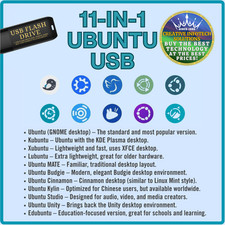
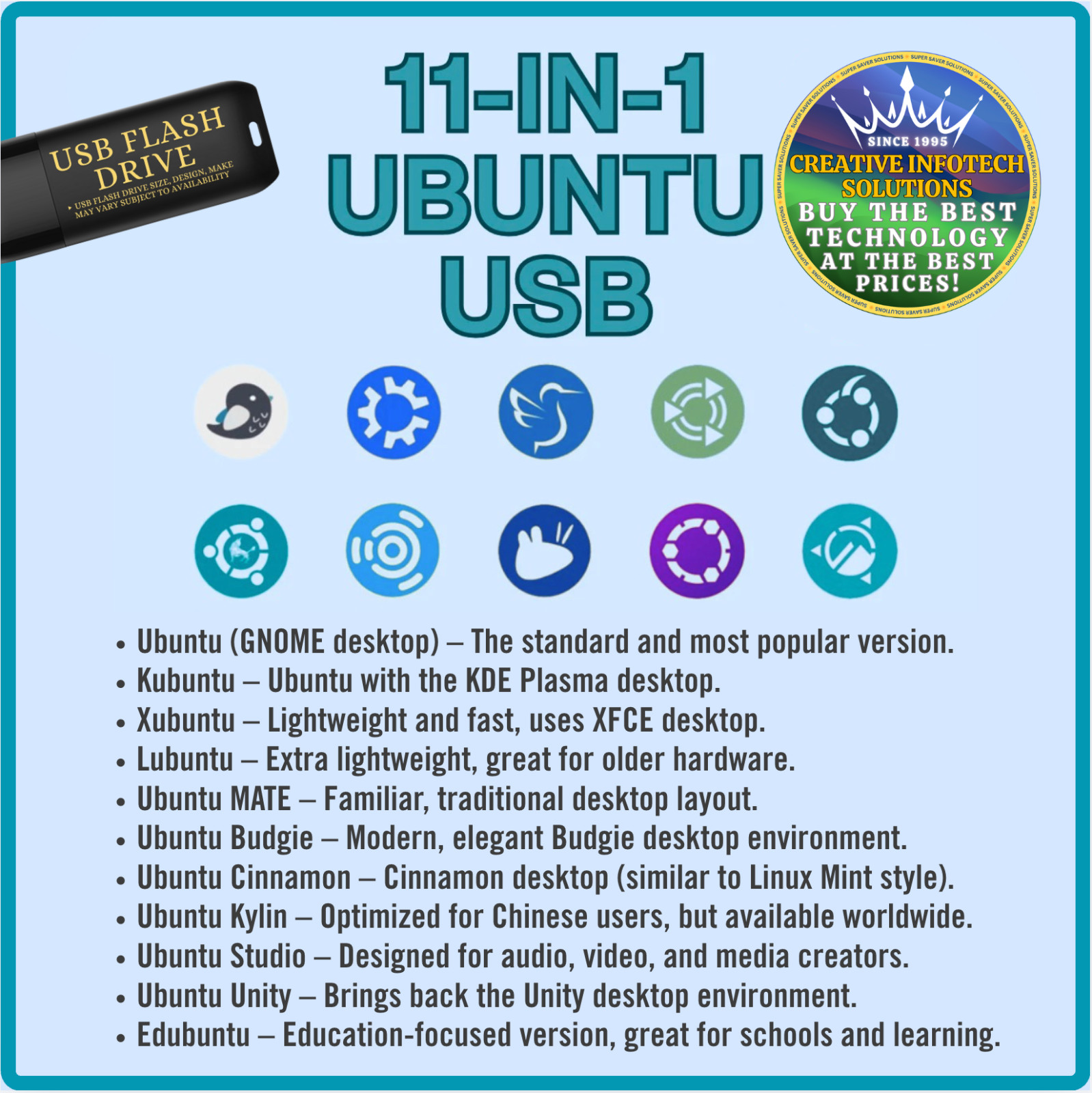
Ubuntu Multi-Boot USB – 11-in-1 Mast3er Collection (Latest LTS) Get the full Ubuntu experience on aUSB flash drive, preloaded with11 Ubuntu flavors, all in the latestUbuntu LTS (Long Term Support)release. Perfect for testing, installing, or running Ubuntu and its desktop environments without needing to burn multiple DVDs or create separate bootable drives. This all-in-one multi-boot USB makes it simple to try different versions of Ubuntu, find the one that works best for your needs, or install them directly onto your computer. ✅ Included Ubuntu Flavors (LATEST LTS) This USB includes the complete set of official flavors, each in the newestLong Term Support (LTS)version: Ubuntu (GNOME desktop)– The standard and most popular version. Kubuntu– Ubuntu with the KDE Plasma desktop. Xubuntu– Lightweight and fast, uses XFCE desktop. Lubuntu– Extra lightweight, great for older hardware. Ubuntu MATE– Familiar, traditional desktop layout. Ubuntu Budgie– Modern, elegant Budgie desktop environment. Ubuntu Cinnamon– Cinnamon desktop (similar to Linux Mint style). Ubuntu Kylin– Optimized for Chinese users, but available worldwide. Ubuntu Studio– Designed for audio, video, and media creators. Ubuntu Unity– Brings back the Unity desktop environment. Edubuntu– Education-focused version, great for schools and learning.
⚡ Features NEW USB DRIVE– High-speed, durable flash drive for smooth performance. 11-in-1 Multi-Boot Setup– Choose your flavor at boot with an easy menu. Live Mode– Test-drive each Ubuntu version without installing. Installer Mode– Install any of the included flavors directly to your hard drive or SSD. Latest LTS Releases– Supported for years with stability and updates. Portable & Reusable– Use on desktops, laptops, or multiple computers.
🔧 How to Use Insert the USB drive into your PC or laptop. Restart your computer and boot from USB (may require pressingF12, F9, ESC, or DELdepending on your system). Select the Ubuntu flavor you want to try or install from the boot menu. Run inLive Modeto test it out, or selectInstallto set it up permanently on your device.
📦 What You Get 1x USB Flash Drivepreloaded with Ubuntu LATEST LTS (all 11 flavors). Printed Instructionsfor booting from the USB flash drive. Ready to boot, test, and install. No internet download required.
💡 Why Choose This USB? Saves hours of downloading and creating bootable media yourself. Great for beginners exploring Linux or advanced users managing multiple systems. Perfect as a recovery, testing, or installation tool. Backed by Ubuntu’s long-term support and updates.
 |
|