DevPurple - Ultimate GIMP Pack DEVPURPLE
Premium Software Collections
ULTIMATE GIMP PACK
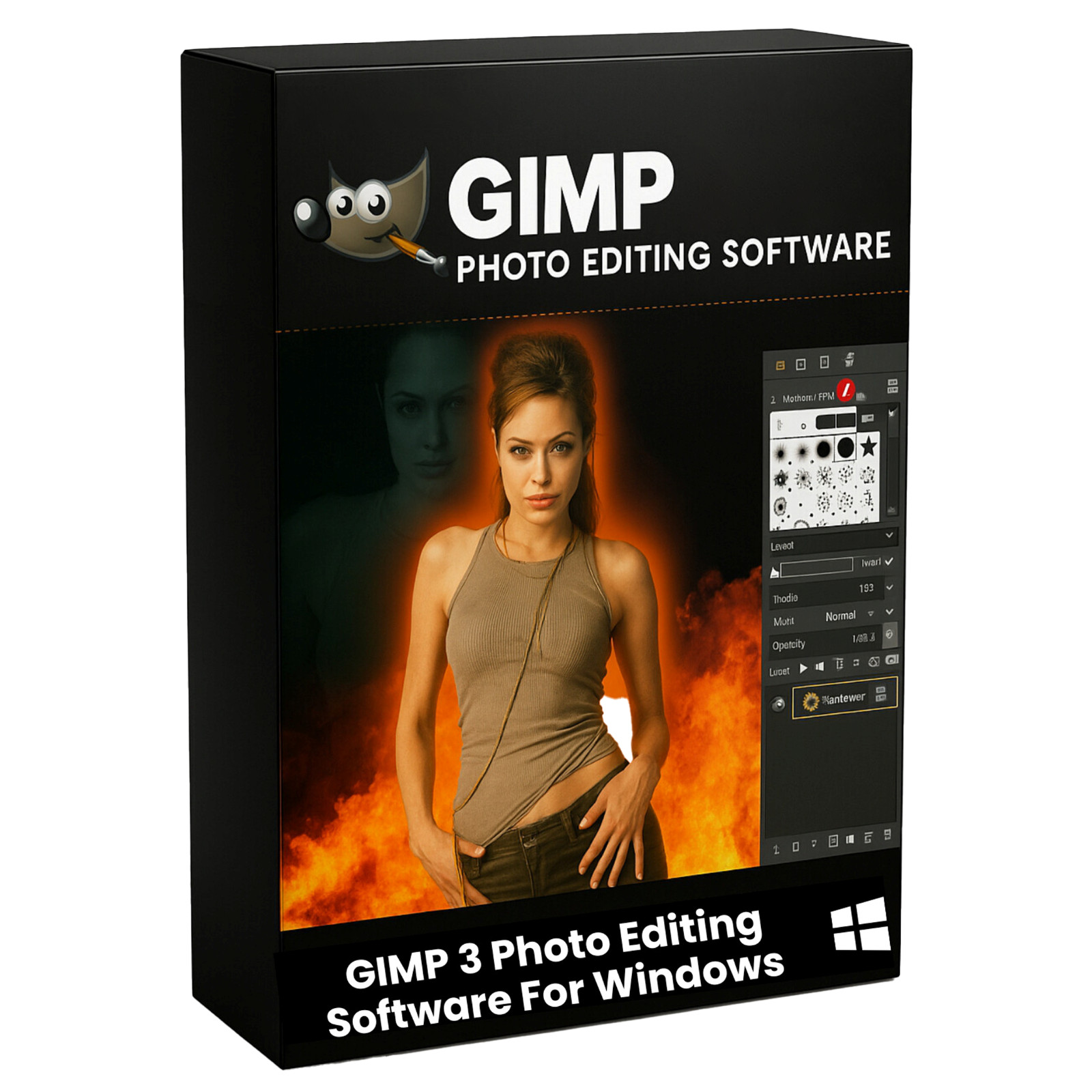
Complete Photo Editing and Graphic Design suite in two versions, the full Windows installation and a portable build, supplied on USB Drive or DVD
Turn any Windows computer into a full photo editing and graphic design workstation with the Ultimate GIMP Pack. The complete GIMP image editor is supplied two ways on one piece of media: the full Windows installation, so you can set it up normally, and a portable build that runs from the drive itself with nothing installed on the machine. No product key, no activation, no subscription, and no device limit.
GIMP is the open source image editor from the GIMP Team, developed in the open and used by photographers, designers, students, and small businesses worldwide. It covers photo retouching, image restoration, graphic design, and digital painting, and it opens the file formats you already have.
What You Can Do With It
- Retouch and enhance photos: Remove blemishes, correct color and exposure, sharpen detail, and bring old photographs back to life.
- Design graphics and marketing material: Create social media images, flyers, banners, thumbnails, and original digital artwork.
- Edit RAW camera images: Open and process RAW photographs with full control over exposure, highlights, shadows, and color.
- Paint and illustrate: Use pressure sensitive brushes, the MyPaint brush engine, and customizable brush dynamics for digital painting.
- Work with layers like a professional: Composite images with layers, layer groups, masks, and paths, the same workflow used in commercial editing software.
- Prepare images for print: Work in CMYK, soft proof your colors, and check total ink coverage before you send a file to a printer.
Key Features
- Non-destructive layers: Text layers, link layers, and vector layers stay editable. Rasterize a layer when you need to paint on it, and revert the rasterize step when you change your mind.
- Non-destructive filters: Apply filters to layers, layer groups, and channels, then adjust or remove them later without touching the original image data.
- Link layers: Place an external image into a composition. When the original file changes in another editor, the link layer updates with it.
- Vector layers: The path tool creates shape layers with stroke and fill settings that update automatically as you adjust the path.
- GEGL image engine: Hardware accelerated processing for faster rendering and smoother performance on modern processors.
- Brush engine: GIMP brushes plus the MyPaint brush tool, brush presets, and full brush dynamics for drawing tablets.
- Text tool: On-canvas text editing with outline direction controls, rich formatting, and live color preview.
- Overwrite paint mode: Replaces color values as you paint without blending alpha, which is ideal for pixel art.
- Color management: ICC color profiles, soft proofing, and a CMYK color selector.
- Video and animation: Frame by frame animation, GIF and APNG export, and onion skinning.
- Scripting and automation: Script-Fu, Python, and a filter browser for building repeatable workflows.
- Fully customizable interface: Themes, dockable dialogs, single window or multi window mode, and keyboard shortcuts you set yourself.
File Format Support
- Photoshop files: Opens PSD files with layers, and imports layer styles such as drop shadow, inner shadow, and outer glow. Also opens and now exports the large document PSB format.
- Common image formats: PNG, JPG, JPEG, TIFF, BMP, GIF, WebP, and AVIF.
- Vector and document: SVG, PDF, and EPS.
- Professional and camera formats: OpenEXR, JPEG 2000, DDS, HEIF, and RAW files from most camera makers.
- Color palettes: Imports Procreate and Photoshop palettes, and exports Krita palette files.
- Photoshop presets: Import .acv and .alv curves and levels presets, and .pat pattern files.
- Export presets: Save and reuse export settings so repeated jobs take one click.
Two GIMP Release Lines Included
- The GIMP 3 line: The current stable release, with the modernized interface, hardware accelerated GEGL engine, and non-destructive layers. This is the 64 bit build and it is the one to choose if you are on a current version of Windows.
- The GIMP 2.10 line: The final release of the 2.10 series, supplied as a full installation. The 2.10 series is where the largest library of GIMP plug-ins and scripts was written, and many long time users prefer its layout. The portable build in this pack is a 2.10 series build, so a matching installer is included.
Installer, Portable Build, and Manuals
- GIMP 3 full Windows installation: The official GIMP installer. Run it once and GIMP appears in your Start menu and file associations, exactly like any other installed program.
- GIMP 2.10 full Windows installation: The official installer for the previous line, for users who want the classic layout or the plug-ins written for it.
- Portable Build: A self contained version that runs from the media itself. Nothing is written to the registry and nothing is left behind on the machine. Ideal for a work computer you do not administer, a shared PC, or keeping your whole image editor on a keyring drive.
- Official User Manuals: The GIMP project publishes the full user manual as a Windows installer for each release line, and both are included. Install the matching one and press F1 for complete documentation with no internet connection. GIMP uses online help by default, so switch it to the local copy under Edit, then Preferences, then Help System, and set User manual to use a locally installed copy.
What's Included
- One Physical Media: Your choice of a Premium USB Drive or DVD, pre-loaded with the complete pack
- Two GIMP Installers: The current release, 64 bit, and the 2.10 series
- Portable Build: GIMP Portable with its launcher
- Two Official User Manuals: One for each release line, as Windows installers
- Step By Step Setup Notes: A Read Me file covering the installers, the portable build, and the manuals
Shipping & Delivery
- Fast Processing: Orders typically ship within 1-2 business days
- Tracked Shipping: Delivery confirmation included on all orders
- Secure Packaging: Your disc or drive arrives protected and ready to use
- Worldwide Shipping Available: Check listing for rates and estimated delivery times
Satisfaction Guarantee
If there is an issue with your order, contact us and we will make it right (including replacements for defective media).
Why Buy From Dev Purple? Install or Carry
Run the official installer for a normal setup, or use the portable build on any machine without administrator rights.
Two Release Lines
The current release and the established 2.10 series, each with its own installer and its own official user manual.
Professional Tools
Layers, masks, paths, non-destructive filters, RAW processing, color management, and full Photoshop file support.
Offline Manual Included
The complete GIMP user manual installs on your computer, so help works with no internet connection.
Dedicated Support
Contact us with any questions before or after your purchase. We are here to help.
Worldwide Shipping
No matter where you are, we can get your pack to you. Check the listing for shipping details.
Compliance
This listing complies with 's software policy. This is a lawful compilation of redistributable software. No paid, commercial, or copyrighted software is included. Every program fits one of these categories:
- GPL / LGPL / MPL licensed: These open-source licenses explicitly grant anyone the right to copy, distribute, and redistribute the software in any medium, provided the license terms are preserved. This is a core feature of copyleft licensing. GIMP is published under the GNU General Public License.
- Apache / MIT / BSD licensed: These permissive open-source licenses grant unlimited reproduction and distribution rights, with minimal attribution requirements which are met here.
GIMP and the GIMP mascot Wilber are trademarks of the GIMP Team. This pack is an independent compilation and is not endorsed by or affiliated with the GIMP Team. The software box shown in any product images is a display image only and is not included. You receive the media only.
's Verified Rights Owner (VeRO) program targets listings that infringe intellectual property. This listing does not fall into that category because every program's license already authorizes the copying and redistribution being done here. Buyers receive only the rights each program's original license grants.
Frequently Asked Questions
How is this item delivered?
This is a physical item (USB drive or DVD) that will be shipped to you. Choose your format when you order.
Do I have to install anything?
You have both choices on the same media. Run an installer to set GIMP up normally, or use the portable build to run it directly from the drive with nothing installed. Full setup notes are included on the media.
Does this software need a product key or activation?
No. GIMP is open source software released under the GNU General Public License, so there is no product key, no activation step, and no registration. Install and start using it right away.
Why are two versions of GIMP included?
GIMP ships in release lines. The current release has the modernized interface and the newer engine. The 2.10 series is where the largest library of plug-ins and scripts was written, and many long time users prefer its layout. Both installers are on the media, so you can run whichever suits you.
Can I open Photoshop files?
Yes. GIMP opens PSD files with layers and imports layer styles including drop shadow, inner shadow, and outer glow. It also opens and exports the large document PSB format, and it saves PSD files back out.
Which version of Windows is supported?
The current release requires Windows 10 build 1903 or newer, or Windows 11, in the 64 bit edition. The 2.10 series installer is included for older machines.
Is the user manual included?
Yes. The GIMP project publishes the full user manual as a Windows installer for each release line, and both manuals are on the media. Install the matching one and the built in help works with no internet connection.
Do I need to copy the pack to my computer first?
The USB version runs the portable build directly from the drive. For DVD orders, copy the pack folder to your computer (e.g., your Desktop) first for best performance, then run the portable launcher or an installer from there.
Is there a subscription or monthly fee?
No. GIMP is open source. There is no subscription, no recurring charge, and no expiry date.
Important Notes
- This is a PHYSICAL ITEM (USB DRIVE OR DVD) that will be shipped to you. Choose your format when you order.
- Both options on one media: Use an official installer for a normal setup, or run the portable build directly from the drive. DVD users should copy the pack to their computer first (instructions included on the disc).
- Contact us with any questions before or after your purchase.
Thanks for Shopping with DevPurple!
Your premium software collection is here.
© 2026 DevPurple. All rights reserved.