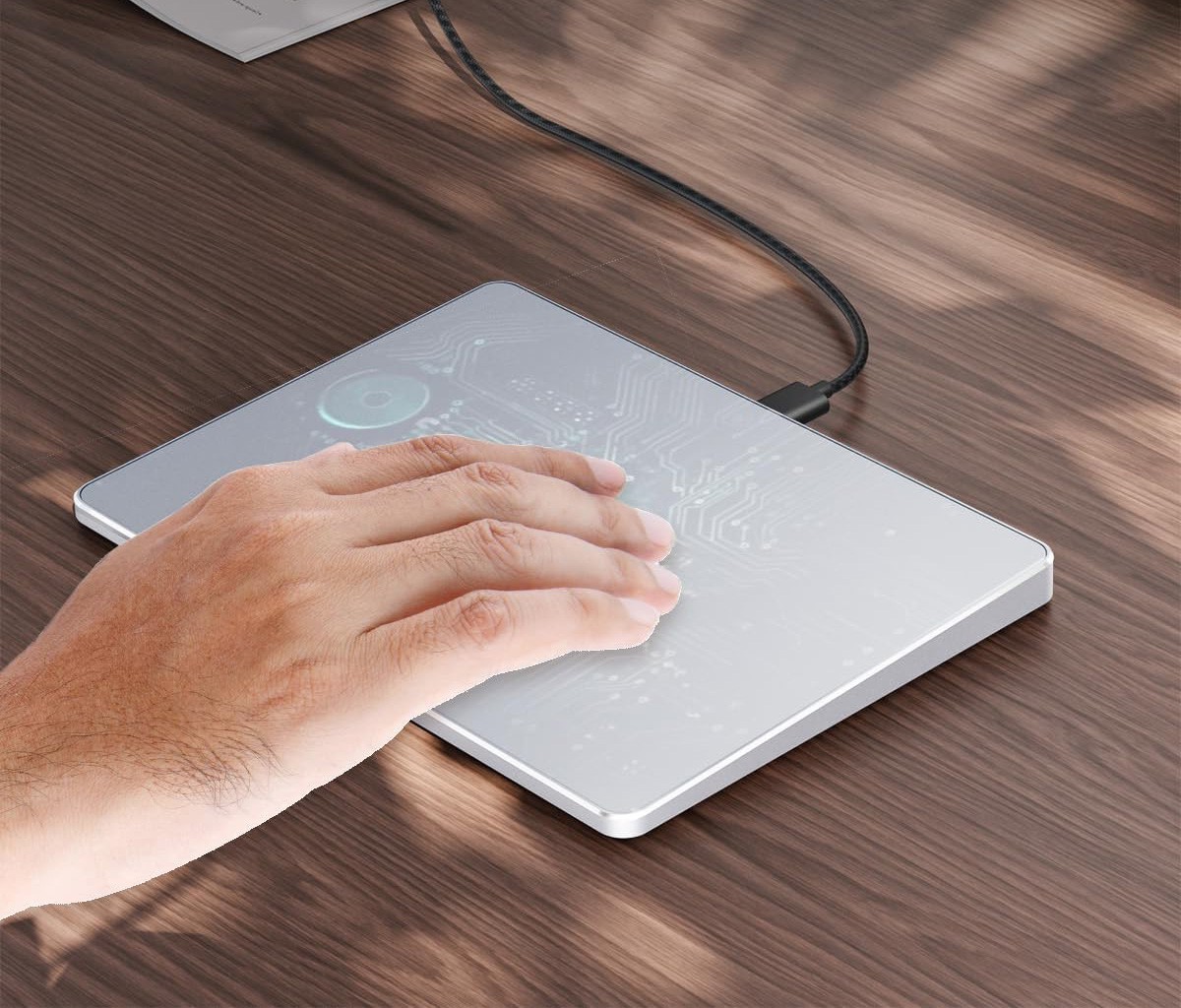
Suitable for Windows 10/11, PC,laptops, and desktop computers. Note: Not compatible with Mac, Chrome OS, orLinux systems. Its use on other operating systems is not recommended. Certaintouchpad gestures or functions may be unavailable.
The touchpad comprises physicalleft and right buttons at the bottom, which function similarly to mousebuttons. It additionally supports single-finger clicks for left-clicking andtwo-finger taps for right-clicking, facilitating efficient text and documentselection as well as drag-and-drop operations.
Double-tap and hold with a singlefinger, then slide to drag files or select text.
The touchpad supports a variety ofgestures and can detect up to 4 fingers simultaneously. It delivers swift andhighly responsive performance, ensuring a superior user experience compared tostandard laptop touchpads. Additionally, it supports essential functions suchas clicking, vertical scrolling, and pinch-to-zoom for images.
Open "Windows Settings"and navigate to "Bluetooth & other devices." Select"Touchpad" and then adjust the "Cursor Speed" slider to setthe cursor speed according to your preference (from slow to fast).
The touch area reaches 6.4 inches(approximately 16.3 cm), measuring 6.4 × 4.8 × 0.4 inches, with a thicknessbetween 0.19 and 0.39 inches, compared with the traditional touch pad is eventhinner
Simply connect your device to yourcomputer's USB port using a USB-C cable for operation; no supplementary driversare necessary. The stable, dependable connection provides a seamless, efficientuser experience.