 When you click on links to various merchants on this site and make a purchase, this can result in this site earning a commission. Affiliate programs and affiliations include, but are not limited to, the eBay Partner Network. When you click on links to various merchants on this site and make a purchase, this can result in this site earning a commission. Affiliate programs and affiliations include, but are not limited to, the eBay Partner Network.
Product description -
Q1: Is the reset software compatible with my Mac or Windows Home computer? A: No. The reset software is designed to work only on computers running a Windows Professional operating system. It is not compatible with Mac OS, Linux, or Windows Home editions due to the system-level access required. -
Q2: My browser is blocking the download, saying the file is dangerous. What should I do? A: This is a common security warning for specialized tools. The file is completely safe. Simply disable "Safe Browsing" in your browser settings temporarily to download, then turn it back on. -
Q3: I received the waste ink tank, but it looks used or has ink on it. What happened? A: We sincerely apologize. All products are new and sealed, but rarely Amazon's system may mistakenly resend a returned item. Contact GUBFFON Support Team for Process immediately. -
Q4: The product listing says it fits my Epson printer model, but it doesn't. Why? A: We apologize for the error. Please provide your Epson model number. We'll verify compatibility, process your money, and update our product information. -
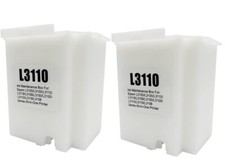
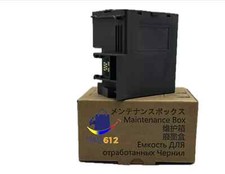
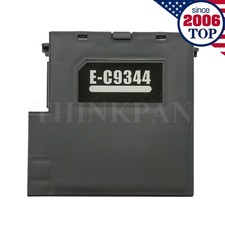
Q5: I have the reset software from another source. Can you just provide me with the activation key? A: No. Our activation keys are exclusively bundled with our official software and will not work with third-party tools. Please use our complete software package for guaranteed results. - Widely Compatible: Compatible with a wide range of Ome (Original brand) printer models including ET2720, ET2800, ET2803, ET2400, ET4800, ET2710, ET2711, ET2712, ET2714, ET2715, ET2726, ET4700, L1110, L1119, L3100, L3106, L3108, L3109, L3110, L3115, L3116, L3117, L3118, L3119, and L3150. (ET-2850 not included)
- Free Reset Key: Fix "parts end of service life" errors easily. Instead of buying a new printer or returning it, simply replace the waste ink pad yourself in about 20 minutes. If the error persists after replacement, you will need to obtain a security key code and use a utility program to reset the waste ink counter to "0". Our manual provides detailed explanations and an operation video for this process.(Note: You need to contact customer service to obtain the electronic manual and reset key, which are currently not included in the product packaging)
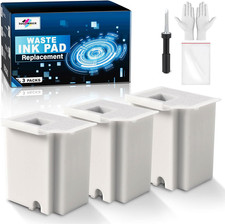
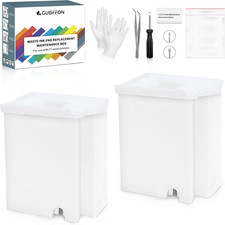
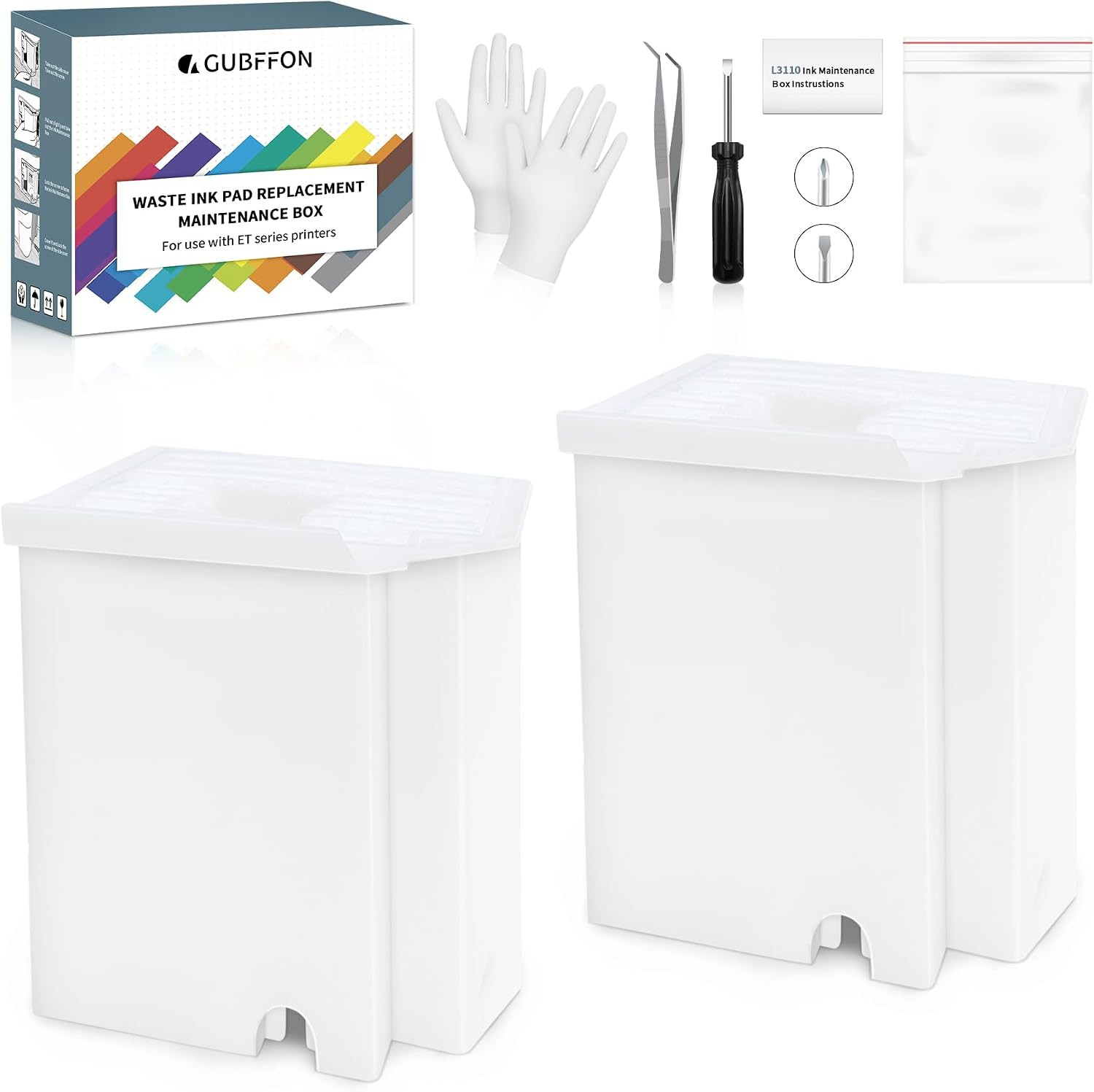
- Complete DIY Kit: Includes a comprehensive, constantly updated instruction manual and a full set of tools: 2 * Replacement Maintenance Tanks (including pad sponge), 1 * Dual-head Screwdriver, 1 * Sealing Bag, 1 * Tweezers, 1 * Pair of Disposable Gloves, 1 * Instruction Manual. Everything you need for a successful DIY installation is provided.
- High-Capacity Absorption: Features a super-absorbent sponge material selected for maximum ink retention. This high-capacity design significantly extends the time between replacements, supporting approximately 10,000 pages of printing and lasting 1-2 years under normal usage conditions, even with heavy printing tasks.
- Rapid Service Guarantee: We're here to help! Get fast, personalized assistance within 12 hours for key issues: confirming your printer model's compatibility, providing step-by-step installation guidance, and helping you reset the waste ink counter if the error code remains after installation. Let us guide you to a quick solution.
- WINDOWS ONLY: This reset software is designed and certified for Microsoft Windows operating systems only. It is not compatible with macOS, Linux, ChromeOS, or any other operating systems. Please ensure you have access to a Windows PC (Windows 10/11 recommended) before use.
 |
|