NEW Arrival True 4K Display 4X4 HDMI Video Wall Controller
Introduction:
Brand new and high quality,buy with confidence!
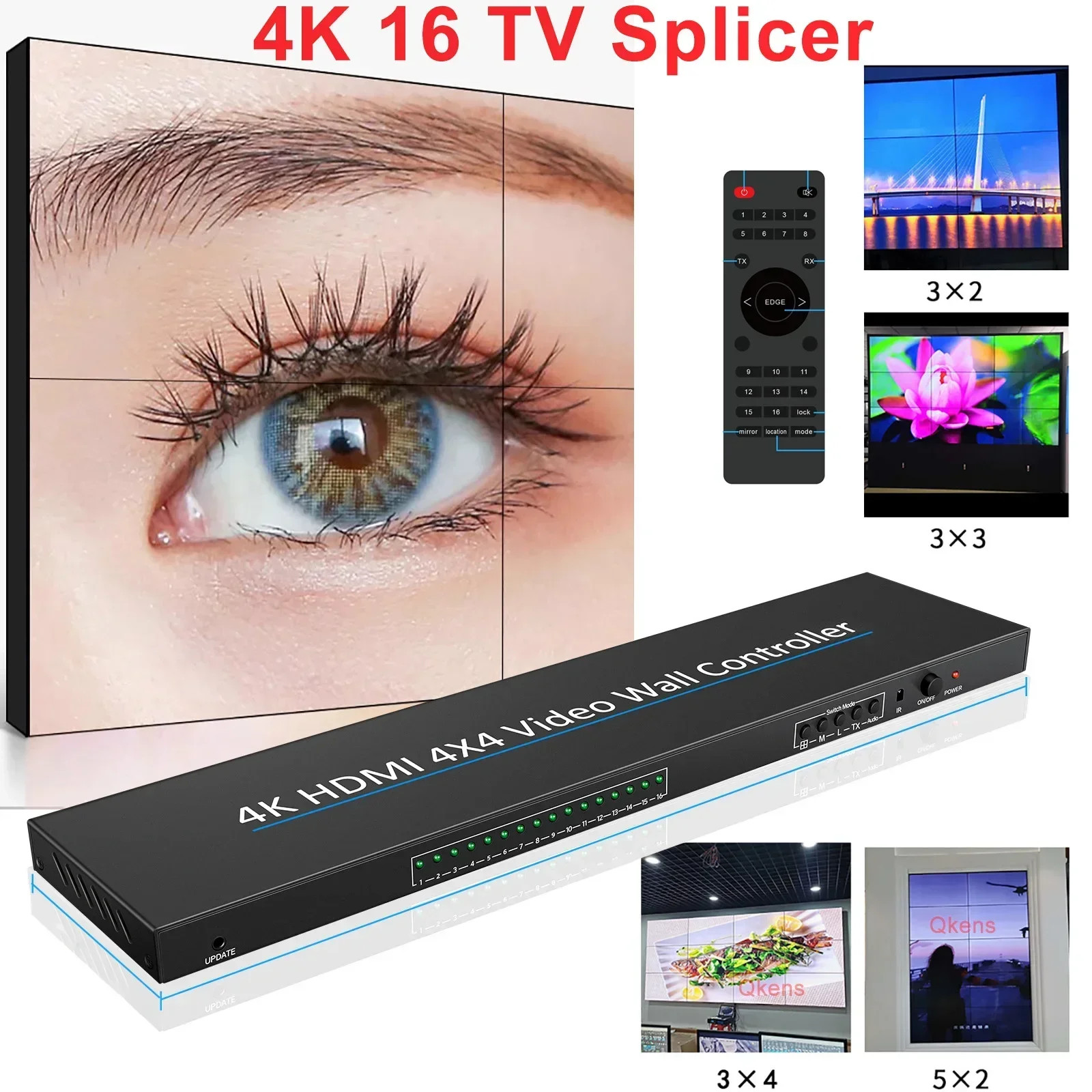
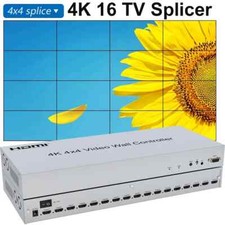
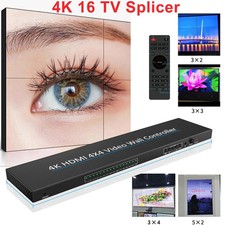
This 4X4 Splicer supports 1 HDMI input and 16 HDMI output. The main function of the Splicer is to divide
a full HDMI image into 16 blocks and distribute them to 16 video displays, complete with 16 HDMI HD video
display units to form a large dynamic image screen. Supports multiple splicing modes, supports cascading. This HDMI TV wall processor can distribute one HDMI input signal device (DVD, TV Box, Xbox, PS4, PC etc.) up
to 16 HDMI outputs display screens simultaneously, which via LCD splicing screens can form a complete dynamic
large video wall screen and digital signage displays, bring you an amazing visual experience.
Features:
* 16-way HDMI output
* Up to 4K@30Hz output
* multiple splicing support, easy operation, Plug and play
* Support six resolution inputs and outputs:
Package Content:
1PCS 4K 4X4 HDMI Video Walll Controller
1PCS DC Power Adapter
1PCS Remote Controller without battery
1PCS User Guide
No retail box and other accessories,if any need,pls contact us before purchase.
Stand-alone support mode:
3x4 Mode :
4x3 Mode :
4x4 Mode:
Operation Special Note (very important) :
1. HDMI cable must use 19 + 1 full needle of wire.
2. The use of image flipping (each image can be flipped independently) :
Step 1, press the remote control"Mirror" button, wait for the OSD in the upper left corner of the image to display"Mirror";
Step 2, use the number button to operate, for example, you want to flip the sixth screen, you press the number"6" button.
When you're done, remember to press the"Mirror" button again to exit the operation.
3. Switch the output port screen: first, press the remote control"Location" button, wait for the OSD in the upper left corner
of the screen to show"Location"; second, use the digital keys to operate, for example, you want to select the 6th screen output,
you press the number"6" button. When you're done, remember to press the"Location" button again to exit the operation.
PLS Attention :